Download Any Video in High Quality, Anytime
Download publicly available videos from YouTube, Facebook, Twitter, Instagram and more for personal use.
Affiliate
Earn commissions when you drive sales through your affiliate links.
Resellers
Sell EaseUS products as a distributor.

Creators & Influencers
Partner with us on YouTube, TikTok, Twitch to earn commissions.
OEM & Outsourcing Service
Put your brand on EaseUS software, or get custom solutions.

Refer & Earn
Earn rewards when you refer others to EaseUS solutions.

Education
Verified students and teachers get exclusive discounts.
Page Table of Contents

Jun 25, 2026 0 mins read
🚩Preface: This is an UPDATE on all the video downloader extensions we mentioned in our articles, including downloading YouTube videos with Chrome and YouTube video downloader for Firefox.
When talking about video downloader extensions, you might list some popular extensions, and most users prefer this way of downloading since it provides them with the convenience of accessing and downloading YouTube content. Here is the thing: in 2024, Google, YouTube, and the Google Chrome Store do not allow extensions to be downloaded from YouTube. We did not expect anyone to survive. However, up to now, there are still some survivors; let's see!
Download Any Video in High Quality, Anytime
Download publicly available videos from YouTube, Facebook, Twitter, Instagram and more for personal use.
When it comes to effective YouTube video downloader extensions, there are at least eight extensions in the table:
| Video Download Professional | Universal Video Downloader |
| Video Downloader Pro | JDownloader |
| Video Downloader Plus | Easy Video Downloader |
| IDM extension | Video DownloadHelper |
These extensions have excellent performance in saving YouTube videos to your computer. They not only support multiple download formats but also support 1080p full HD and 256kpbs HQ MP3 downloads. All downloads can be done in a single click; no complicated settings are needed. Unluckily, things have changed. When we are using them to test and download videos from YouTube, most of them do not work, and some tell me this is because the Chrome Web Store, run by Google, doesn't allow extensions to download videos from YouTube, and others just don't work.
Download videos right now
With EaseUS Video Downloader, save any video in seconds - download copyright-free video from public websites.
We can easily conclude that now, all the video downloaders you can search for and find on the Web Store can not download YouTube videos. But here are some roundabout ways.
URL: https://addoncrop.com/v26/youtube-downloader/
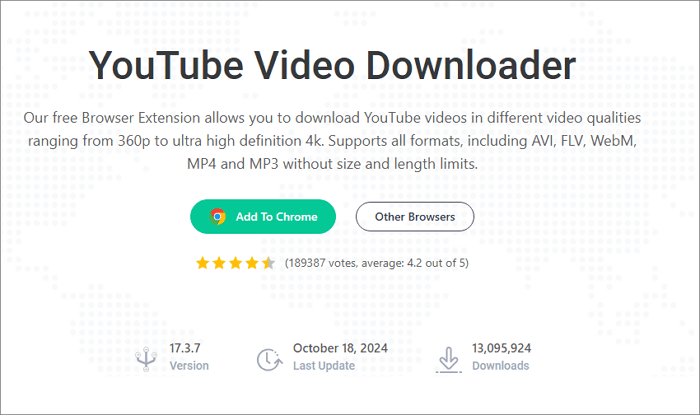
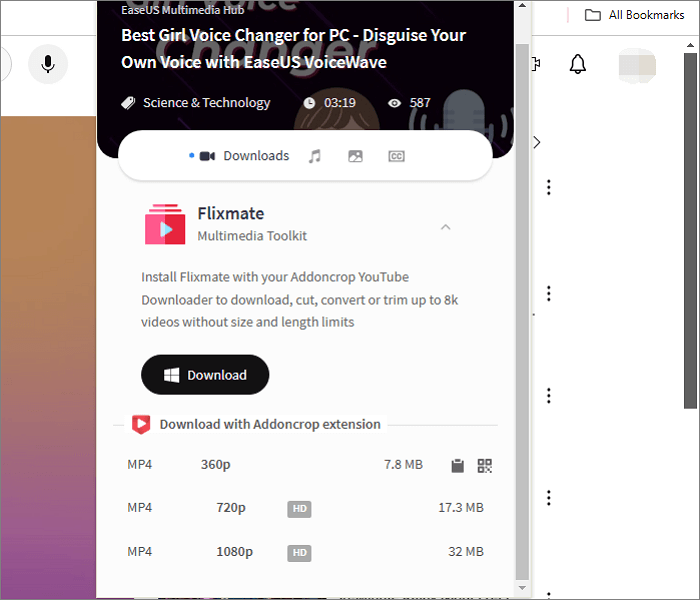
You can not find this extension on the Web Store, either. Once you can get it, you can download videos and audio files from YouTube without size and length limits. This tool supports downloading these videos to MP4, AVI, FLV, etc., in a wide range of qualities, including 360p, 480p, 720p, 1080p, 4K, and 8K. Though you can use it to download long YouTube videos, when you do download a video like 30 minutes, Addoncrop will only offer 360P low quality due to length and size limits. This is an extension that you can get on Chrome, Firefox, Edge, Opera, and more.
Key Features:
Cons:
URL: https://www.byclickdownloader.com/Chrome-YouTube-Downloader.php
This is a special Chome Downloader that recognizes when your browser is on a video page and allows you to download the video with one click. It behaves like a Google Chrome Extension. Once you open your web browser and enter the video page you wish to download, an offer message will appear on the bottom right corner of your screen; you can choose between Download the Video or Download the Music. It is not limited to YouTube; you can still use it to save videos from Instagram, Facebook, Twitter, VK, and many other platforms.
Key Features:
Cons:
Though you can not download YouTube videos on Chome due to Google's policy, that doesn't mean you can not use the YouTube video downloader extension anymore. One way to solve this problem is to use Firefox. Most downloader extensions do not suffer from this strike, so here I list some of the best ones.
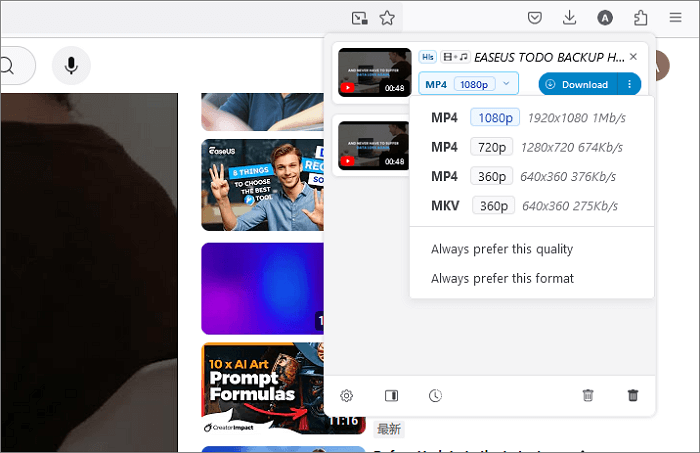
Video DownloadHelper does not work on Chrome. Still, it is one of the most trustworthy video downloader extensions on Firefox. It lets you effortlessly download videos from over 1000 websites, convert videos to your preferred format, and even extract audio for easy listening. However, some features like high-definition and video conversion require you to install its companion app to perform, and sometimes, a QR code is written in the corner of the video. Getting a premium license can get rid of the watermark.
key Features:
Cons:
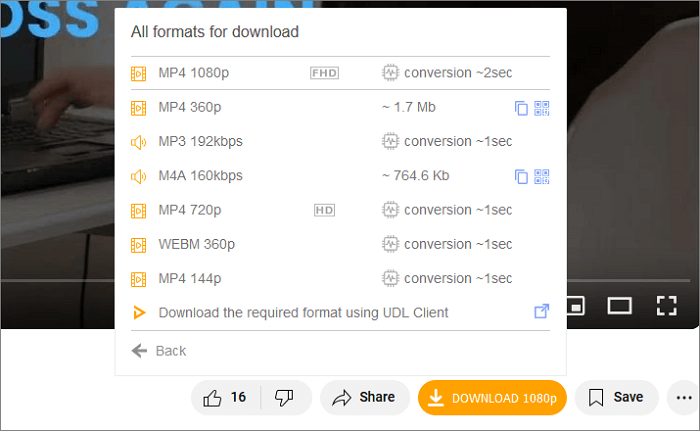
This is a powerful video downloader for Firefox, allowing you to download YouTube videos, Instagram Reels, and Odnoklassniki videos to MP4 in 1080P. Also, it is a YouTube to MP3 converter and an Instagram to MP3 converter. In addition, this extension embeds a screenshot button in the YouTube player, so you can save a frame in JPEG with just one click.
Key Features:
Cons:
EaseUS Video Downloader has all the powerful features mentioned above, like HD video download, bulk download, playlist download, subtitle download, and video auto-download. As one of the most powerful YouTube video downloaders on PC, it allows you to download almost all the content, from videos, shorts, movies, and VR videos. More than that, you can set the auto-download feature, which helps you get the latest videos you subscribe to. Since it is a Windows application, you are free from Google's policies, so there is no need to worry one day, it will not work.
Secure Download
Secure Download
See how to use it to download HD YouTube videos:
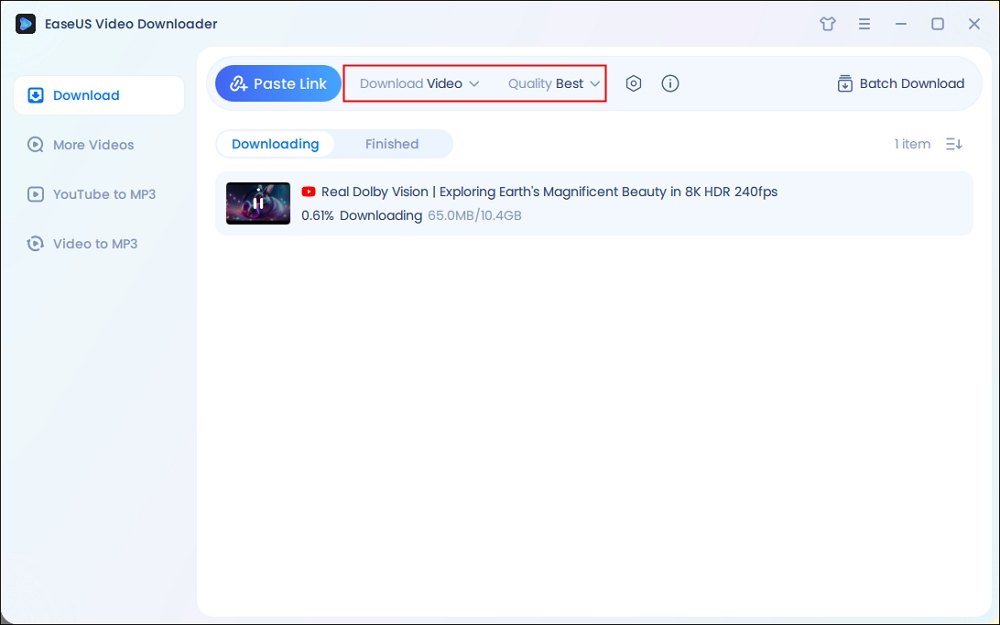
Step 1. Launch EaseUS Video Downloader, select the format and HD quality you need and click the gear button for downloading subtitles optionally.
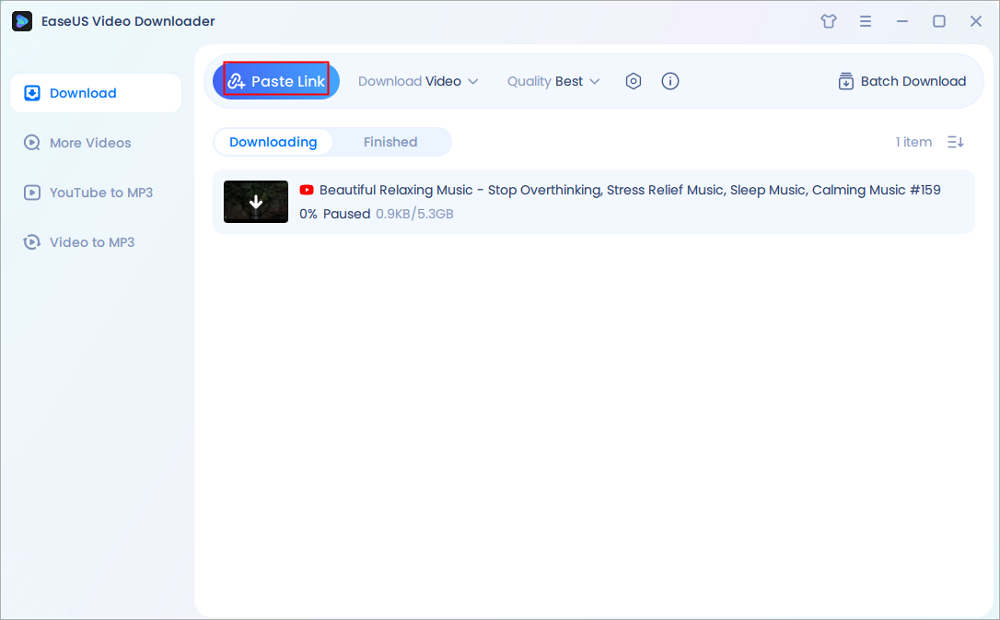
Step 2. Copy the URL of the YouTube video and then click "Paste Link." Then it will start converting the YouTube video to MP4.
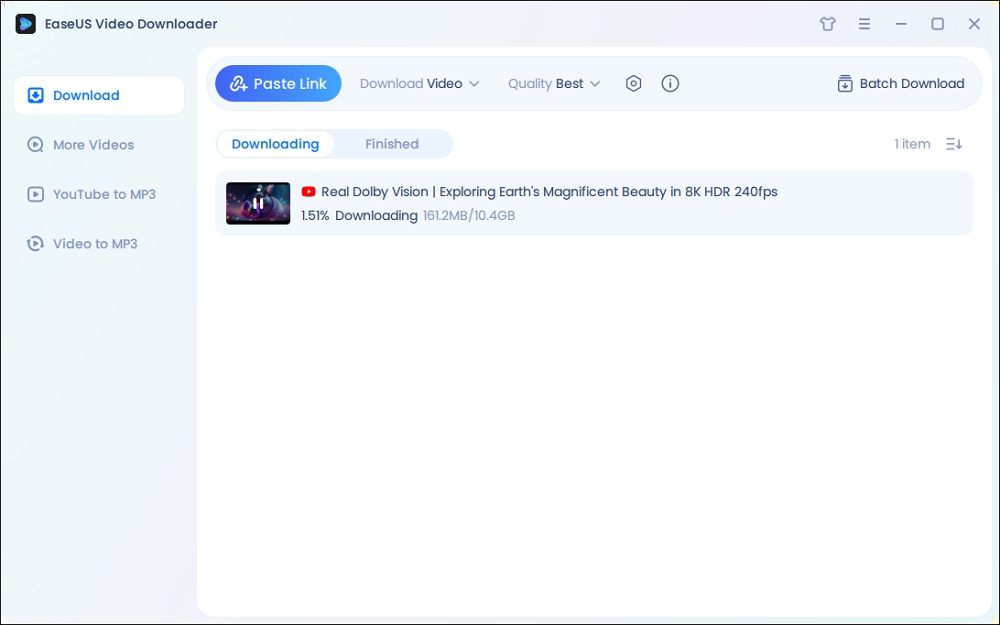
Step 3. Wait for the downloading process to finish. Afterward, you can check the video by clicking "Open File Location."
Disclaimer: EaseUS does not advocate saving any copyrighted content from YouTube for commercial or other illegal intentions. Before you download videos, you'd better check whether it's legal to download YouTube videos.
Up to 2024, there has been no extension from the web store that still works for downloading YouTube videos, so if you need to download these videos from Chrome, try Addoncrop and By Click Downloader. Most Firefox YouTube video download extensions still work, and choose any one you like. Need a final fix, then go to see EaseUS Video Downloader.
Share on:
Yes, if you have YouTube Premium, you can download YouTube videos. Or use EaseUS Video Downloader to bypass the premium and get HD videos directly.
Multiple video downloaders still work with YouTube, such as EaseUS Video Downloader, Snaptube, and ByClick Downloader.
Options like DownSub and Ummy still work.

Copyright Disclaimer
This article is for educational and technical reference only. Do not use the described methods to download or share copyrighted content without permission.
Users are fully responsible for any legal consequences. Please:

Respect content creators' rights

Use official or authorized platforms

Avoid unauthorized downloads

Use official or authorized platforms
Columnist
Sasha is a girl who enjoys researching various electronic products and is dedicated to helping readers solve a wide range of technology-related issues. On EaseUS, she excels at providing readers with concise solutions in audio and video editing.
Read Full Bio More Related Articles
How to Transcribe YouTube Video to Text in 6 Ways 2026
How to transcribe YouTube videos to text for free? Click the "Show transcript" button below the video and copy the text to the editor. What else?
Sasha. Jun 25, 2026
3 min read
5 Simple Ways to Download YouTube Audio in High Quality
In this guide, we are going to introduce five simple methods to download YouTube audio in high quality. Each of the methods will be detailed with its features. Then, you can choose the way you prefer.
Sasha. Jun 25, 2026
3 min read
How to Download 1080P YouTube Videos in 3 Ways [Full Guide]
Do you want to save your favorite YouTube videos or movies in 1080P for offline viewing? Here, you will learn powerful software and online tools to save YouTube videos in 1080p.
Sasha. Jun 25, 2026
3 min read
How to Download YouTube Videos to Computer [6 Ways]
If you are wondering how to download a YouTube video to a computer, you cannot miss the seven methods here teaching you how to download YouTube videos to a computer, be it a PC or laptop. Apply one of them to save YouTube videos to your computer with a few simple clicks.
Sasha. Jun 25, 2026
3 min read