EaseUS VideFlow

Video Compressor: Reduce Video File Size to Share & Store Easily

  • Compress videos at any size without quality loss.
  • Speed up compression 30X faster in batch.
  • Compress video file format, like MP4, MP3, WAV, MOV or M4A
  • Output videos at optimal HD/4K/8K resolution.
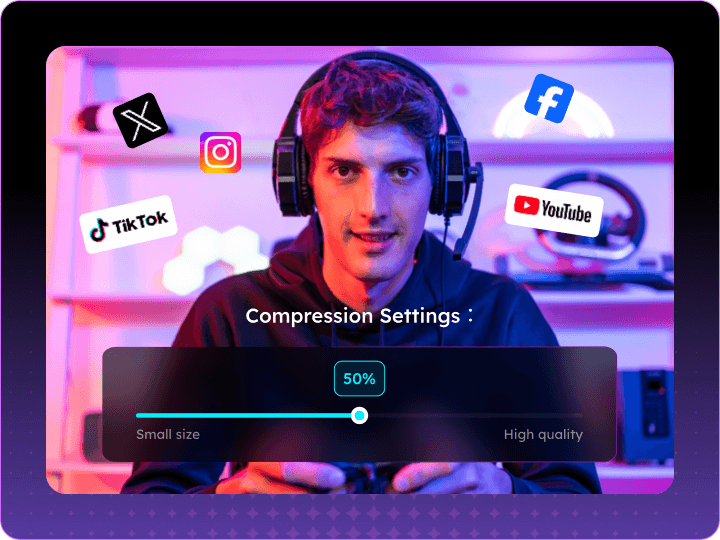
  • Compress YouTube, Facebook, TikTok videos for sharing.
See Pricing

30-day money back guarantee

Make your video more sharable

  • Fix upload fails - Compress oversized videos in seconds.
  • Lossless shrinking - Smaller files, zero quality drop.
  • Social-ready videos - Optimize for YouTube, WhatsApp, Facebook.
  • Discord-friendly - Lightweight clips for instant sharing.

Compress video to save storage space

  • Free Up Storage – Shrink videos while keeping full quality.
  • Custom Sizing – Reduce files to your ideal dimensions.
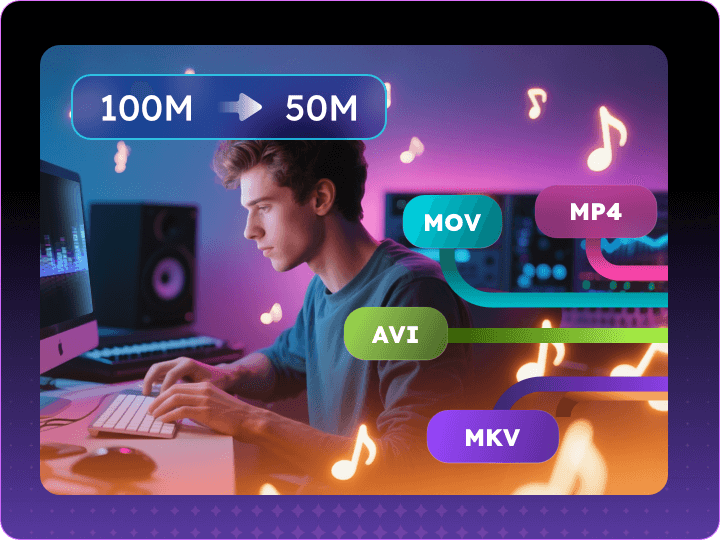
  • Multi-Format Support – MP4/MOV/AVI/MKV compression.
  • Seamless Playback – Watch compressed videos anywhere.

Compress video or audio files easily

The video file compressor covers all the basic and professional features you need to make the media content smaller.

Lossless Compression

Video compression could be lossless. Minimize video file size without impact on the original quality. The compressed videos are the same as it's always been.

Batch Compression

The video file compressor allows you to add a ton of videos in bulk, compress all of them in seconds, and move on to editing them easier.

Formats Supported

Support to output most audio and video formats like MP4, MOV, MKV, AVI, WMV, MP3, WAV, M4A and WMA for any social media platforms.

Flexible Reduction Rate

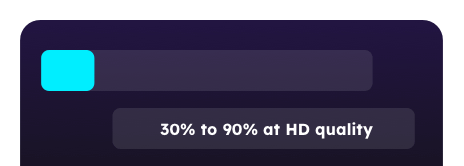
This video compressor software makes it flexible to change your video files at any compression rate from 30% to 90% at HD quality.

Set Advanced Bitrate

Two options are available to set variable and constant bitrate. Setting the variable bitrate for a given video quality fasters the compression.

Resolution Settings

The video size reducer makes videos smaller without compromising the quality and enables you to customize the resolution up to 4K/8K.

Smart Video Compression for Every Need

Do More With Your Videos - Smaller Size, Bigger Possibilities

Email-Friendly Video Sharing

Faster Website Loading

Free Up Phone Storage

Discord & Messaging Apps

Social Media Uploads Made Easy

Compress videos to fit platform limits for smooth posting on Instagram, Facebook & TikTok without quality loss.

Tech Specification

Operating System Supported:

Windows 10/11 (64-bit only)

Hardware Requirements

CPU: Intel i3 or higher (i5+ recommended) RAM: 4 GB minimum (8 GB+ recommended) GPU: Integrated graphics supported (OpenGL 3.0+ recommended) Disk Space: 500 MB for installation (1 GB+ free space recommended)

What's New?

V1.0.0

Download videos from 1,000+ sites with built-in editing tools & AI features.

AI accurately transcribes speech and creates summaries instantly - saving 90% editing time.

Frequently Asked Questions


What makes EaseUS VideFlow different from other video compressors?

✅ Compress videos of any size with no visible quality loss

✅ 30X faster batch compression, ideal for creators and editors

✅ Output in HD, 4K, or 8K — maintain original resolution or downscale as needed

✅ Compress videos to meet the video requirements of platforms such as YouTube, TikTok, Facebook, etc.

✅ Supports both constant and variable bitrate (VBR) options for flexible control


Can I compress multiple videos at once with VideFlow?

Yes, you can drag and drop multiple video files at once and compress all files simultaneously in seconds. It's ideal for post-shoot workflows or managing large video libraries.


Does compressing reduce video quality?

No, if you don’t want it to be. VideFlow uses smart bitrate control to compress videos while preserving original quality. You can maintain the original resolution or choose to downscale. It also supports both constant and variable bitrate modes — VBR is especially useful for faster compression while retaining high visual fidelity.


Which formats are supported for compression?

VideFlow supports nearly all popular formats. On the video side, it works with MP4, MOV, MKV, AVI, WMV, and more. For audio, it covers MP3, WAV, M4A, WMA, and others. The output is compatible with major platforms like YouTube, Facebook, TikTok, Instagram, and WhatsApp.


Can I compress videos specifically for social media?

Absolutely. VideFlow makes it easy to compress videos optimized for different social platforms. You can adjust format, resolution, bitrate, and file size to meet the requirements of TikTok, YouTube, Instagram, and more — all without compromising on visual quality.


What’s the difference between constant and variable bitrate?

Constant Bitrate (CBR) keeps a fixed data rate throughout the video, which is useful when predictable file sizes are needed. Variable Bitrate (VBR), on the other hand, adapts the bitrate to the video’s complexity, often resulting in smaller file sizes with equal or better quality. VideFlow gives you the flexibility to choose the mode that best fits your needs.

EaseUS VideFlow

All-in-One Video Solution Meet All Your Needs. Powerful Video Downloader | AI-Powered Editor | Conversion & Compression Tools