









































Change Voice Now

How to Use EaseUS VoiceWave PS Voice Changer?

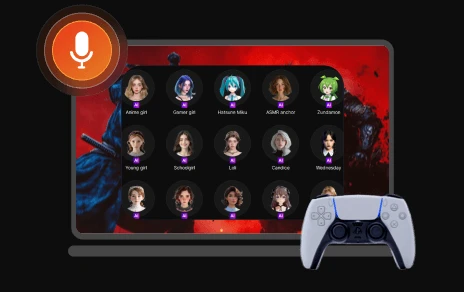
Want to change your voice to sound like your favorite game character or celebrities with EaseUS VoiceWave PS voice changer? Here's how:

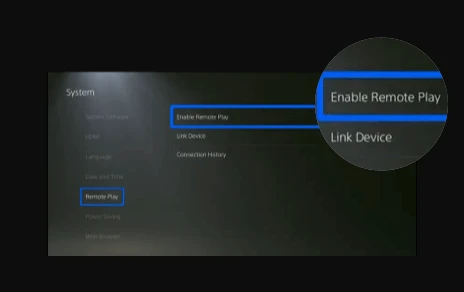
Tips for connecting the console:

  • To use PS Remote Play on your PC, first turn on your PlayStation or put it in rest mode.
  • Connect your controller to the PC with a USB cable, then open the PS Remote Play app and sign in with your PSN account.
  • Select "PS4" or "PS5" to connect, and your PS4 or PS5 screen will appear on your PC so you can start playing.
  • Next time, just select your PS from the app to reconnect.

Free Download Now

Voice Changer for PS4 and PS5: Game Changer for Your Gameplay

webp
Disguise Your Voice During Gaming Sessions

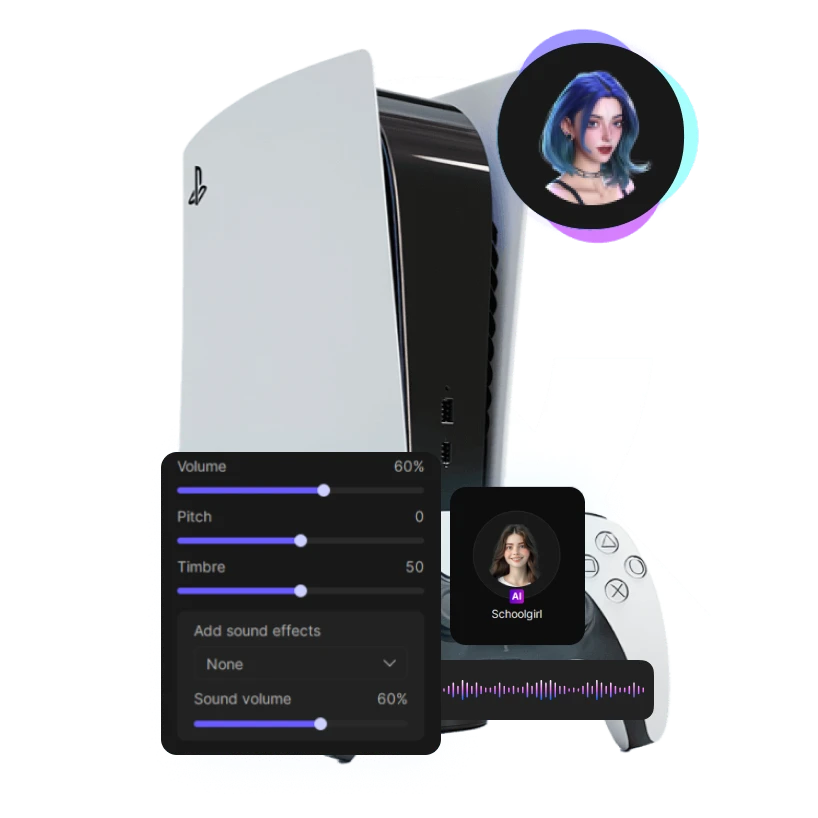
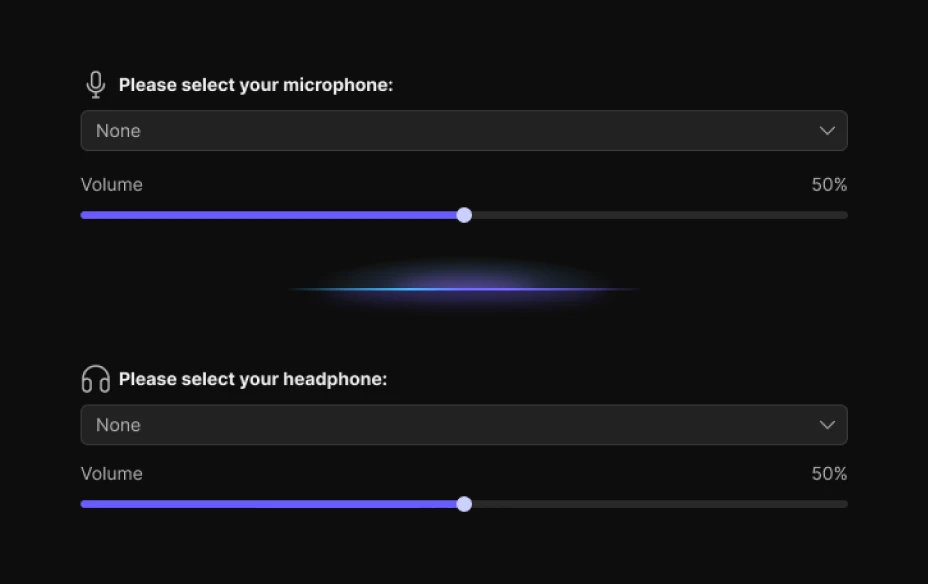
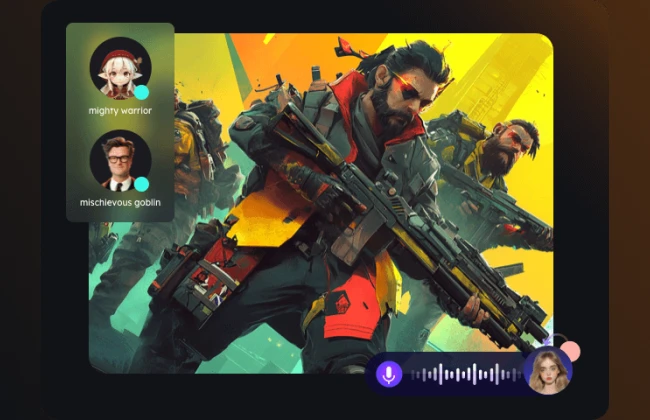
On a gaming console like PS4 or PS5, you can use a PS5 voice changer to modify your voice in real time and stay anonymous during online matches. Whether you're protecting your privacy or matching a game character, AI-powered voice modulation, voice filters, and voice effects from EaseUS VoiceWave make every interaction more immersive. Simply set it up through your system settings, default microphone, or Remote Play app to elevate your gaming experience instantly.

Free Download
Explore Various AI Voices for PlayStation

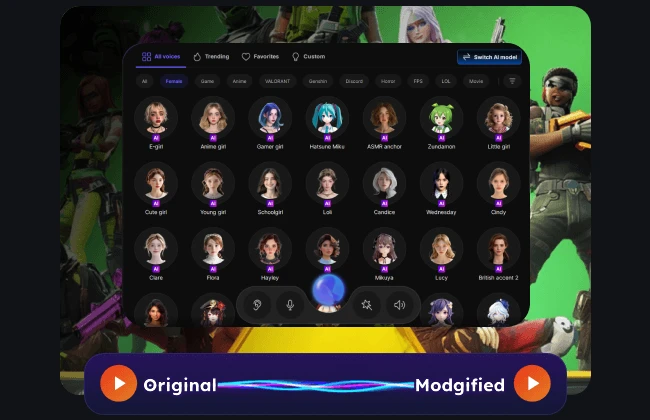
Whether you want to sound like a male, female, cartoon game character, movie star, or singer, EaseUS VoiceWave is the ultimate PS5 voice changer. Designed for the PS4 or PS5 gaming console, it offers 400+ voice effects that deliver voice modulation and voice in real time. You can also upload audio or use your default microphone for custom voiceovers. As one of the most versatile voice changer apps for PlayStation, it enhances your gaming experience and works seamlessly through system settings, giving you endless creative possibilities.

Free Download
webp
webp
Get Hilarious Soundboard for PS4 and PS5

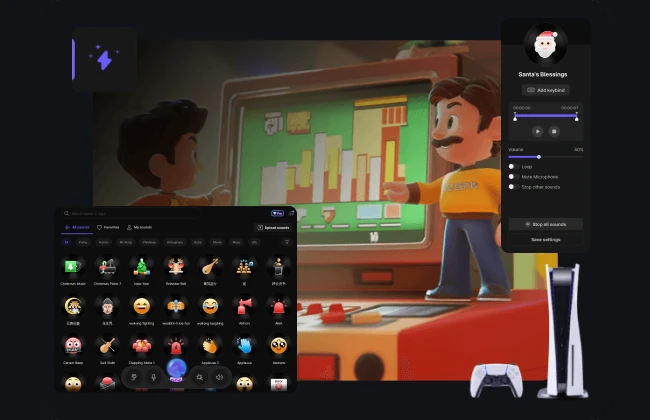
Want to spice up your gameplay with funny audio? A PS4 voice changer or soundboard app can add memes, sound effects, voice clips, and more to make every match more entertaining. EaseUS VoiceWave works seamlessly with your PS4 or PS5 gaming console, offering 300+ built-in soundboards you can trigger instantly. This voice changer for PlayStation boosts your gaming experience with fun, customizable audio options.

Free Download

Keep up with the Latest AI Voices

Free Download Now

Why Choose EaseUS VoiceWave

Frequently Asked Questions

1. How to get a voice changer on PS4 and PS5 without PC? arrow

2. How to get a voice changer on PS5 without phone? arrow

3. Can you get a voice changer on PlayStation? arrow

4. How to get voice AI on PS5? arrow

easeus voicewave

EaseUS VoiceWave-AI PS4 and PS5 Voice Changer on the Go

EaseUS VoiceWave is a user-friendly real-time PS Voice Changer for over 2,000 games and messaging apps on Windows 10/11. With more than 400 pre-recorded voice models, 300+ soundboard effects, and customizable voice production, you can easily change your voice to sound like anyone else's on PS4 and PS5. Try EaseUS VoiceWave now to personalize your sound and enjoy endless fun across your favorite platforms!

Free Download Now


footer-bg
Change Your Voice VoiceWave App
Download on the App Store
Free Download