







Wan 2.6 AI Video Generator | 1080p Multi-Character AI Video Model
Create AI videos with Wan 2.6 to turn text, images, and references into cinematic clips. Generate 1080p videos with consistent characters, smooth motion, and multi-shot storytelling for social media, ads, and creative projects.
How to Create Videos with Wan 2.6 AI Video Generator
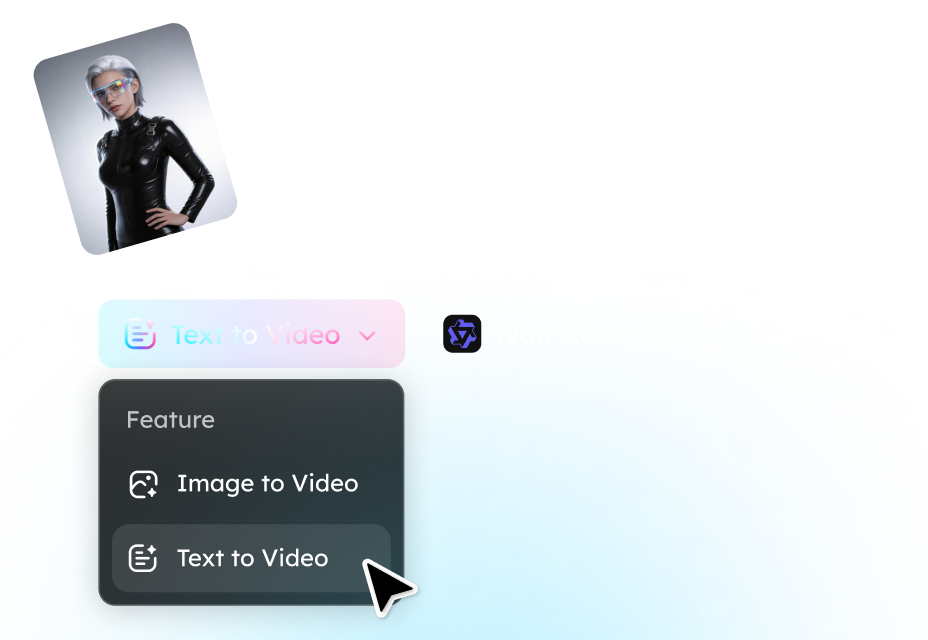
Step 1. Write a Prompt or Upload a Reference Image/Video
Enter a clear text prompt that includes details. You can also upload an image/video to serve as the starting frame for an animated video.
Step 2. Generate a Video with Wan 2.6
Click Generate to let the Wan 2.6 transform your prompt into a video clip. The system can produce smooth motion, maintain character consistency, and render scenes in high-definition 1080p.
Step 3. Review, Adjust, and Export
Preview the video to evaluate the scene composition and motion quality. If necessary, modify the prompt or regenerate the clip to improve details or storytelling. After finalizing the result, export the video.
Key Features of Wan 2.6 AI Video Generation Model
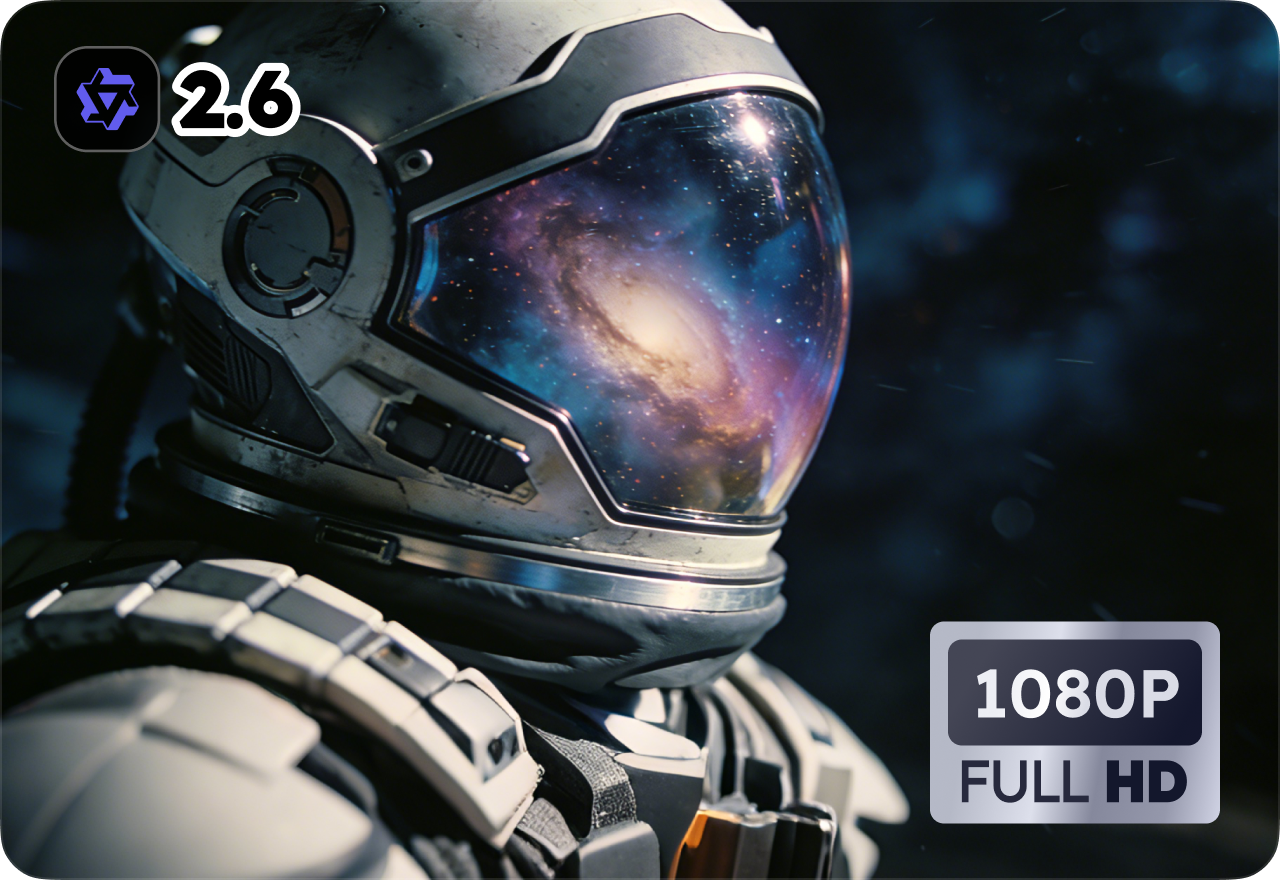
High-Definition 1080p Video Generation
Wan 2.6 supports high-resolution video generation up to 1080p, allowing creators to produce clearer and more detailed clips than many early AI video tools. The improved rendering quality makes generated videos suitable for social media publishing, marketing visuals, and professional creative projects.
Consistent Characters Across Video Scenes
One of the major improvements in Wan 2.6 is stronger character consistency. When generating scenes with the same person or object, the model maintains similar appearance, clothing details, and visual identity across frames. This helps avoid the common AI issue where characters change unexpectedly between shots.
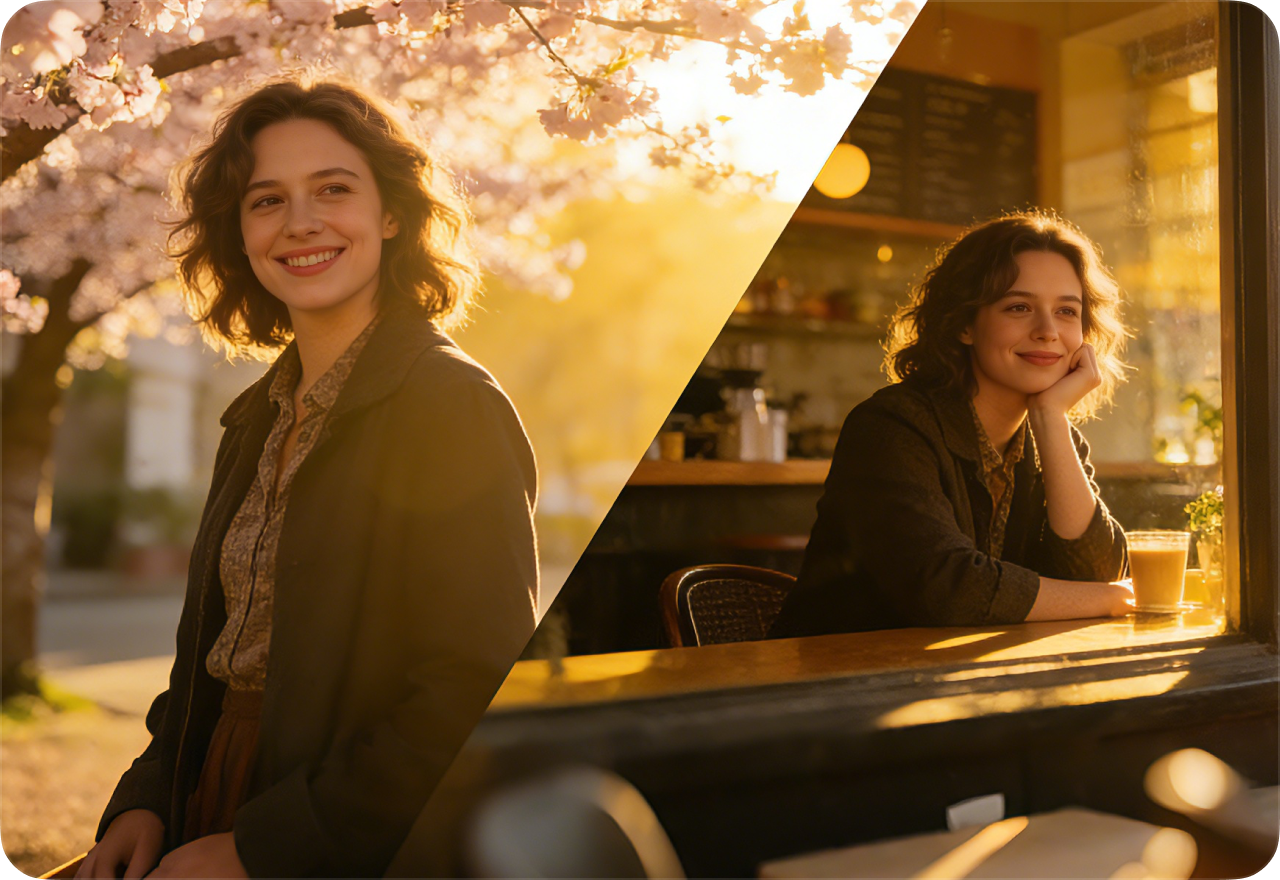
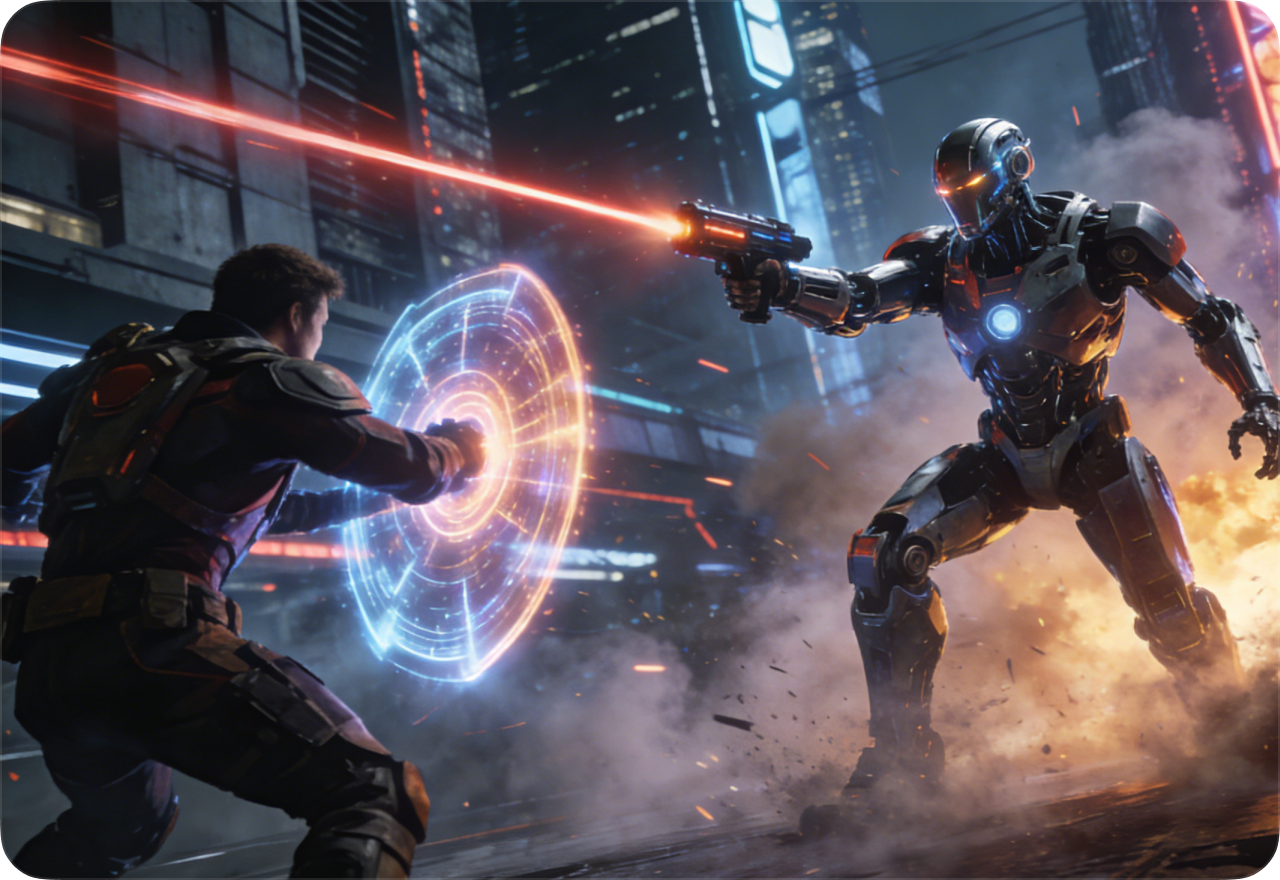
Multi-Character Interaction and Dialogue Scenes
Wan 2.6 is designed to handle videos that include multiple characters interacting in the same scene. The system can simulate conversations, movements, and spatial relationships between characters, enabling creators to generate short narrative clips, interviews, or cinematic story moments.
Natural Motion and Physics-Aware Animation
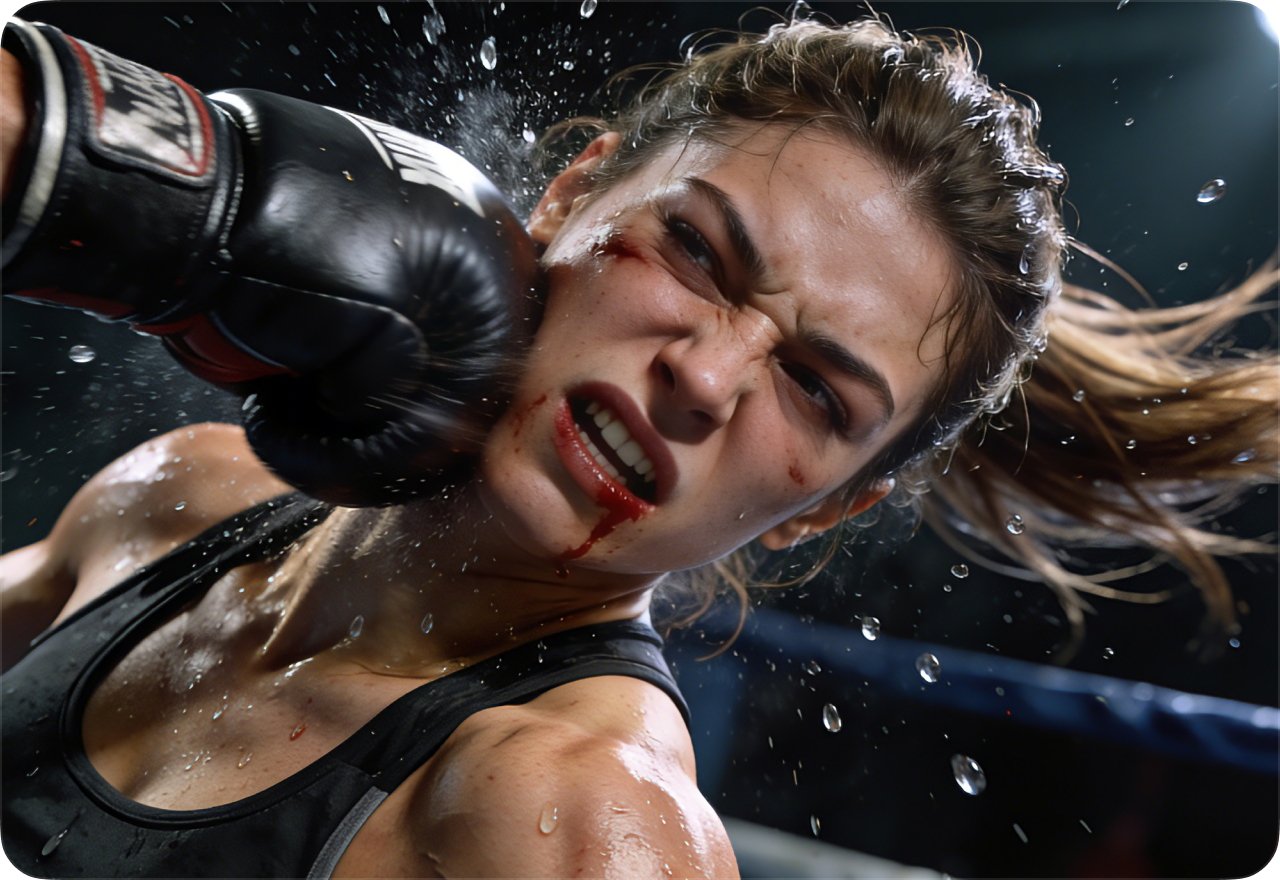
The model improves motion realism by generating smoother object movement and more believable physical behavior. Elements such as walking characters, moving cameras, or environmental motion appear more fluid, resulting in videos that feel closer to real footage.
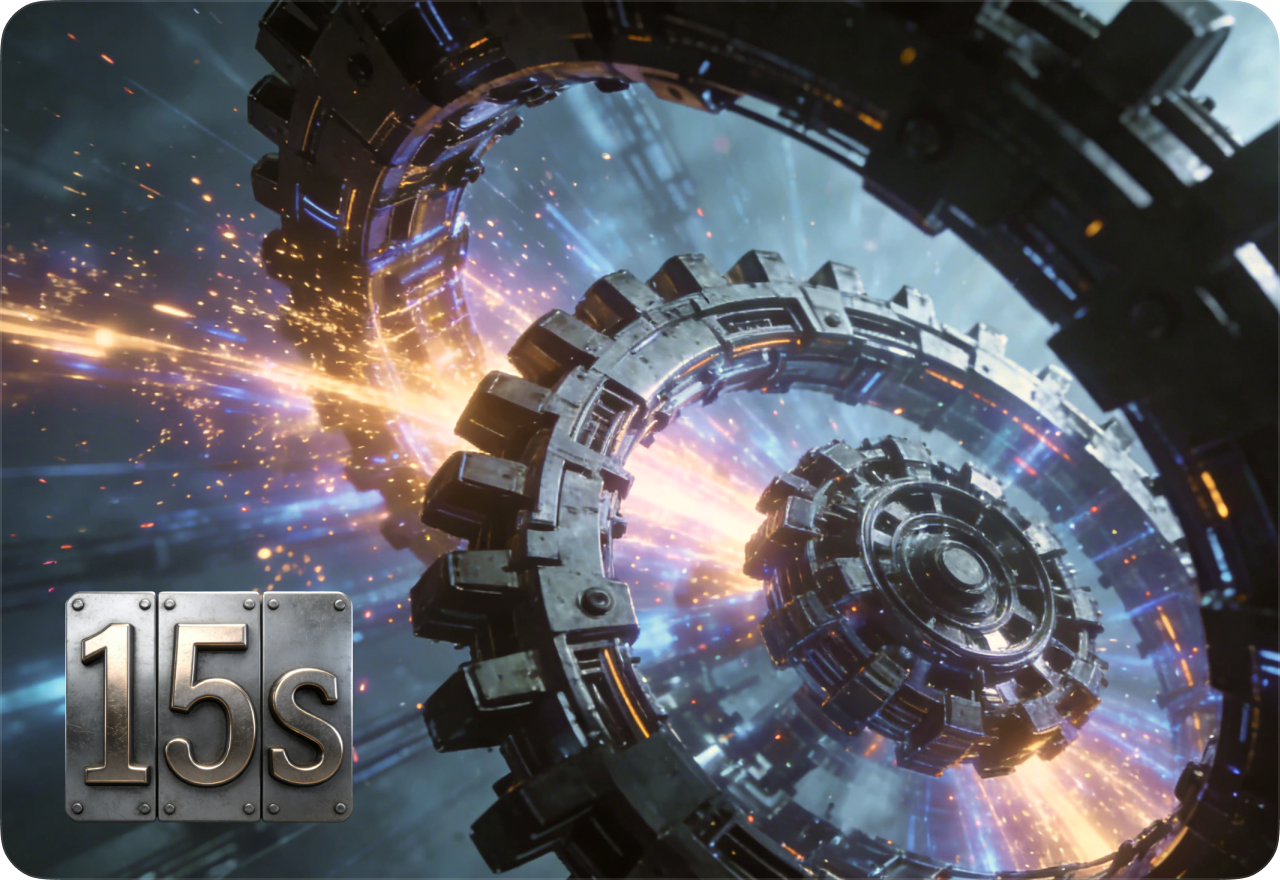
Extended Video Length for Richer Storytelling
Wan 2.6 can generate video clips up to around 15 seconds in a single generation. This longer duration enables more complete scenes, allowing creators to show character interactions, product demonstrations, or short narrative sequences without splitting the video into multiple clips.
FAQ About Wan 2.6 AI Video Generator
- 1. What is Wan 2.6 AI Video Generator?
- 2. What improvements does Wan 2.6 bring compared to earlier versions?
- 3. How does Wan 2.6 compare to other AI video models like Sora or Kling?
- 4. How long can a video generated by Wan 2.6 be?
- 5. Is Wan 2.6 suitable for social media video creation?
- Social

- Subscribe


