



AI Talking Photo Generator Online
Turn static photos into lifelike AI talking videos in seconds with natural voice, expressive facial animation, and accurate lip-sync. Just upload a photo and enter text-no editing skills needed.


How to Create AI Talking Photo Realistically
1. Upload Your Photo
Upload your portrait photo. Recommend using a front-facing photo for the best facial recognition results.
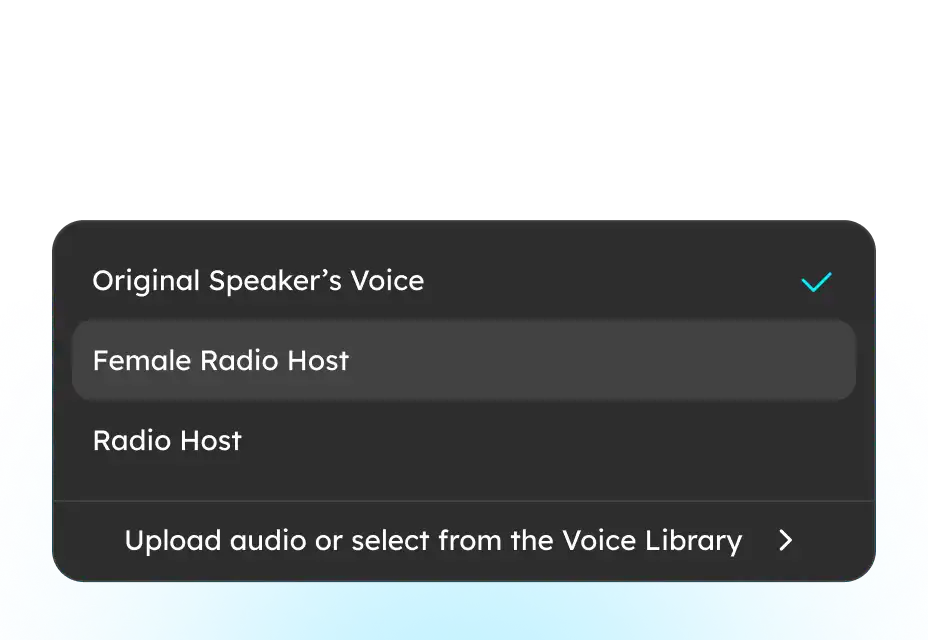
2. Pick Voice & Type Text
Tap “Change Voice” to choose from 100+ voices or “My Voice” to upload your own, then type text or drop an audio file.
3. Generate & Export
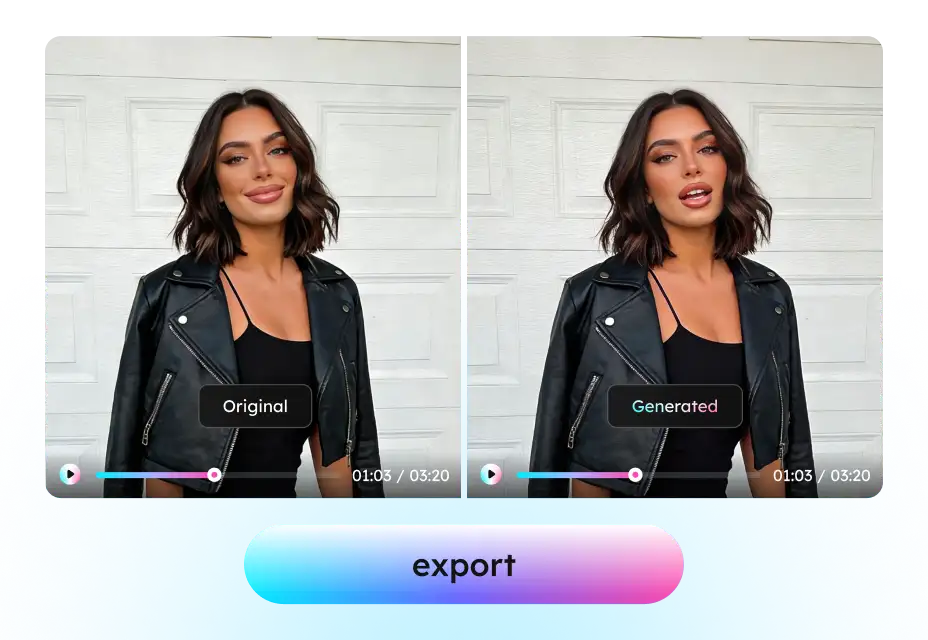
Click “Generate” to create your talking video. Once done, you can preview and export it for use.
Explore Image to Talking Video Maker Features
Make Pictures Talk Without Filming or Editing
Creating talking videos usually means filming, lighting, and recording, especially when a real person is involved. For many users, that’s time-consuming, expensive, or simply impossible.
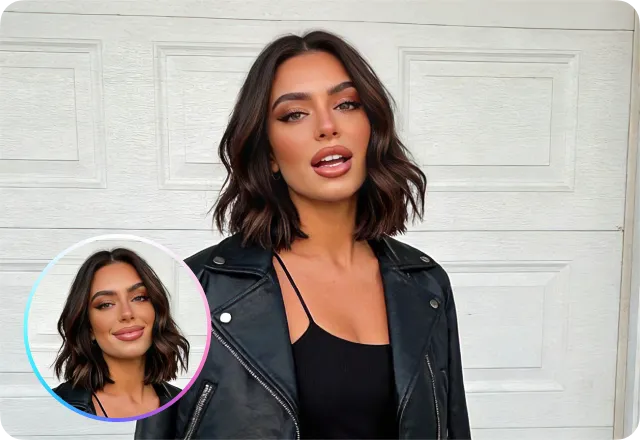
This AI talking photo tool transforms a single static photo into a realistic talking video. Just upload an image, add text or audio, and the person in the photo starts speaking naturally—with synchronized lip movement and facial expressions. No cameras, no retakes, no video production. One photo is all you need to create lifelike talking content.
Natural Lip Sync & Facial Expressions Naturally
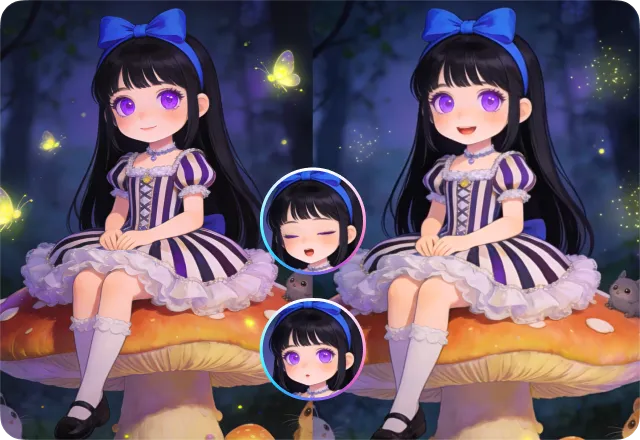
A talking photo only works if it looks real. Poor lip sync or frozen faces instantly break trust. This AI photo to video generator uses AI-powered facial animation to generate accurate mouth movements, subtle expressions, and natural head motion that match the spoken audio.
The original photo’s visual quality is preserved, ensuring the result looks believable rather than artificial. The outcome is a talking photo that feels human, expressive, and suitable for professional use.
Easy for Anyone to Start Without Technical Skills
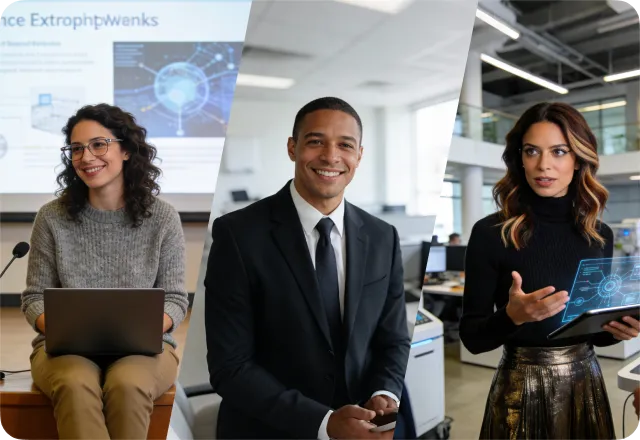
You don’t need to be a video editor, designer, or AI expert to create a talking photo. This photo to video AI generator is built for people with zero creation background. There’s no timeline, no keyframes, no complex settings to figure out.
Whether you’re a marketer creating quick visuals, a teacher preparing simple content, or an individual sending a personal message, you can get natural, professional-looking results in minutes, without editing skills, software training, or trial-and-error.
Text or Voice Input and Create Talking Photos Your Way
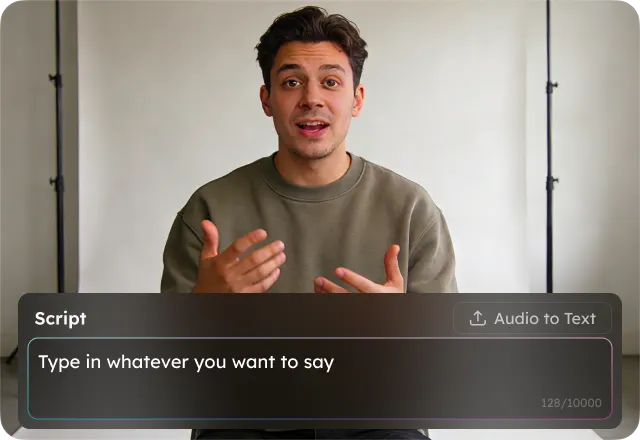
Different use cases require different inputs. Sometimes you want to type a script; other times, you want to upload a recorded voice. This AI talking photo generator supports both text-to-speech for fast creation and voice input for more personal or branded results. You can easily update scripts, adjust tone, or regenerate videos without starting over, making iteration fast and flexible.
Multilingual Voices for Global Communication
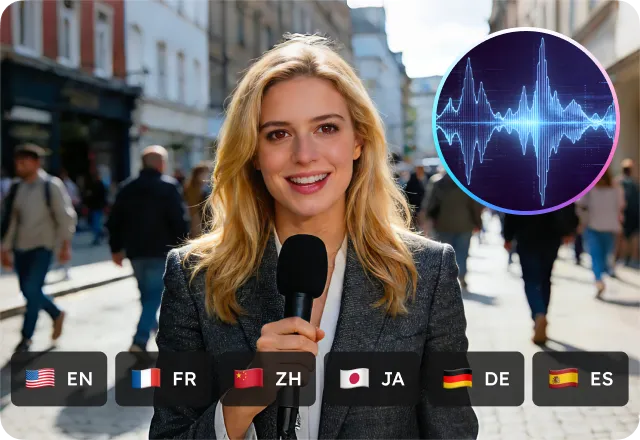
Talking photos are often used to communicate across languages, whether for education, marketing, or international audiences. With built-in multilingual voice support, you can generate talking photos in multiple languages without hiring voice actors or translators.
Even when switching languages, it maintains natural lip-sync, making the speaker sound authentic. This makes it easy to localize content and reach global audiences with minimal effort.
Built for Real Use Cases - Not Just AI Technology
This AI photo-to-video tool focuses on real-world use cases, helping users quickly see how it fits into their work and communication needs. Rather than highlighting AI features alone, it turns a single photo into clear, meaningful content.
With talking photos, users can transform static images into engaging stories, introduce themselves or their products, and create personal educational content or lightweight marketing and social media visuals - no cameras, studios, or filming required.
FAQs about EaseUS Talking Photo AI Online
- 1. Is my uploaded content safe and private?
- 2. Do I need any video editing or technical skills?
- 3. How long does it take to make my photo talk?
- 4. How realistic are the lip-sync and facial expressions?
- 5. Can I use my own voice or create a custom voice?
- Social

- Subscribe


