








AI Video Dubbing Tool to Dub Videos in Any Language
Translate and dub videos in any language with AI while preserving the original speaker's authentic voice, tone, emotion, timing, and lip sync.

How to Dub a Video with Best AI Dubbing Software
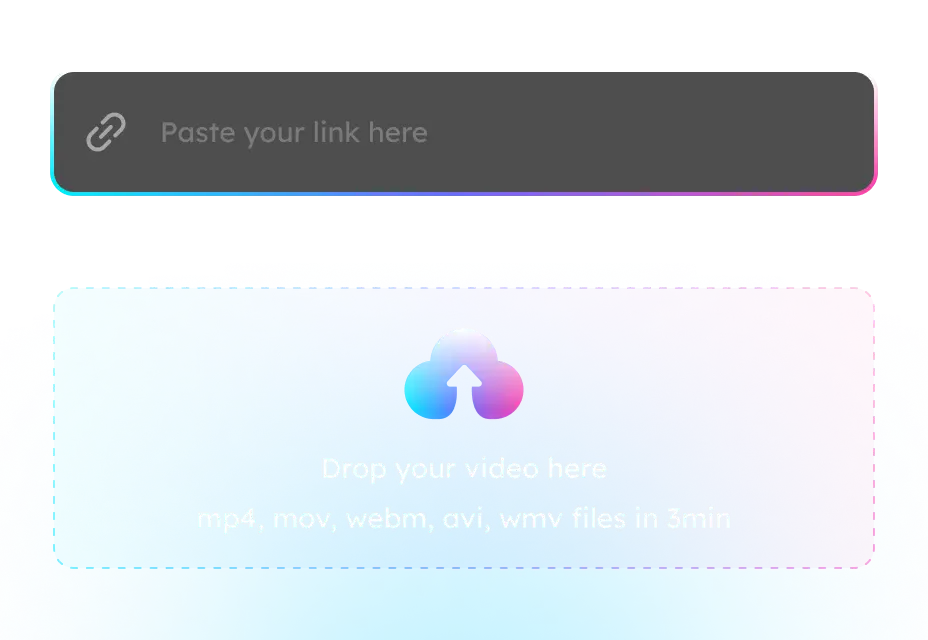
1. Upload Video File
Upload a video for which you want to dub or select one from your library if it has already been uploaded.
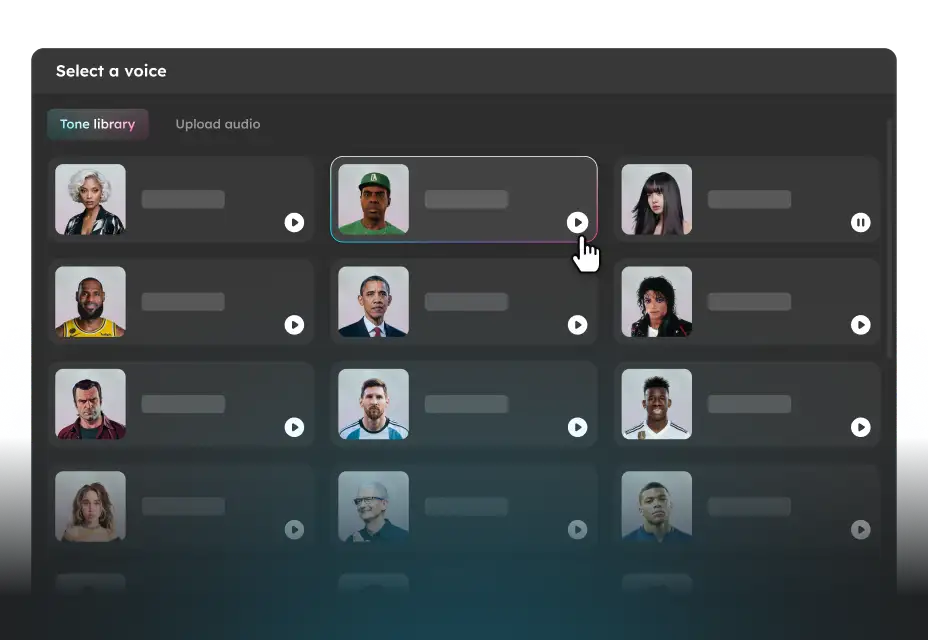
2. Dub Your Video
Choose your preferred language, select a voice or tone, and apply a subtitle template to begin dubbing your video.
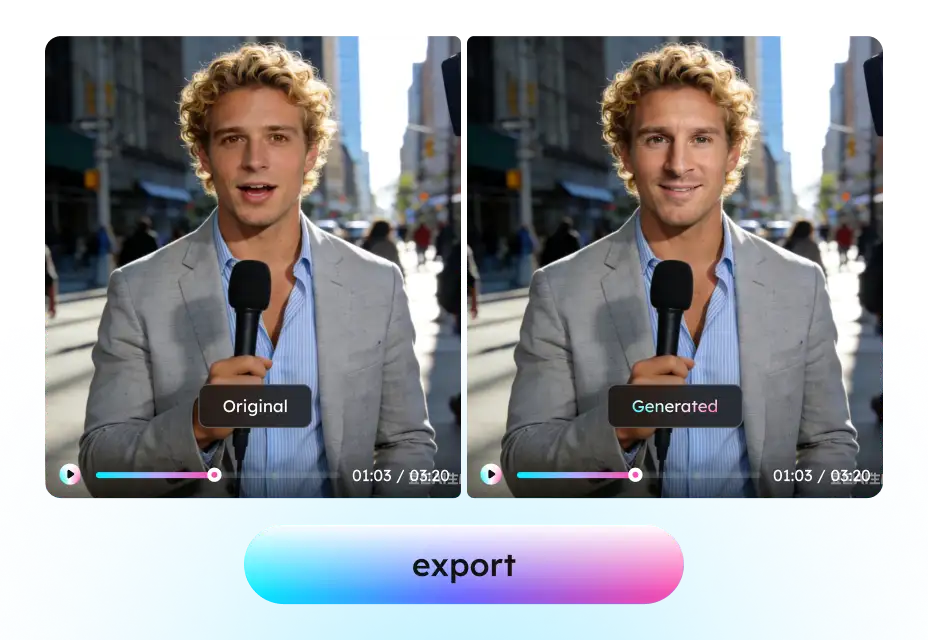
3. Review and Export
Once completed, you can preview, adjust text and dubbing parameters, or optimize subtitle layout, then export it in a preferred format.
Why Choose EaseUS AI Video Dubber
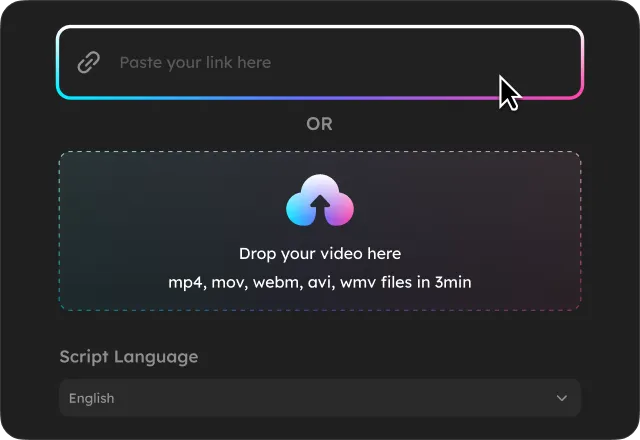
Zero Learning Curve - Ease of Use
Easily and fast dub videos with EaseUS online video dubbing tool. It automatically detects speech and delivers high-quality, natural, and accurate dubbing. Just upload your video file, choose a language or tone, and enjoy instant translations.
AI-powered Video Translation & Multilingual Dubbing
EaseUS AI dubbing tool instantly translates your uploaded video into any language with natural, human-like voices, perfect for marketing, e-commerce, education, and content creators.


AI Dubbing with Realistic Voice Cloning & Emotion
Dub your video with authentic voice cloning from a library of over 300+ AI voices across accents, ages, and styles. Easily adjust voice features like pitch, emotion, and pacing to suit your video style.
Flawless Lip-Sync for Dubbed Video
Powered by cutting-edge AI, the video dubber matches the dubbed audio to the speaker's original mouth movements with high precision. It maintains natural timing, expressions, and rhythm, creating a video that feels genuinely spoken in the target language for a seamless viewing experience.

AI Video Dubbing FAQs
- 1. What is AI dubbing?
- 2. What is the best AI dubbing software?
- 3. Can I dub a video online?
- 4. How long does it take to dub a video?
- 5. What is the difference between AI dubbing and traditional dubbing?
- Social

- Subscribe


