







Wan 2.5 AI Video Generator | Create Cinematic AI Videos from Text, Image, or Audio
Use Wan 2.5 for precise instruction-based image editing, consistent character generation, and high-fidelity video creation. A unified multimodal platform for all your visual content needs.
How to Use Wan 2.5 AI Video Generator
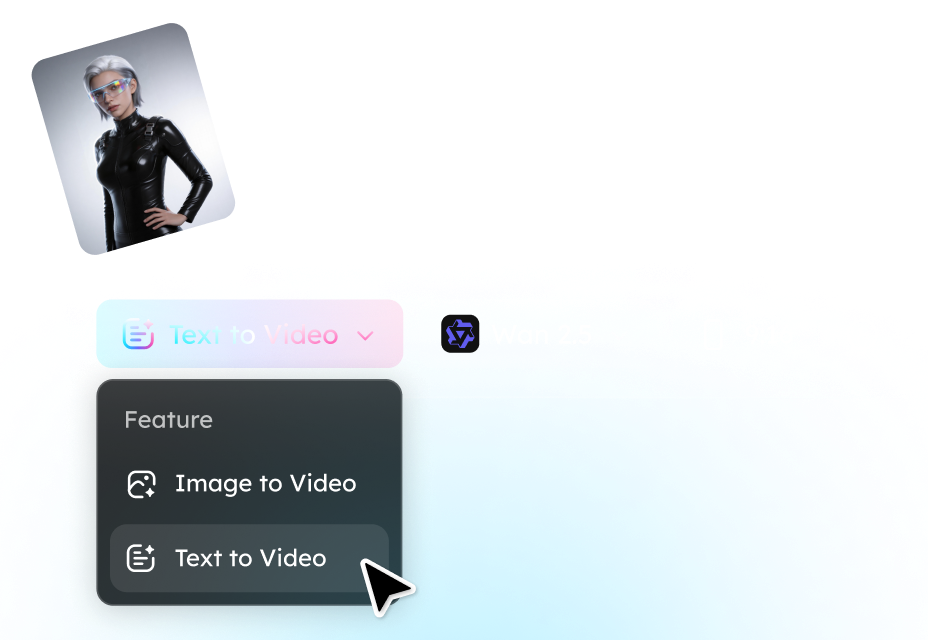
Step 1. Select a Model
Choose from Text to Video or Image to Video. Describe the scene you want to generate or upload a reference image/video.
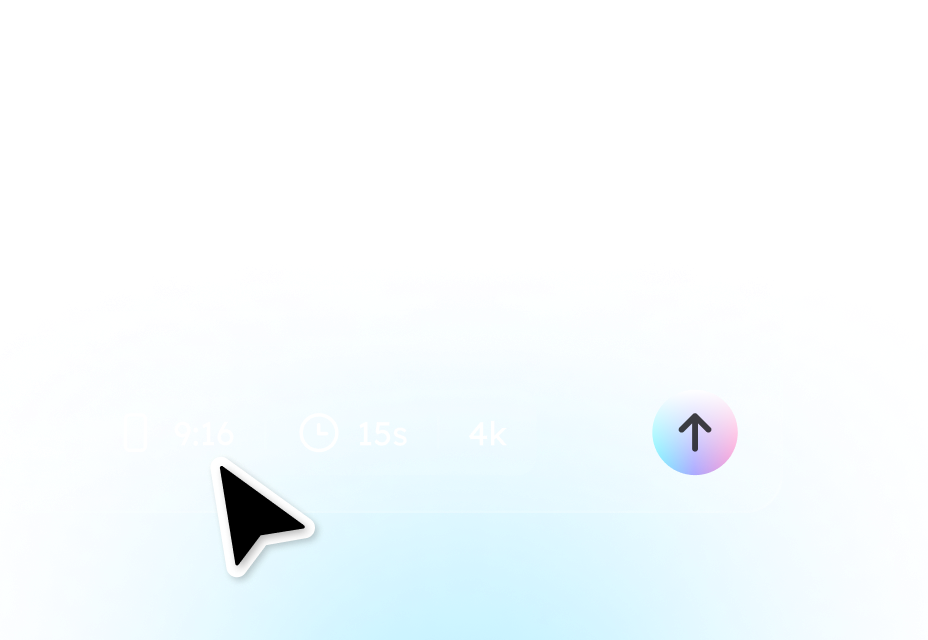
Step 2. Customize Parameters for Video
Select the preferred duration, resolution, aspect ratio, and other settings for your video.
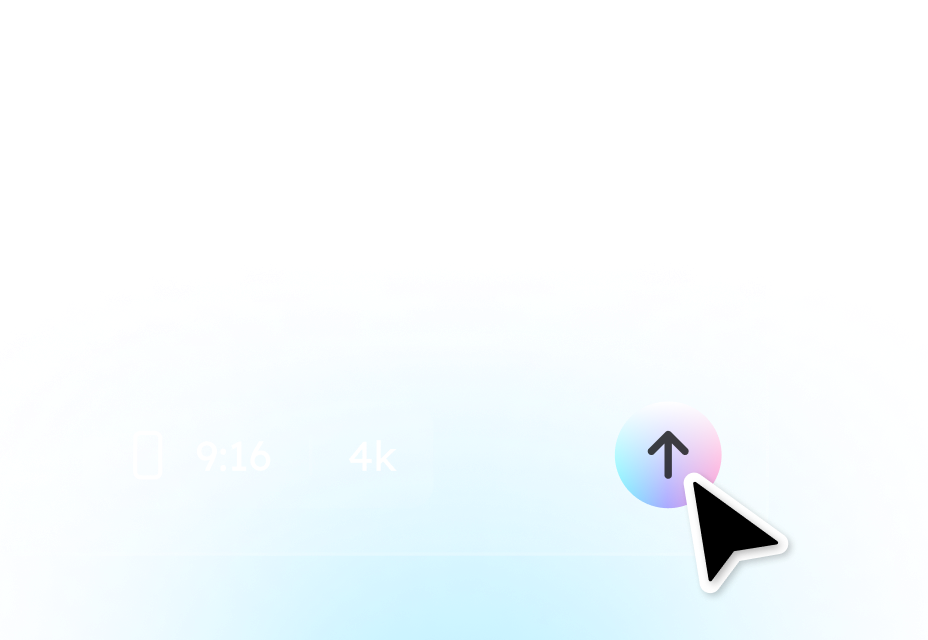
Step 3. Generate the Video
Click Generate Video and then Wan 2.5 video generator will produce a stunning video based on your needs.
Why Choose Wan 2.5 Video Generator
Lower Cost
Compared to Google Veo3, Wan 2.5 provides a more cost-effective solution while delivering faster video generation, making it ideal for producing audio-integrated videos efficiently.
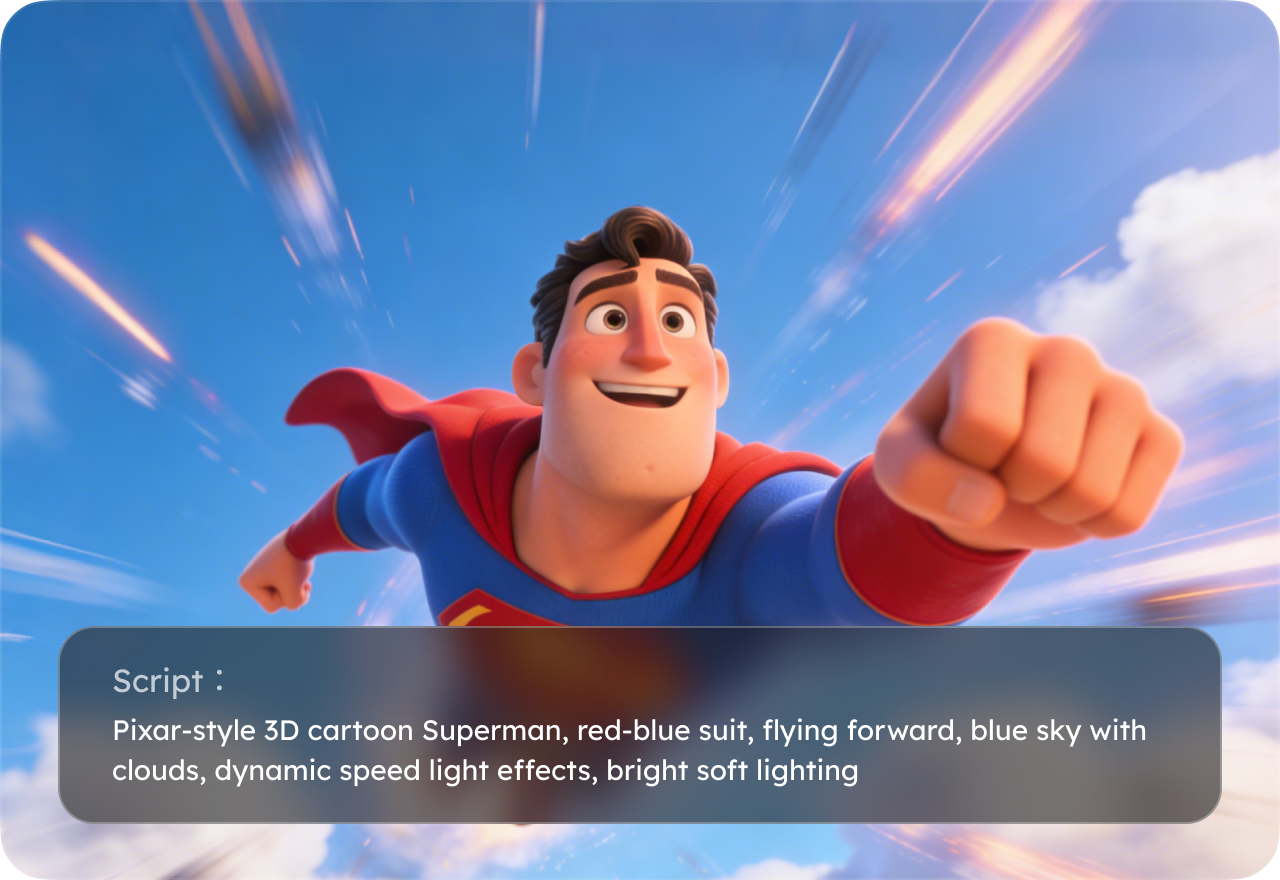
Single-Prompt Audio-Video Sync
Create videos with perfectly synchronized audio, including natural lip-sync, using just one prompt. No additional recording or manual editing required.
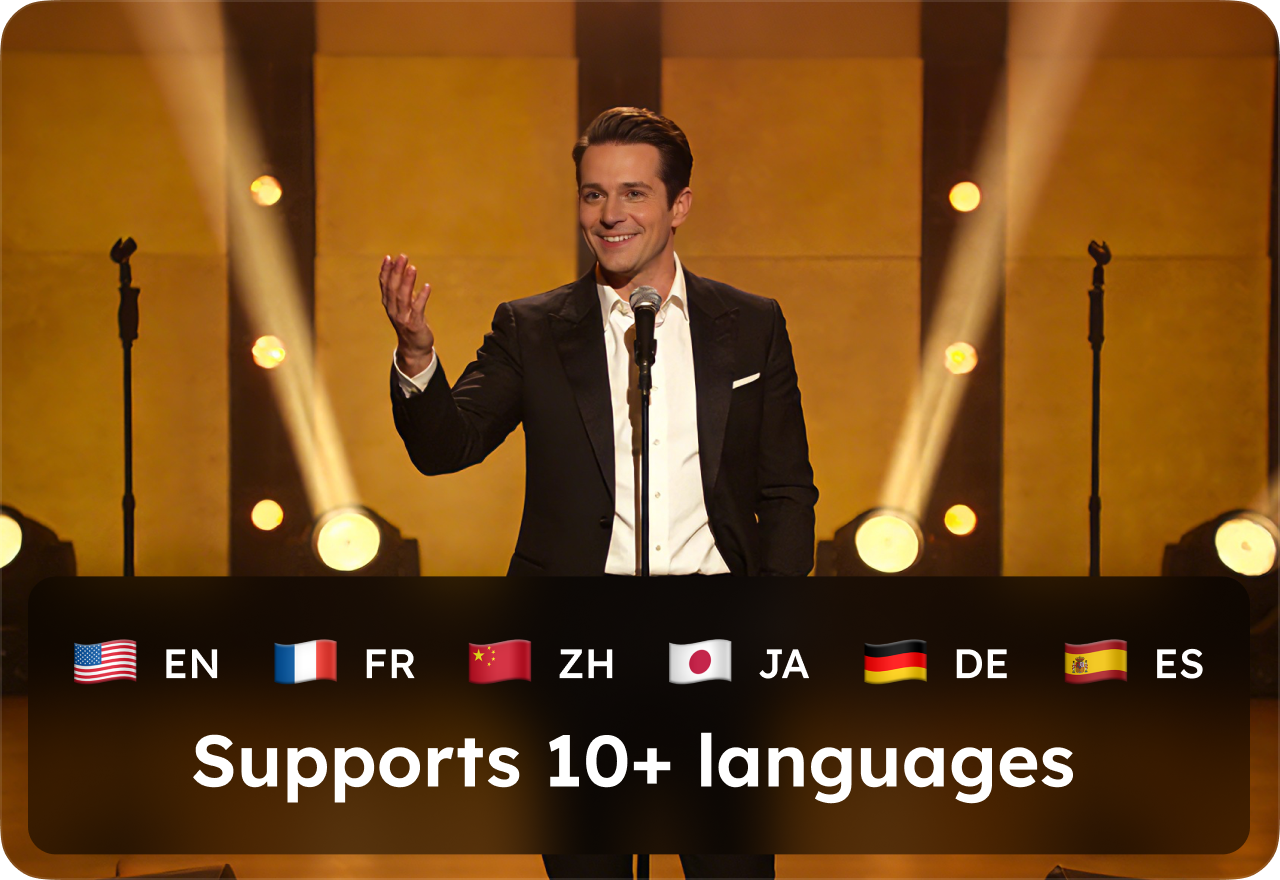
Multilingual Prompt Support
Wan 2.5 supports Chinese and other languages, allowing users to generate accurate, synchronized audio-visual videos from multilingual prompts.
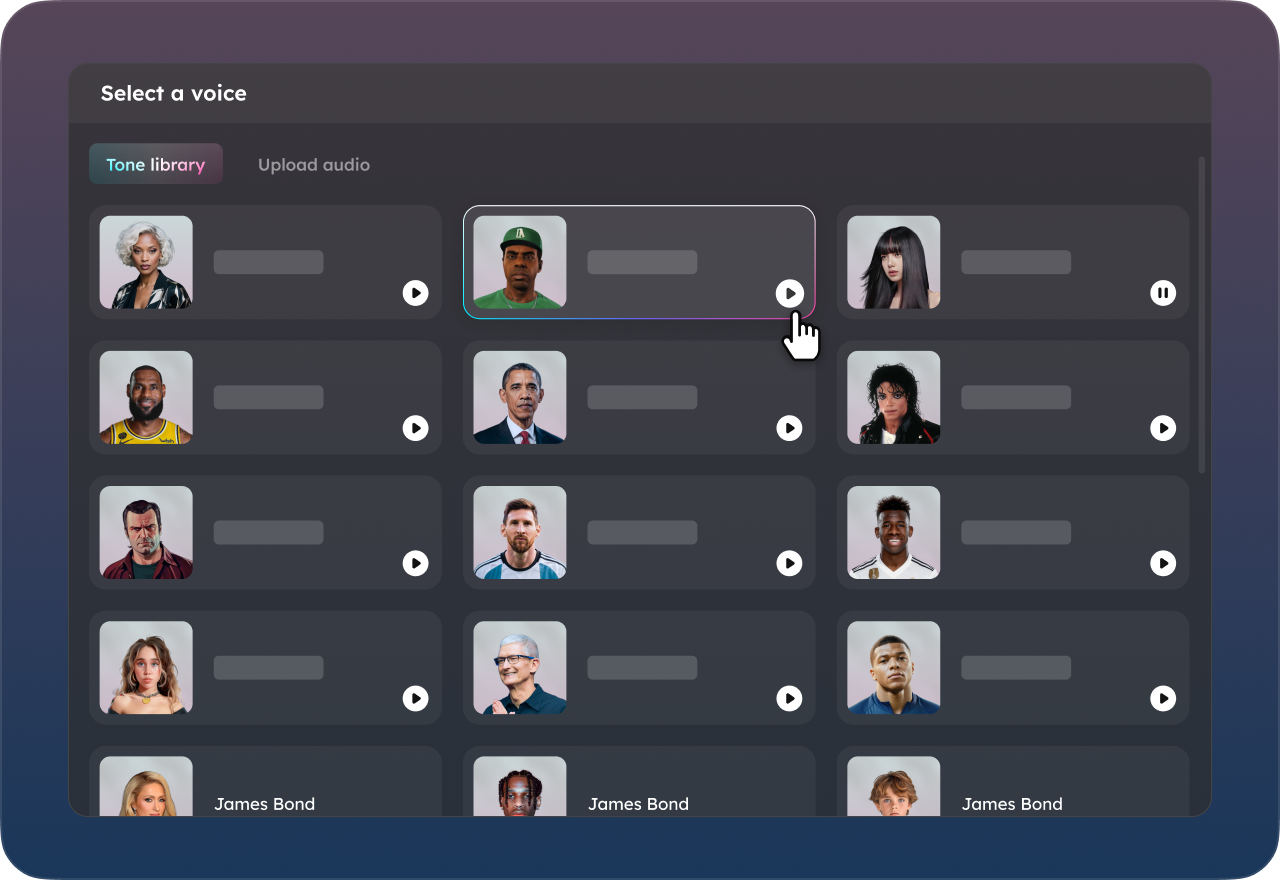
Flexible Voice Options
Upload your own voice recording or generate a new AI voice instantly. Easily switch between voices to test different styles and outputs.
FAQs on Wan 2.5 AI Model
- 1. What is Wan 2.5?
- 2. How long does it take to generate a video with Wan 2.5?
- 3. Is Wan 2.5 free?
- 4. How long are Wan 2.5 videos?
- 5. What types of videos can Wan 2.5 create?
- 6. Is Wan 2.5 more affordable than other AI video models?
- Social

- Subscribe


