







Vidu Q3 & Q3 Pro AI Video Generator: Create 16s Video with Native Audio
Experience the next-gen AI video generation to create stunning 16s videos with Vidu Q3 & Q3 Pro. Multi-shot, audio-video synced, and HD output, far beyond what Vidu Q2 can deliver. No login required; no watermark.
How to Use Vidu Q3 & Q3 Pro AI Model on EaseUS VideFlow
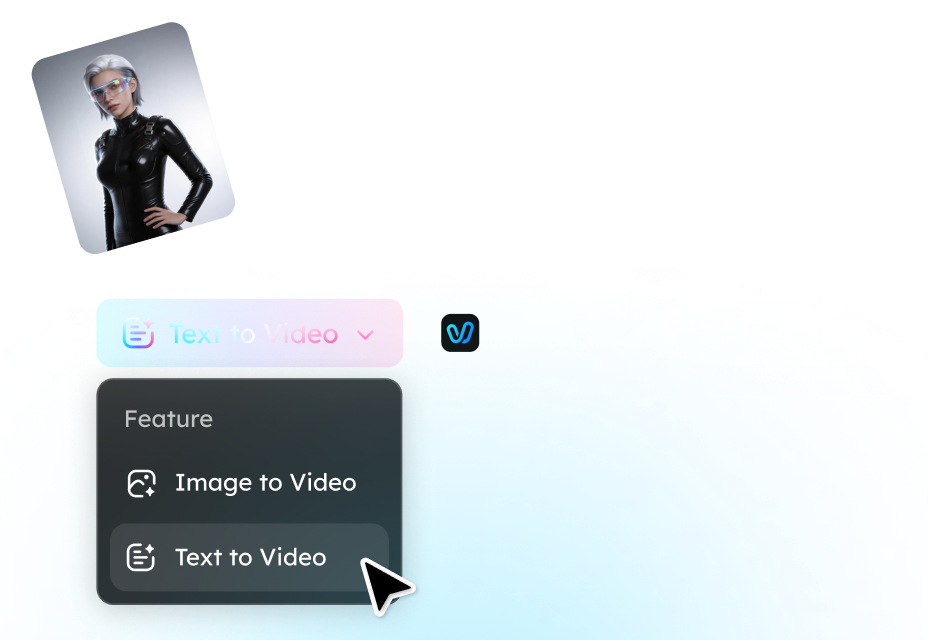
Step 1. Choose Your Model & Input Type
Select Text-to-Video to turn your script into motion, or Image-to-Video to animate a photo or reference image. Then pick Vidu Q3 for quick and smooth video generation, or Vidu Q3 Pro for HD, multi-shot, cinematic output.
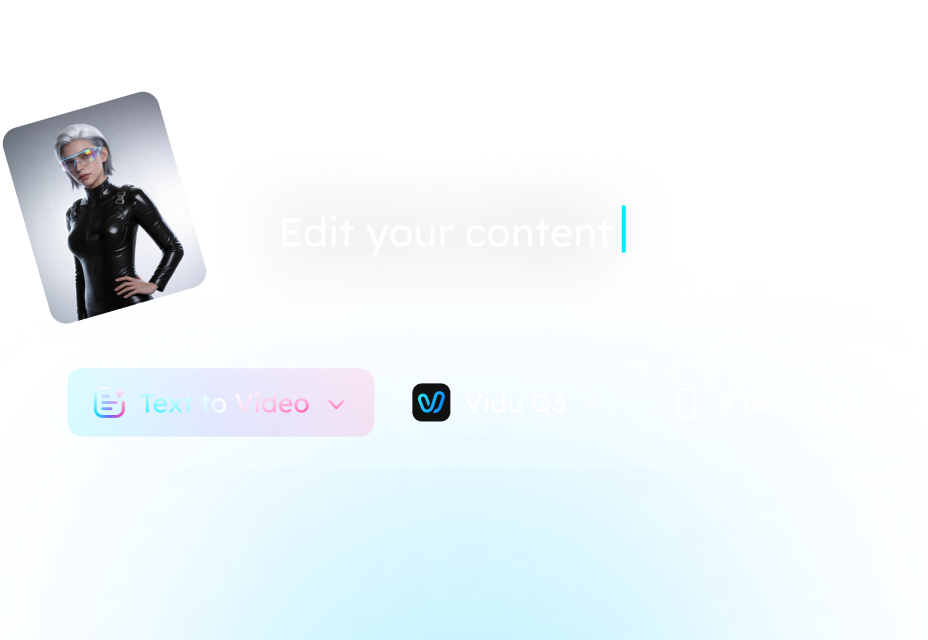
Step 2. Describe Your Video with a Prompt
Write a clear text prompt describing your scene, including subject, action, mood, and camera style. Vidu Q3 adds synced audio; Q3 Pro adds precise lip-sync and multi-shot sequencing.
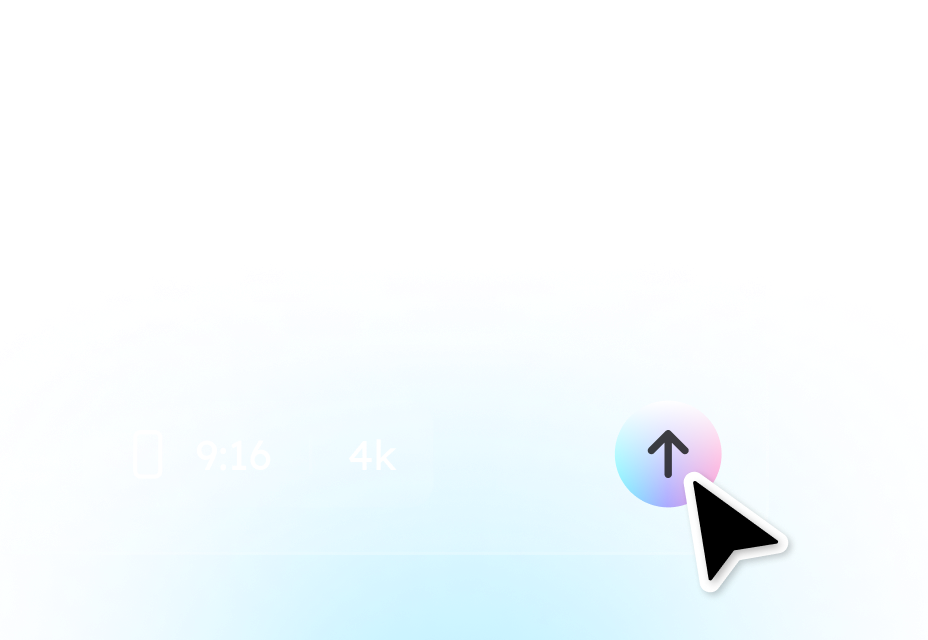
Step 3. Generate, Preview & Export
Click Generate to create your video (up to 16s, 2K). Preview the audio-video pacing, camera angles, and scene transitions. Regenerate if you want variations in motion, style, or sequence. Once satisfied, download your final video for social media, ads, or storytelling.
What Makes Vidu Q3 & Q3 Pro Next-Gen AI Video Models
Cinematic AI Video Generation
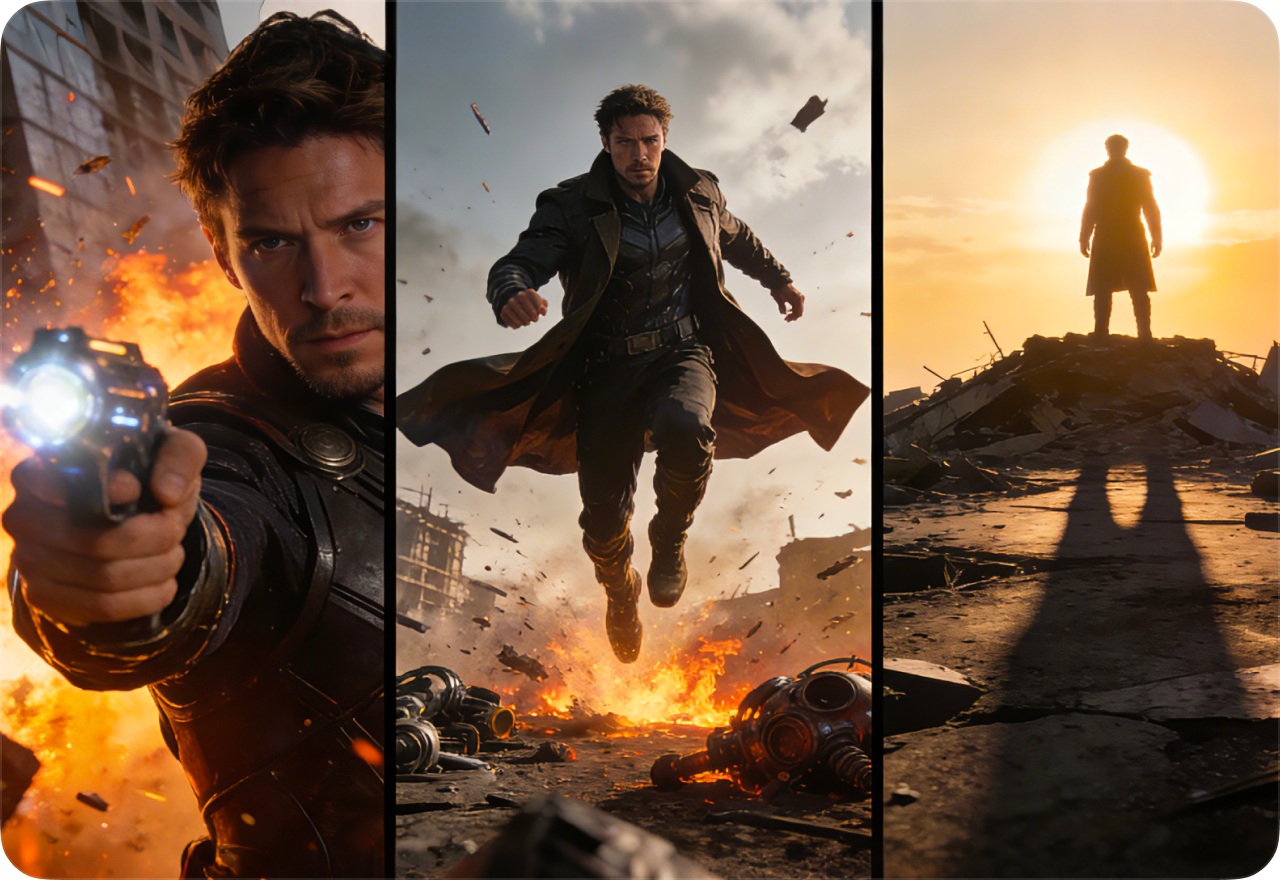
Vidu Q3 & Q3 Pro turn simple prompts into cinematic videos with synchronized visuals and audio. Unlike single-shot generators, these models handle multiple prompts simultaneously, producing coherent scenes with smooth transitions, natural pacing, and consistent characters.
Multi-Shot & Intelligent Scene Sequencing
Both models support multi-shot sequences in a single generation. Vidu Q3 delivers quick, visually stable shots, while Q3 Pro adds advanced camera transitions and perspective changes. This allows creators to build structured stories for social media clips, product demos, or short cinematic sequences.
Fine-Grained Prompt Control
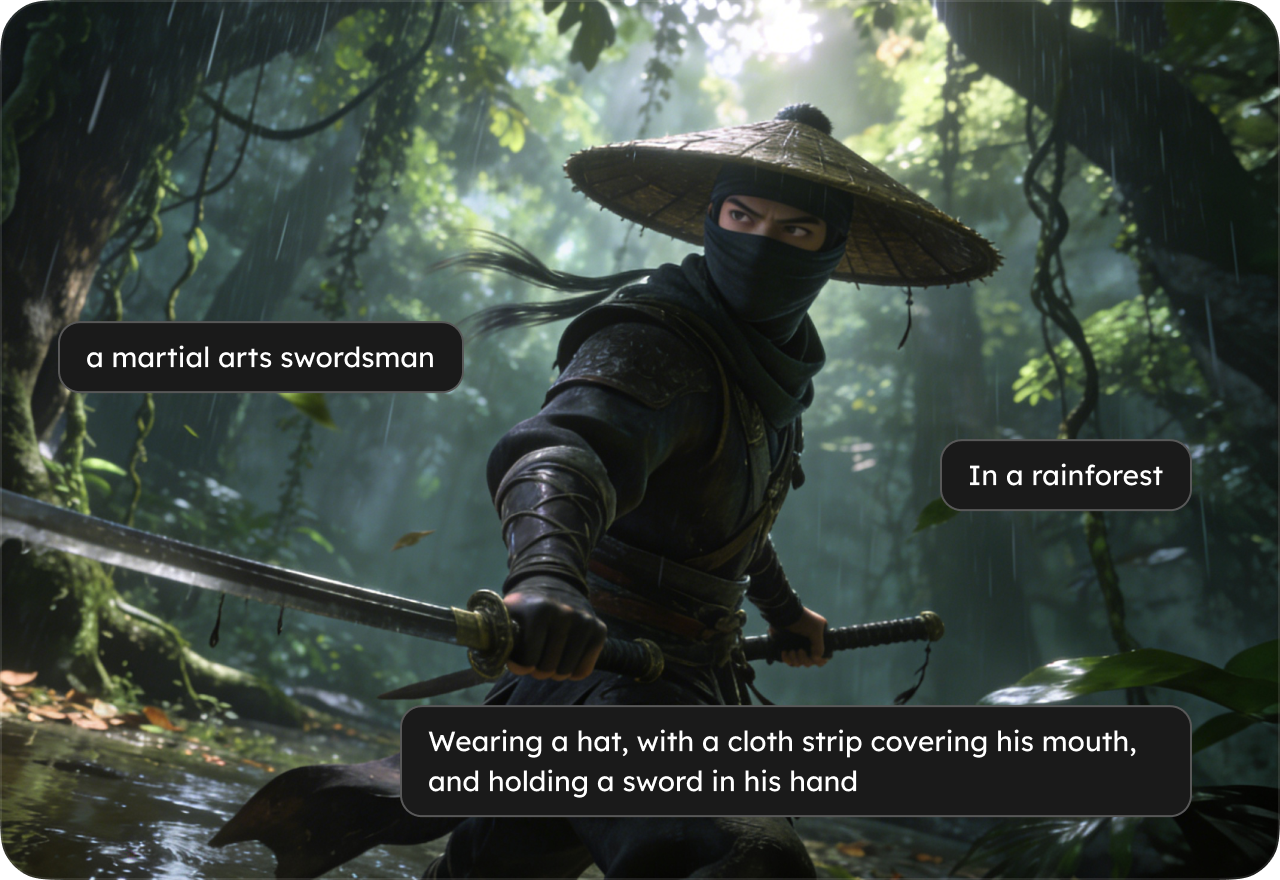
Vidu Q3 & Q3 Pro allow multiple prompts to control different segments of a video. You can specify actions, camera angles, and scene elements for each segment, enabling precise direction without traditional timelines or keyframe editing.
Realistic Motion & Dynamic Effects
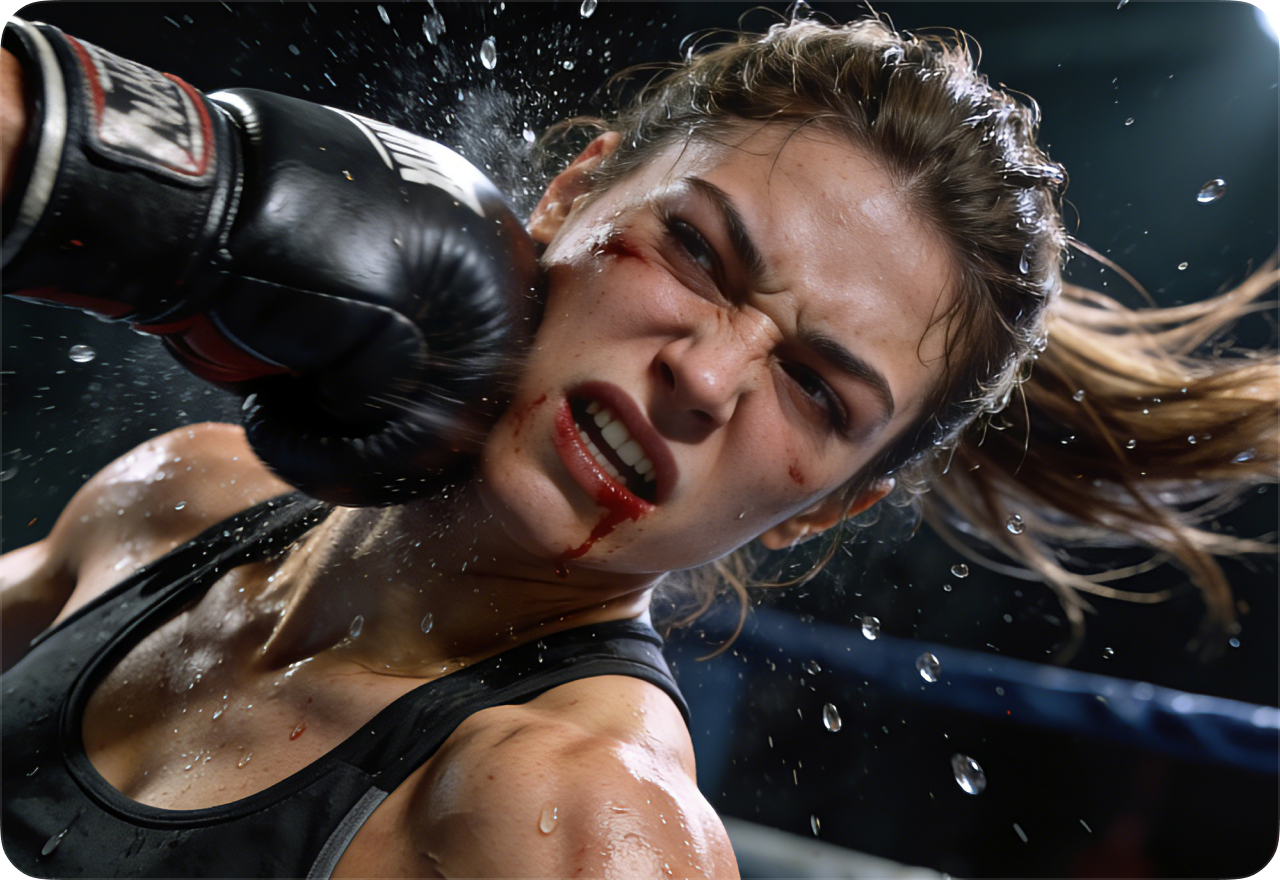
The models integrate motion-aware generation, producing more natural object and character movement. Hair, cloth, liquid, and environmental interactions appear fluid and believable. Q3 Pro further enhances detail, delivering professional-quality motion for cinematic output.
Extended 16-Second Generation for Complete Scenes
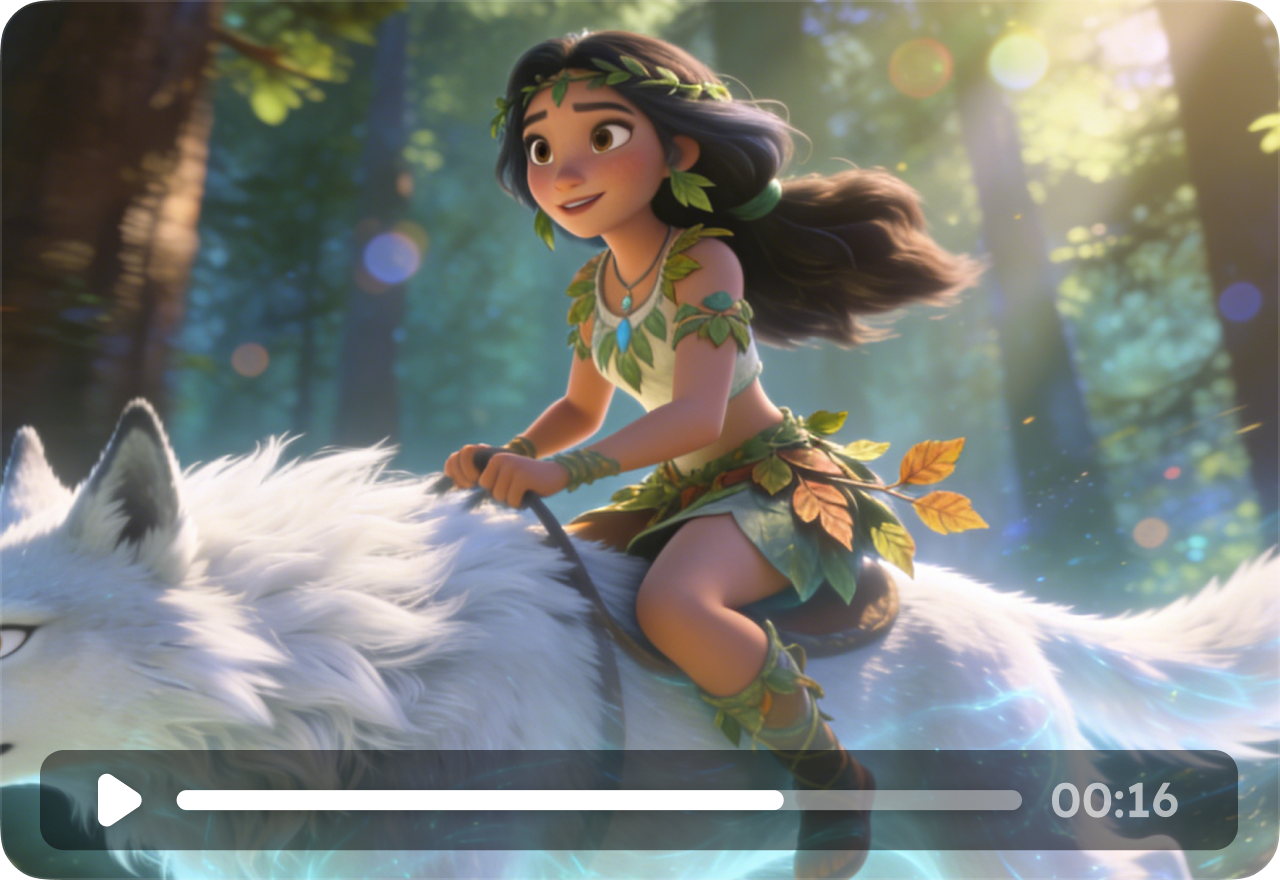
Both models generate videos up to 16 seconds long, giving creators enough time for full narratives. Longer sequences reduce visual inconsistencies, support complex actions, and allow complete story arcs, from product demonstrations to narrative storytelling, in one generation.
FAQ About Vidu Q3 & Q3 Pro AI Video Generator
- What's the difference between Vidu Q3 and Vidu Q2?
- How does Vidu Q3 compare to Sora, Veo, and Kling?
- Is Vidu Q3 free to use on EaseUS VideFlow?
- How long can my generated video be?
- Can I control camera angles, actions, and scenes?
- What types of content are best for Vidu Q3 & Q3 Pro?
- Social
- Subscribe


