






AI Video Watermark Remover - Smart and Fast





How to Remove Watermark from Video
Why Choose Our Video Watermark Remover?

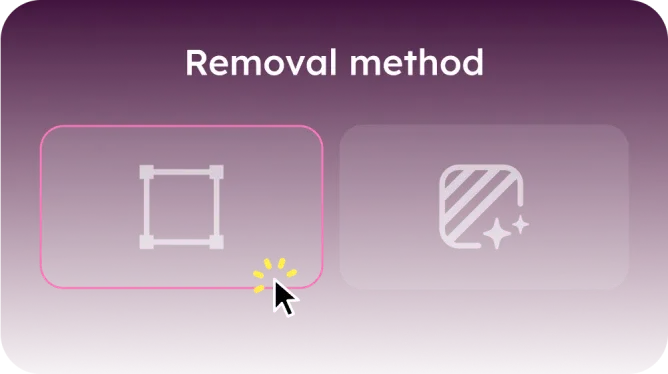
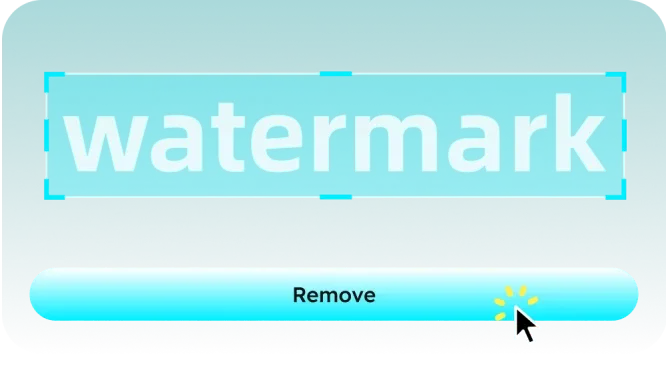
Our video watermark remover offers a flexible watermark removal experience by combining advanced AI technology with manual selection options. You can rely on the smart AI-powered feature that automatically detects and removes watermarks with precision, or manually select the exact watermark area for removal when more control is desired.
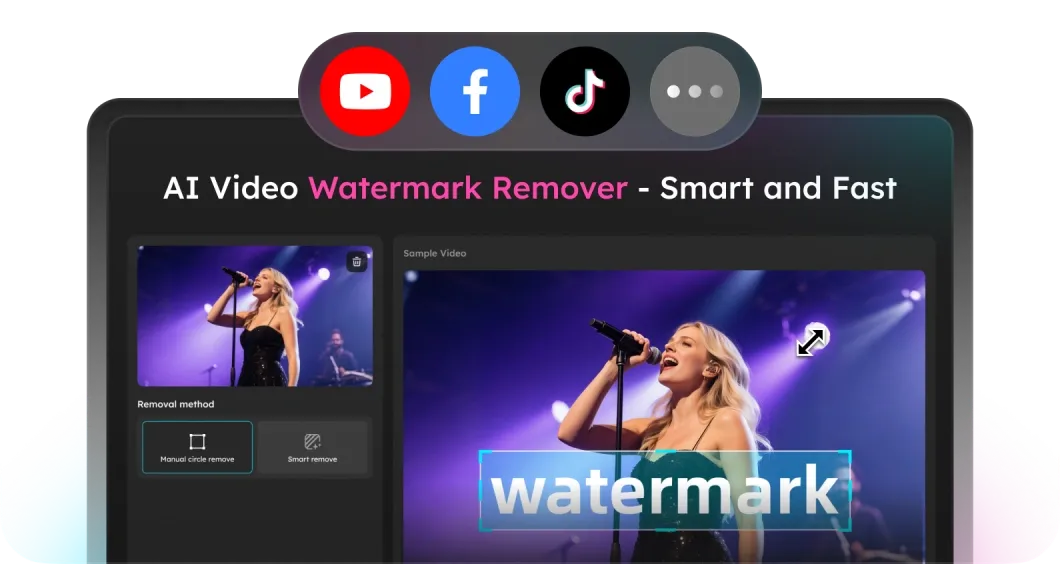
Our watermark remover is designed to be highly versatile and compatible with videos from a wide variety of platforms, such as YouTube, Facebook, TikTok, etc. Whether your videos come from social media sites, video sharing platforms, or other sources, this tool supports them all.
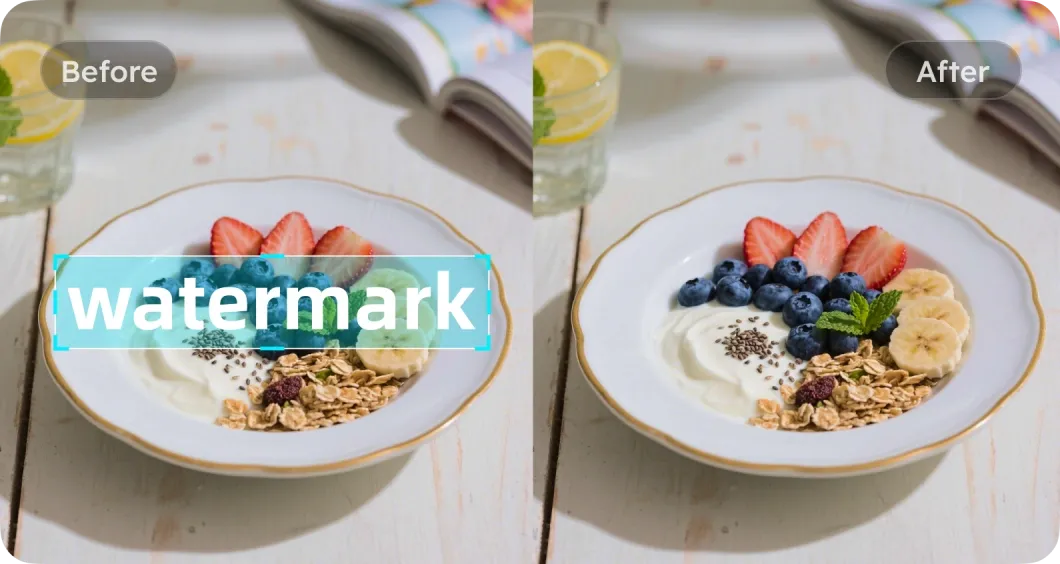
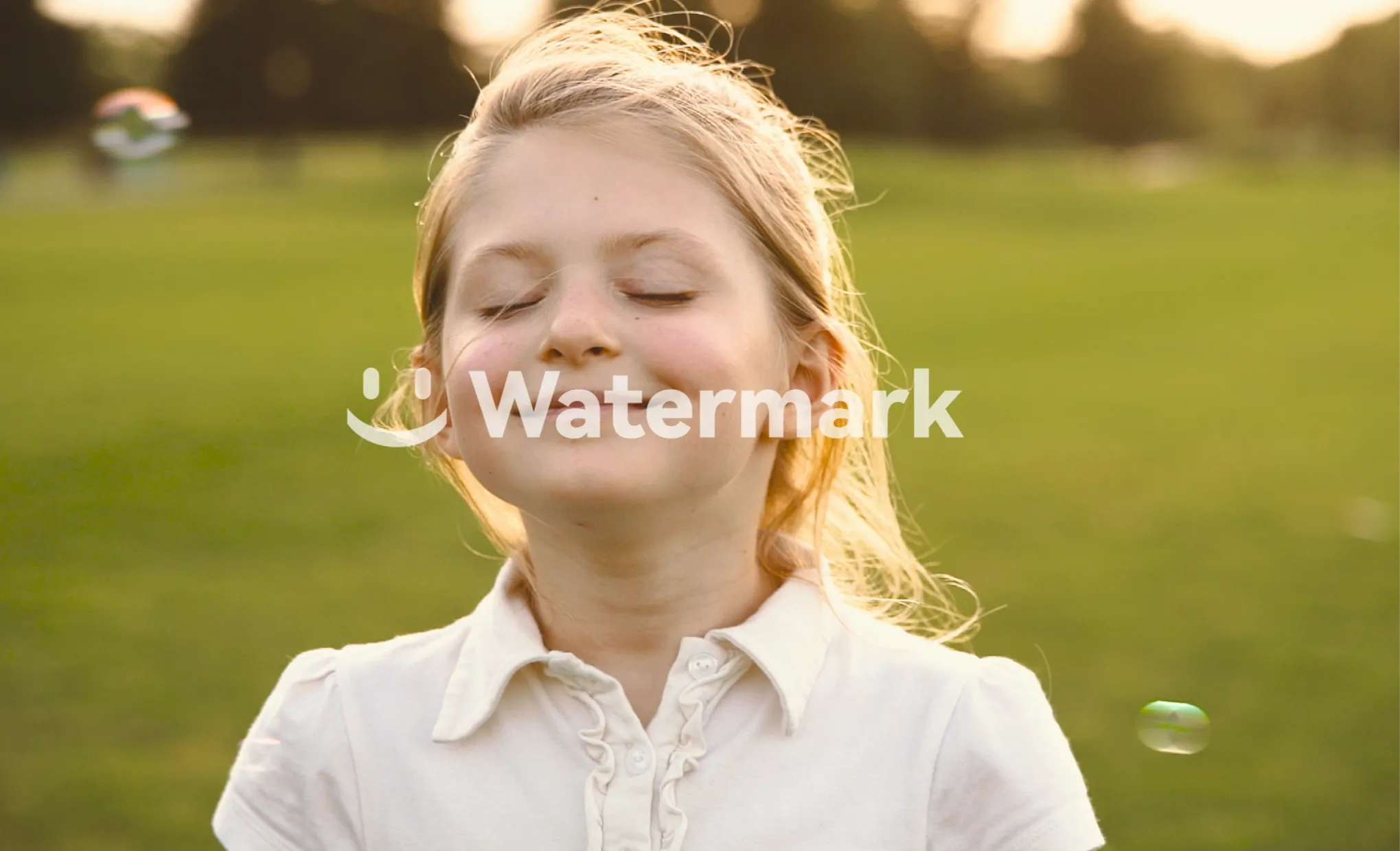
Preserving the original quality of your videos is our top priority. When removing watermarks, the tool works carefully to ensure users can get watermark-free videos without blur. Our watermark remover works carefully to maintain the clarity, sharpness, and overall visual difelity.
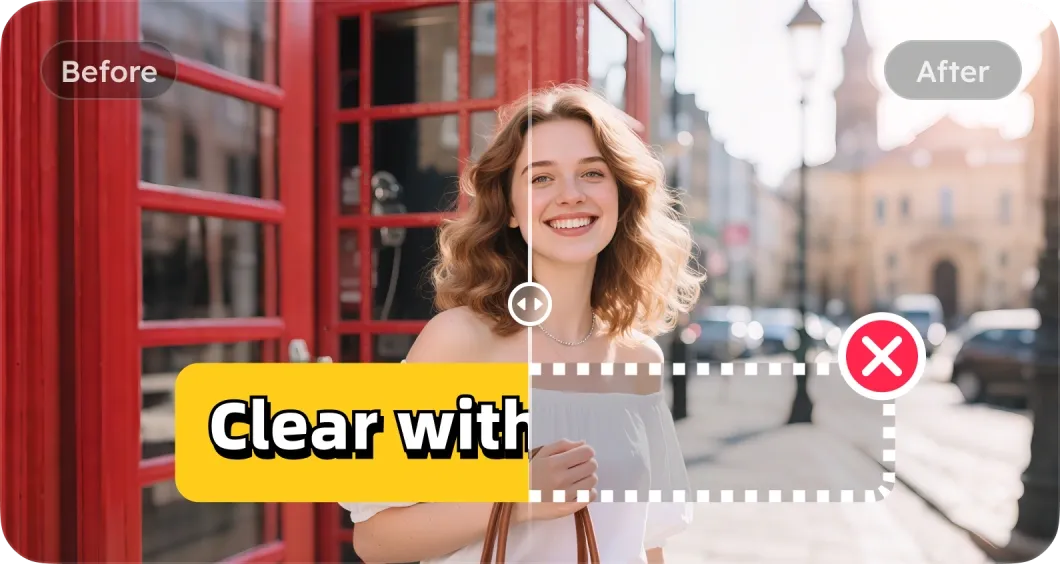
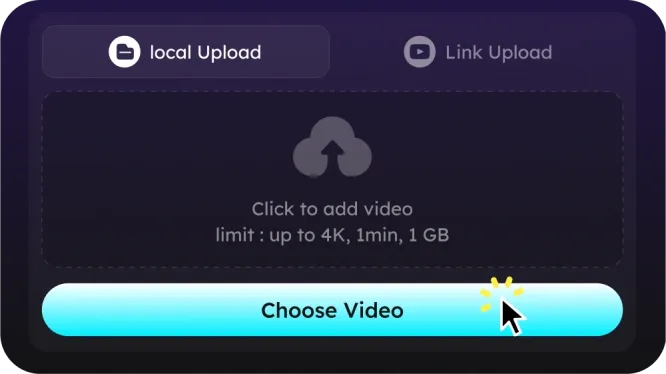
No need to download or install any software. Paste the link or upload your video (supports MP4, MOV, MKV, and other common video formats), and it removes watermarks online, saving time and storage space. Whether you're on a desktop, laptop, or mobile device, hassle-free watermark removal is just a few clicks away.
Online AI Video Watermark Remover FAQs
It is a tool designed to erase watermarks, logos, or text from videos without affecting video quality.
Our video watermark remover offers 2 free removals each day, allowing you to experience professional watermark removal at no cost.
Yes. Please upload videos up to 1 minute in length and 1 GB in size for smooth watermark removal.
Yes, you can definitely use our tool to remove watermarks from TikTok videos. You just need to upload the TikTok video or paste the link, and then either manually select the watermark or use the Smart Remove mode to automatically detect and erase it quickly and seamlessly.
No, watermark removal preserves the original video quality and resolution without blurring or cropping.
Yes. All uploaded videos are processed securely and are used solely for watermark removal. They are never shared, sold, or used for any other purposes. We prioritize your privacy and ensure your files remain confidential throughout the process.
- Social

- Subscribe


