






AI Video Enhancer - Enhance & Upscale to 4K
How to Enhance Video Quality Online
Why Choose Our AI Video Enhancer?
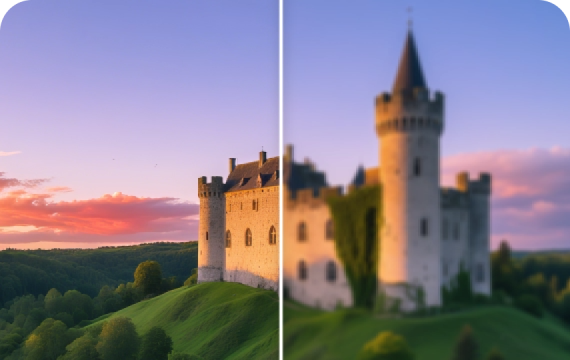
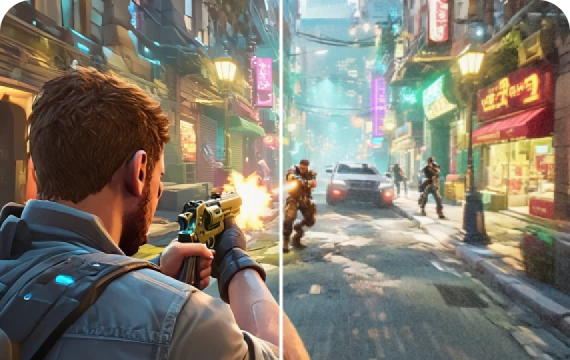
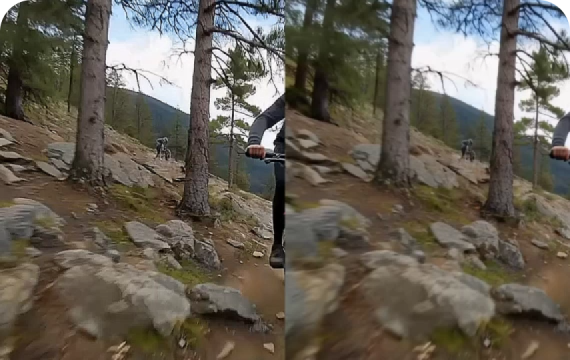
Instantly upscale your videos from 720P to 1080P or higher with advanced AI-powered video upscaling technology. Preserve sharp details, improve visual clarity, and breathe new life into old, blurry, or low-resolution footage — perfect for video resolution enhancement and HD video upscaling.
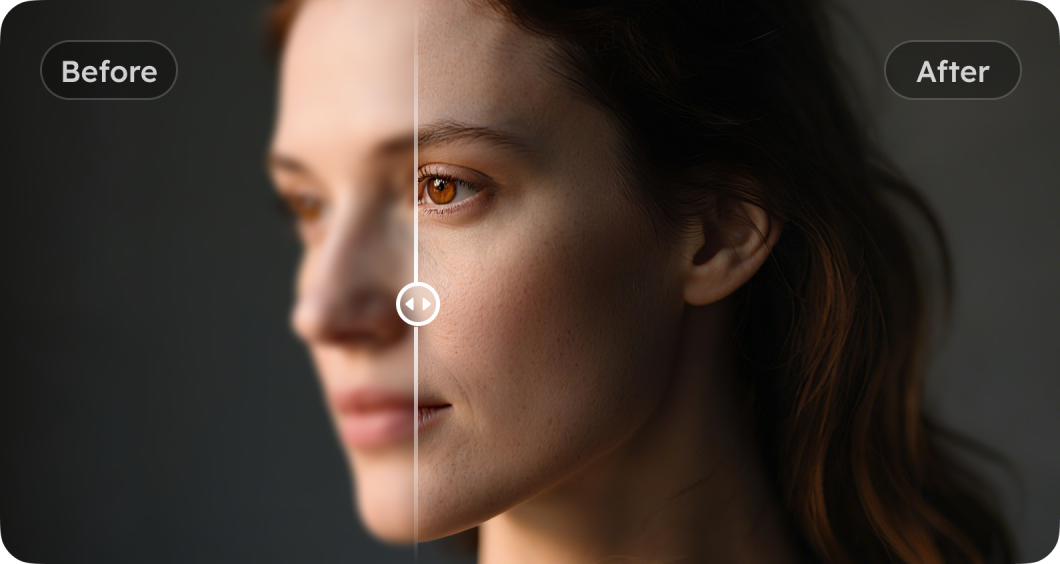
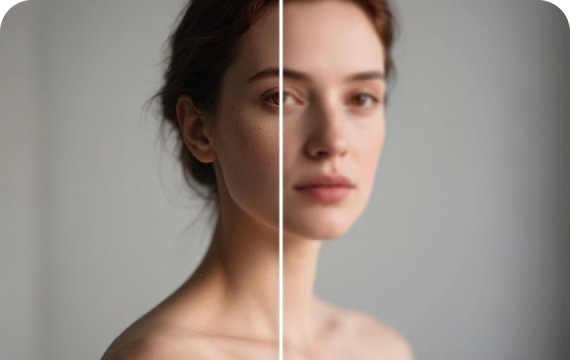
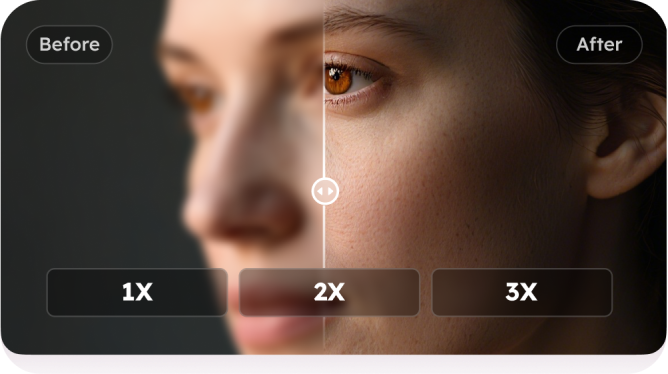
Our intelligent AI detects faces in videos and enhances facial sharpness and detail. It restores natural expressions and makes portraits more vivid and lifelike — ideal for face enhancement in videos, portrait video sharpening, and video quality improvement.
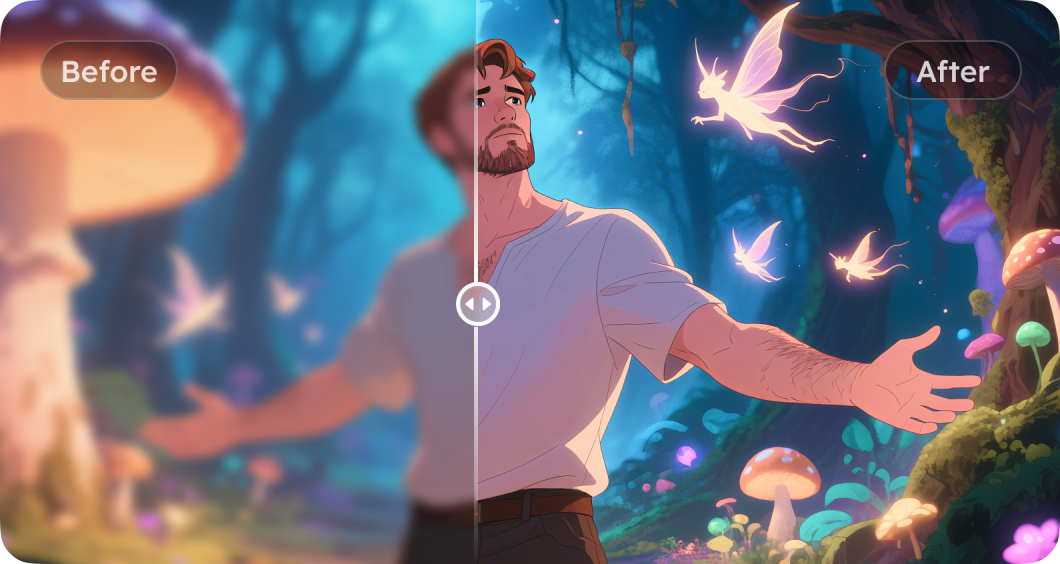
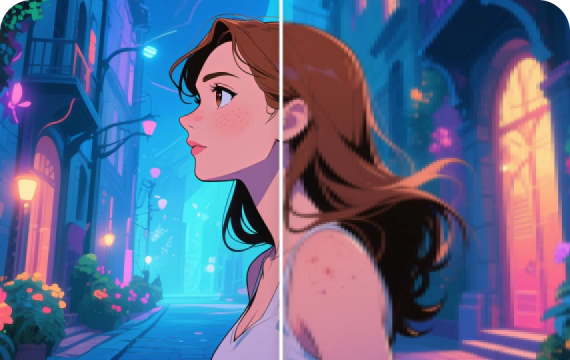
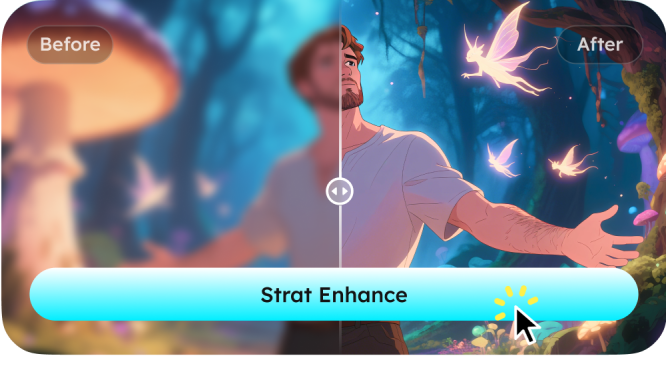
Specialized AI models optimize anime-style and stylized videos by refining line art, enriching colors, and elevating overall visual impact. Perfect for anime video enhancement, cartoon style video upscaling, and content creators looking to enhance artistic visuals.
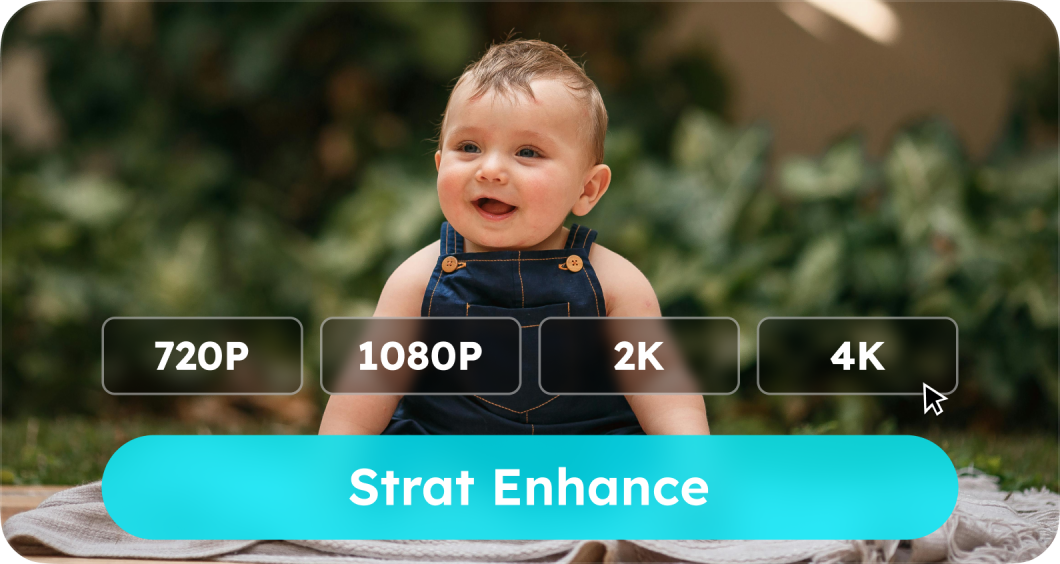
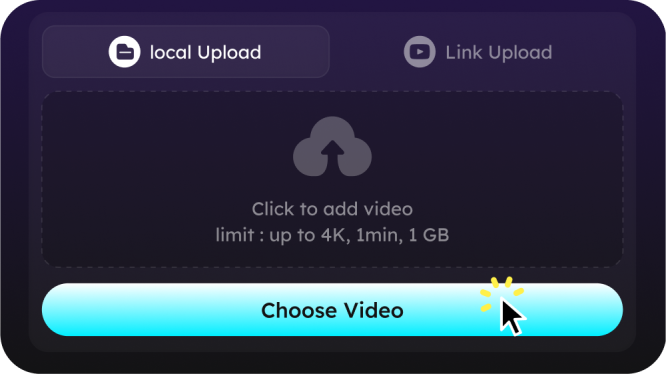
Upload your video and choose your preferred enhancement mode, whether resolution upscaling, face sharpening, or style enhancement. Then let our AI handle the rest. Enjoy instant video enhancement online without any software installation—fast, simple, and hassle-free.
Online AI Video Enhancer FAQs
An AI video enhancer is an online tool powered by artificial intelligence that improves video quality automatically. It can upscale video resolution, sharpen faces and objects, reduce noise, and enhance color details, making low-resolution, blurry, or old videos look clearer and more vibrant without manual editing.
Yes. Unlike basic video editors, an AI-powered video enhancer doesn't just resize the video, and it analyzes frames and intelligently recreates missing details, providing true resolution enhancement and sharper images.
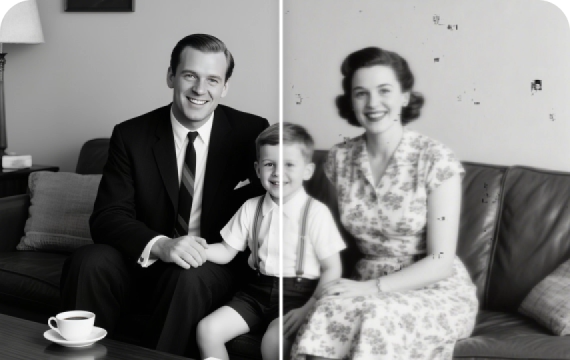
Absolutely. A video enhancer works great on old, blurry, or low-resolution videos by improving sharpness, reducing noise, and restoring color vibrancy.
Yes. Our online video enhancer processes your videos securely and respects your privacy. Uploaded files are handled with care and are not shared or used for any other purposes beyond enhancement.
Our AI video enhancer supports almost all mainstream video formats, including MP4, MOV, AVI, MKV, and more. If your video format is widely used, it is very likely to be supported.
Yes. To ensure smooth processing and stable performance, the maximum file size per upload is 1 GB, and the maximum video length is 1 minute. Please check these limits before uploading your video.
The processing time depends on your video's length, resolution, and chosen enhancement mode. Short videos may take a few minutes, while longer videos may require more time.
- Social
- Subscribe


