






Video Cropper Online – Free & No Watermark





How to Use the Video Cropper to Crop Video Online
Why Choose Our Free Online Video Cropper
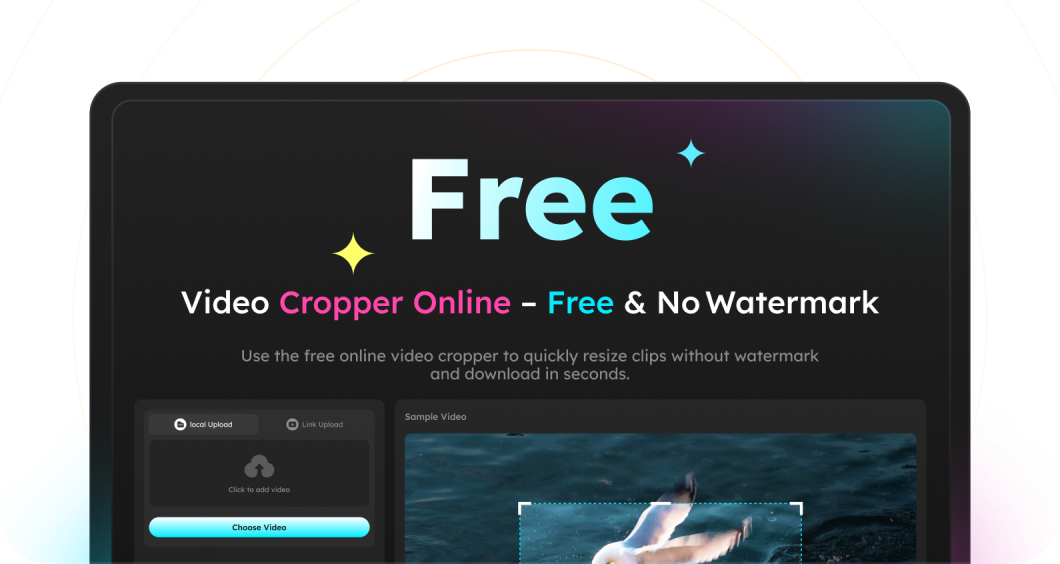
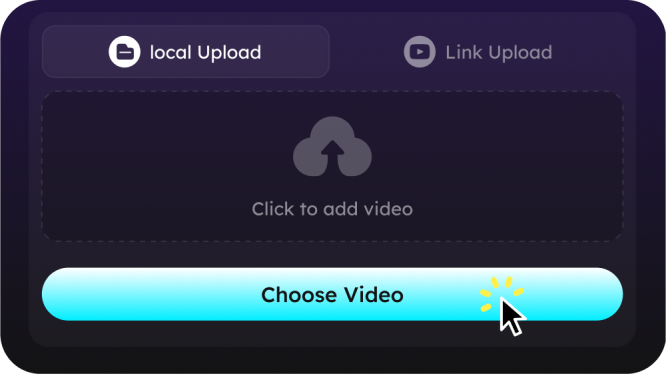
Crop videos directly in your browser—completely free, no download, no login required. Just upload or paste a link and start cropping.
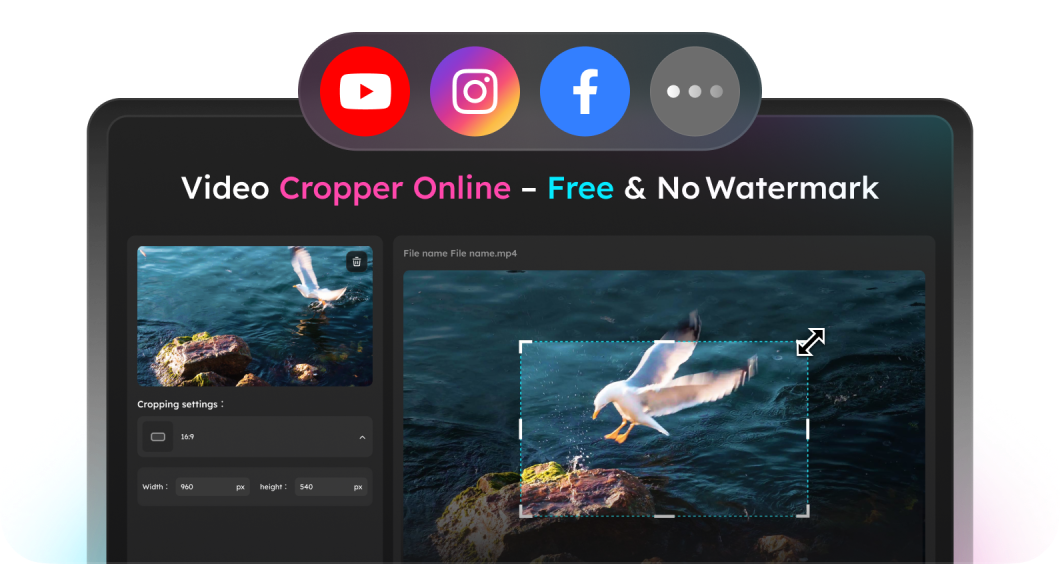
Paste any video URL from YouTube, Facebook, or Instagram. Our online video cropper makes it easy to trim and resize clips from streaming platforms.
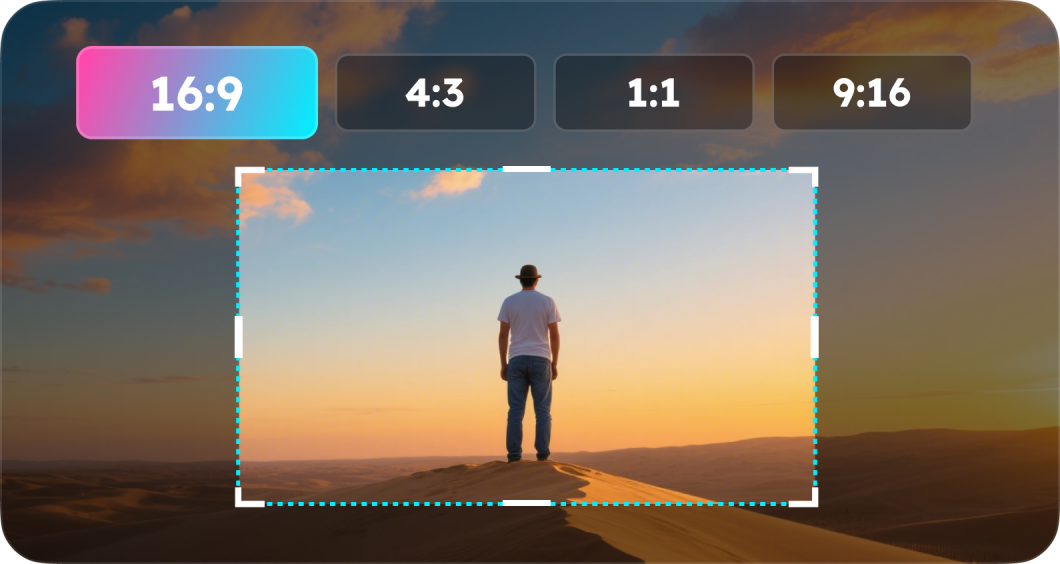
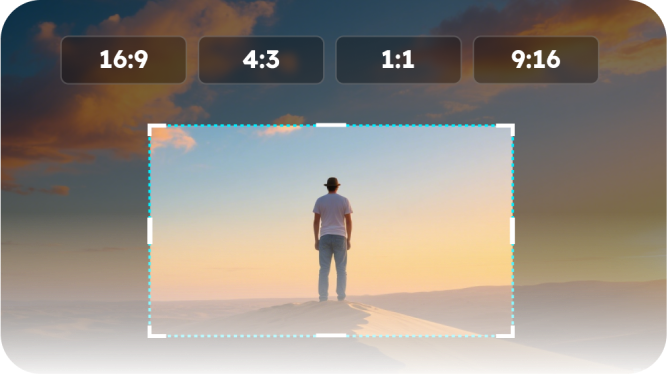
Export and download clean, professional-looking videos. We never add watermarks. You can crop your video at aspect ratios of 16 : 9, 4 : 3, 1 : 1, 9 : 16. Plus any custom dimensions are also supported.

This video size cropper is fast, simple, and works on any device. Crop videos in seconds without lag, bloat, or complicated setup.
Free Online Video Cropper FAQs
Yes—just paste the YouTube link, set your crop, and download videos in batch for free. Sign-up is not required.
Never. All videos are exported without any watermark.
Most clips are processed and ready to download in a few seconds.
- Social

- Subscribe


