







AI Video Background Remover Online



How to Remove Background from Video Online

Why Choose Our AI Video Background Remover Online
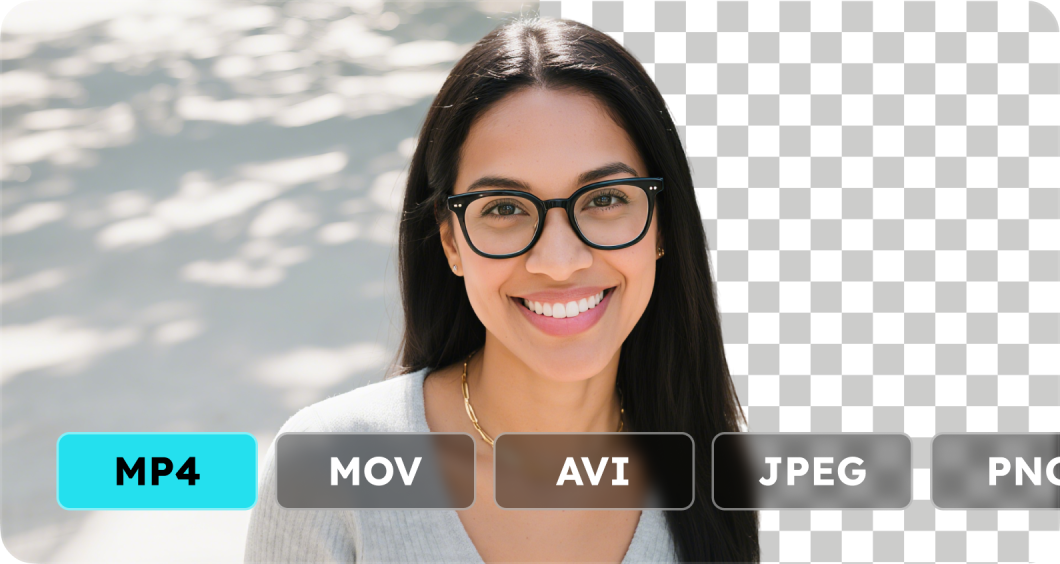
Our online video background remover supports videos and images, letting you remove or change backgrounds online without downloading any software. It supports plenty of video formats, such as MP4, MOV, AVI (up to 1 minute and 1 GB). And image formats like JPG, JPEG, PNG (up to 1 MB) are also accessible.

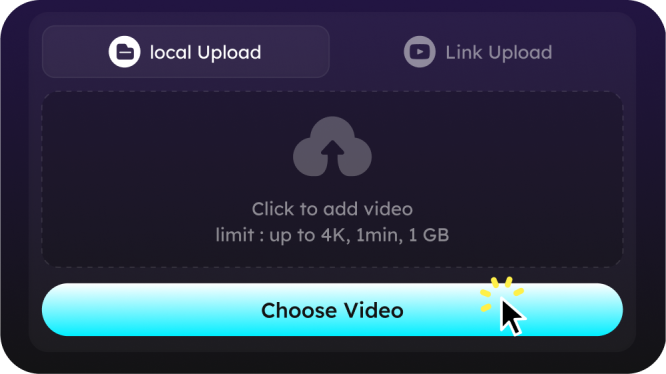
The AI video background remover detects subjects automatically and erases backgrounds cleanly, even with complex edges like hair or moving objects. Just upload from your computer or paste an online URL for quick editing.

Easily remove full video background online free even when the subject is moving, thanks to advanced AI motion tracking.
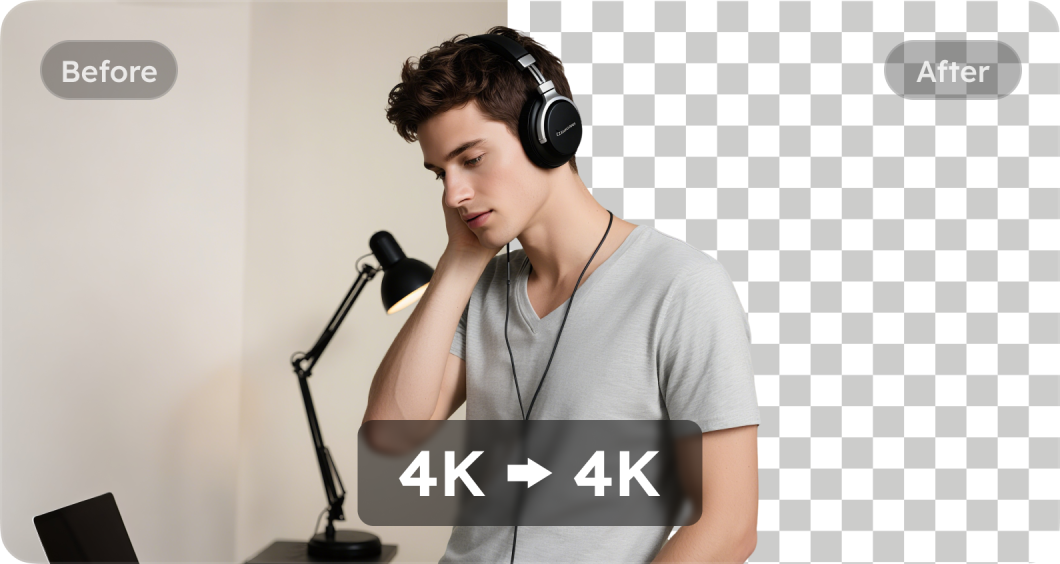
Process videos up to 1 minute and remove video backgrounds online in seconds while preserving the original resolution, from HD to 4K, with no visible quality drop.

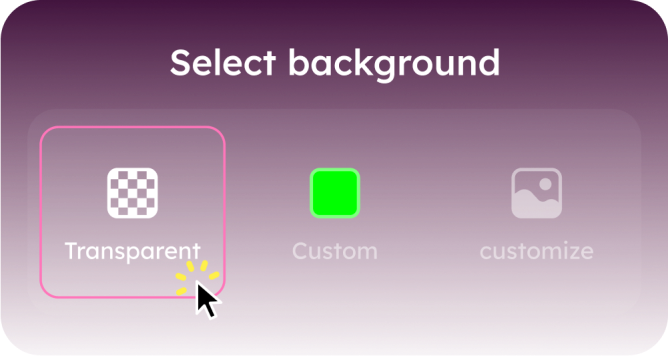
Replace or remove background from video with transparent, solid, or custom colors, perfect for branding, marketing, or social media content like Instagram story themes without covering your video.

Change or erase video backgrounds online with just a few clicks — no professional video editing skills or software needed.
Online AI Video Background Remover FAQs
Videos: MP4, MOV, AVI, etc. (up to 1 min / 1 GB) Images: JPG, JPEG, PNG (up to 1 MB)
You can remove or change backgrounds for up to 2 videos or pictures per day without paying.
Yes. You can remove full video background online and make it fully transparent, which is perfect for overlays, green screen effects, or adding custom backdrops.
Absolutely. You can change the background color or make it transparent without covering the video content.
Open Safari on your iPhone, visit our video background remover online page, upload your video, delete or change the background, then download the edited file without installing any apps.
- Social

- Subscribe


