







Veo 3.1 AI Video Generator — Multi-Scene Storytelling & Vertical Videos
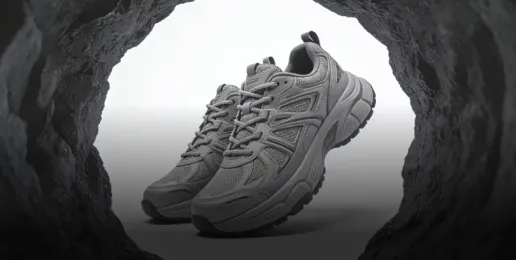
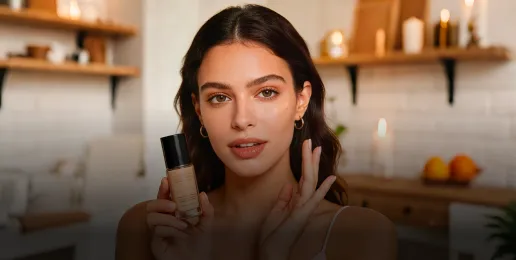
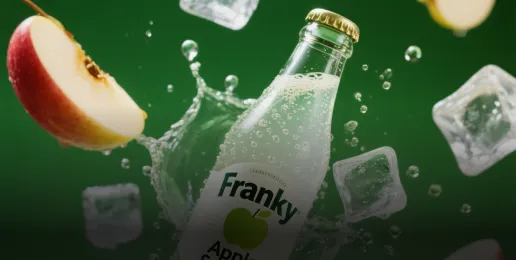
Up from Veo 3.0 and powered by Google DeepMind's latest video model and and Gemini intelligence, Veo 3.1 creates story-driven visuals with consistent characters, cinematic motion, and vertical formats ready for social media. Turn prompts into polished videos in seconds online for modern content creation.
How to Make Video with Veo 3.1 AI Model
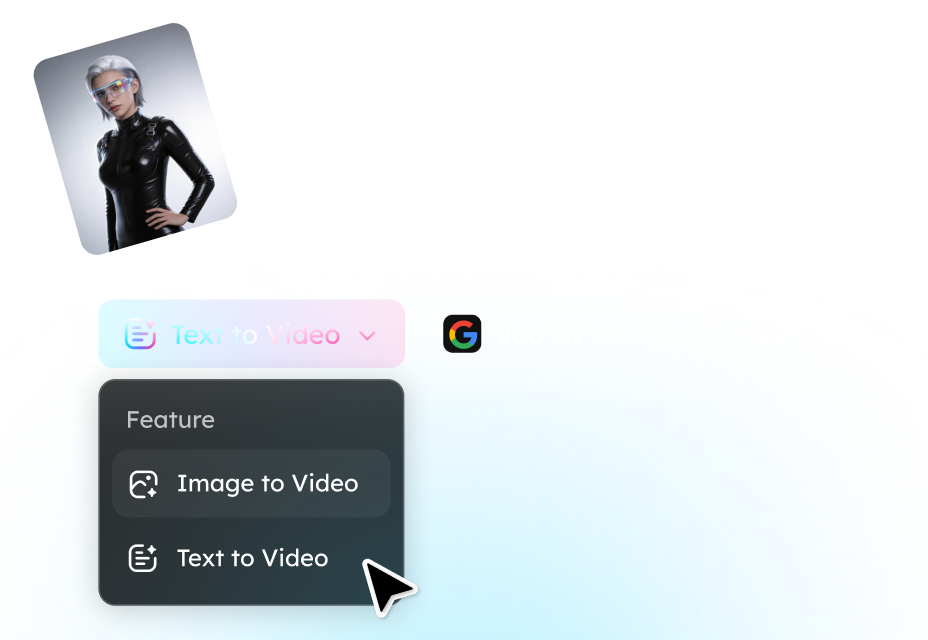
Step 1. Enter a Prompt or Upload an Image
Start by describing the video you want to create. Enter a detailed text prompt that outlines the scene, style, characters, and camera motion, or upload an image to transform into an animated video sequence
Step 2. Generate Your Video with Veo 3.1
Click Generate and let the Veo 3.1 AI model turn your idea into a dynamic video. The model can create cinematic motion, maintain character consistency across scenes, and support different aspect ratio (16:9 for landscape, 9:16 for portrait) for modern content creation.
Step 3. Preview, Refine, and Export
Preview the generated video and refine the prompt if needed to improve storytelling or visuals. Once satisfied, export your video and share it across platforms like YouTube, TikTok, Instagram, or other social media channels.
Why Veo 3.1 Is the Ultimate AI Video Generator for Creators
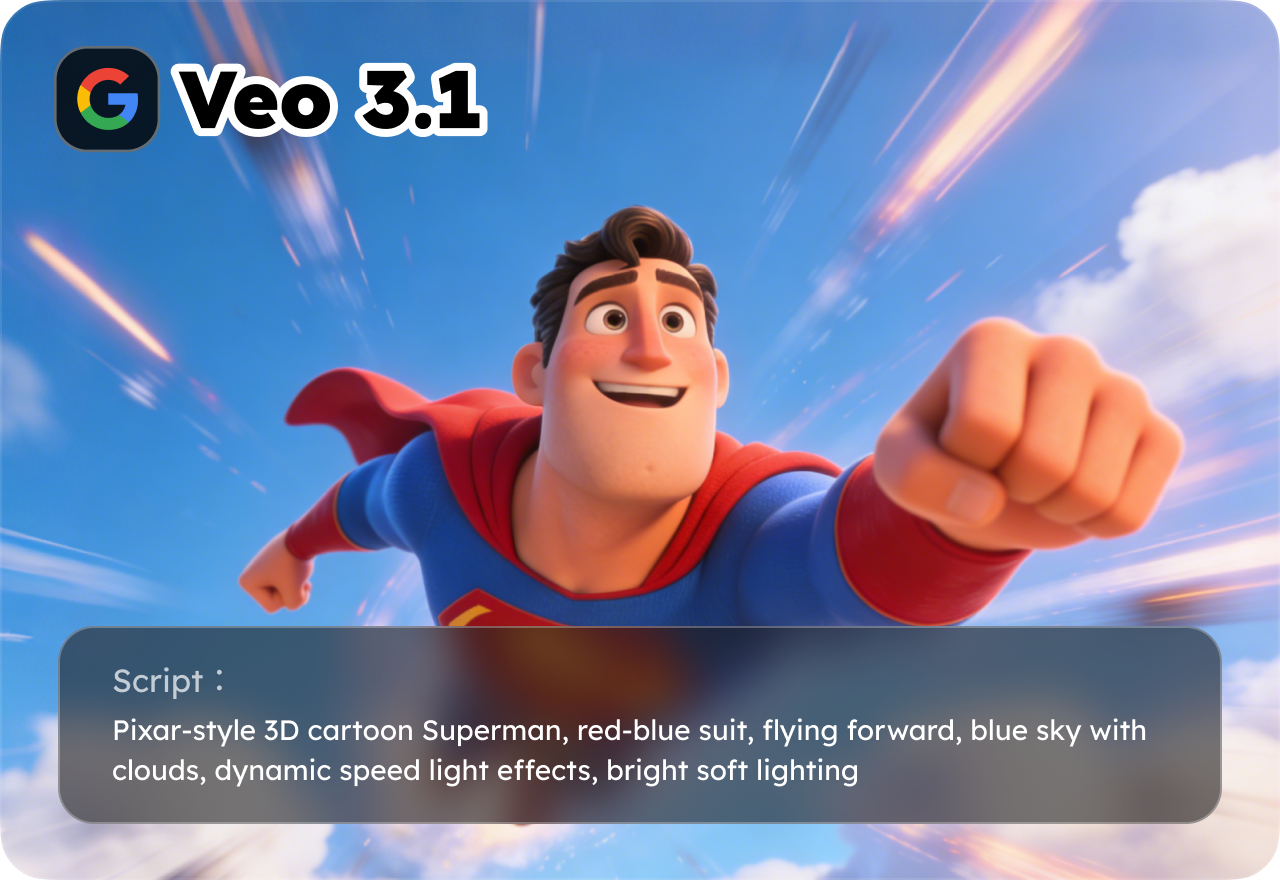
Advanced Veo 3.1 AI Text-to-Video Storytelling
Veo 3.1 transforms your text prompts into cinematic, multi-scene videos with seamless storytelling. It simulates realistic camera movement, dynamic lighting, and consistent spatial depth, ensuring that characters and environments remain coherent across every shot. Perfect for marketing trailers, short films, social media reels, or AI-generated narratives, Veo 3.1 delivers professional-quality videos instantly.
Image-to-Video Animation with Character Consistency
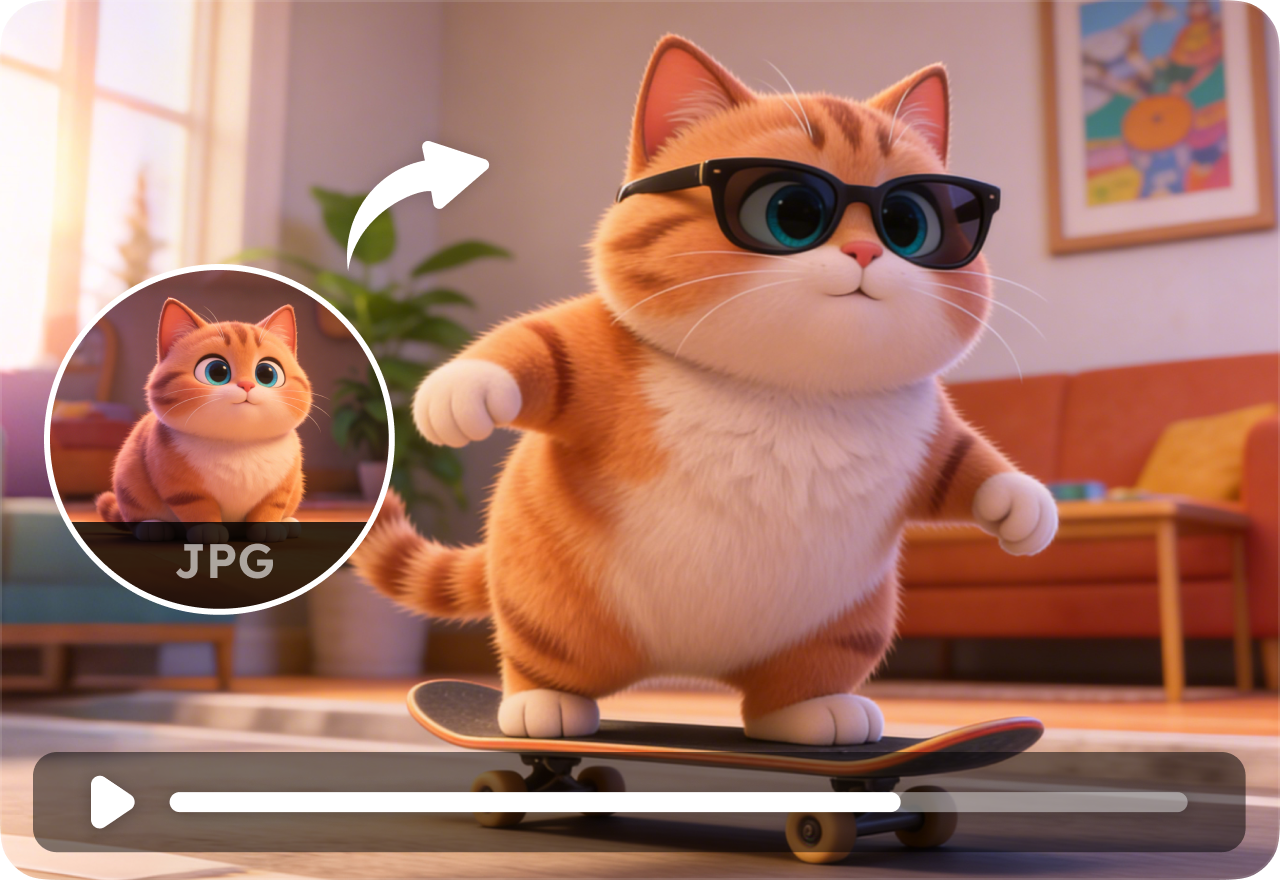
Upload artwork, product images, or concept designs, and let Veo 3.1 animate them into engaging video sequences. The model maintains character and object consistency across frames while adding smooth camera pans, zoom effects, and dynamic scene transitions. This feature is ideal for designers, e-commerce creators, and digital storytellers seeking high-quality AI video content without complex editing tools.
Multi-Scene and Vertical Video Generation for Social Media
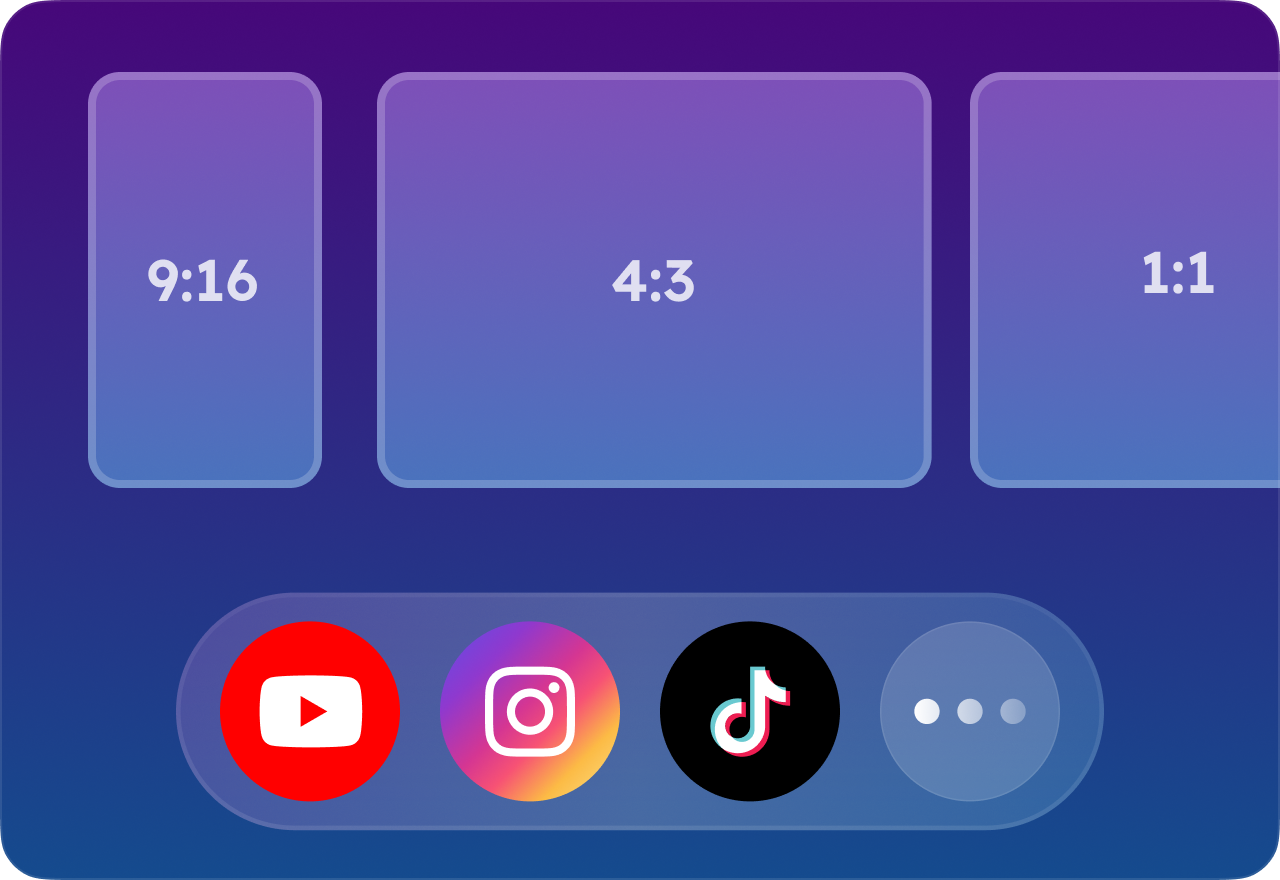
Veo 3.1 AI video maker supports multi-scene prompts and vertical video formats optimized for TikTok, Instagram Reels, and YouTube Shorts. Creators can easily design cinematic stories across multiple shots, and the AI automatically ensures fluid transitions, visual coherence, and social-ready formatting for any platform.
Powered by Gemini Intelligence for Smarter Video Creation
Veo 3.1 integrates Google DeepMind's Gemini intelligence to enhance scene composition, motion realism, and creative decision-making. The AI analyzes your prompt context to produce visually rich videos that feel natural, immersive, and story-driven, giving creators a next-generation video production experience.
Fully Cloud-Based AI Video Generation
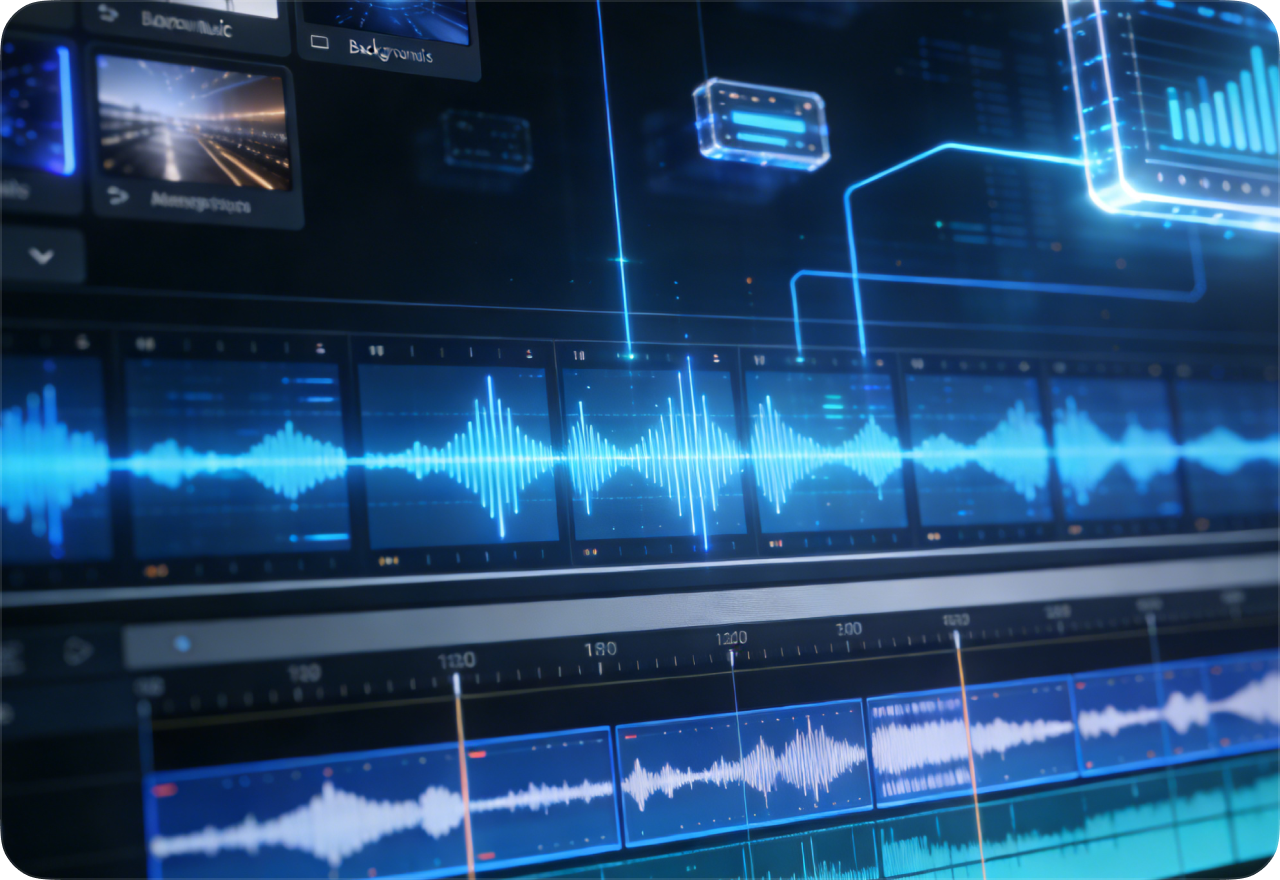
Veo 3.1 runs entirely in the cloud, eliminating the need for expensive hardware or software installations. Users can generate high-quality AI videos from any standard device, with fast rendering, scalable performance, and seamless integration of audio, motion, and cinematic effects, making professional AI video creation accessible to everyone.
FAQ About Veo 3.1 Video Generator
- Is Google Veo 3.1 free?
- How is Veo 3.1 different from Veo 3.0?
- How does Veo 3.1 compare to Sora AI?
- What kinds of videos can Veo 3.1 create?
- How long can the Veo 3.1 generated videos be?
- Does Veo 3.1 generate audio in the video?
- Social

- Subscribe


