






Video Compressor – Reduce Video Size for Free


How to Use the Video Compressor to Reduce Video Size
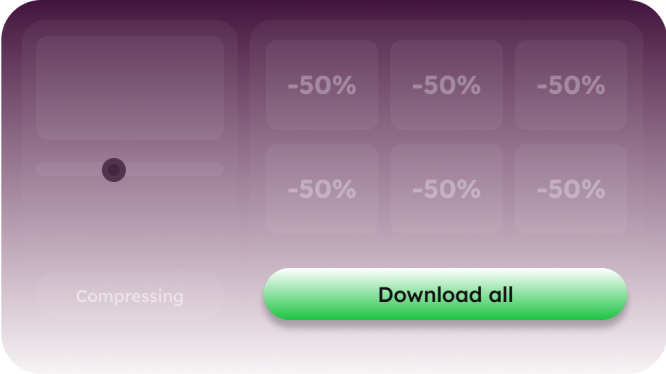
Powerful Features of the Video Compressor
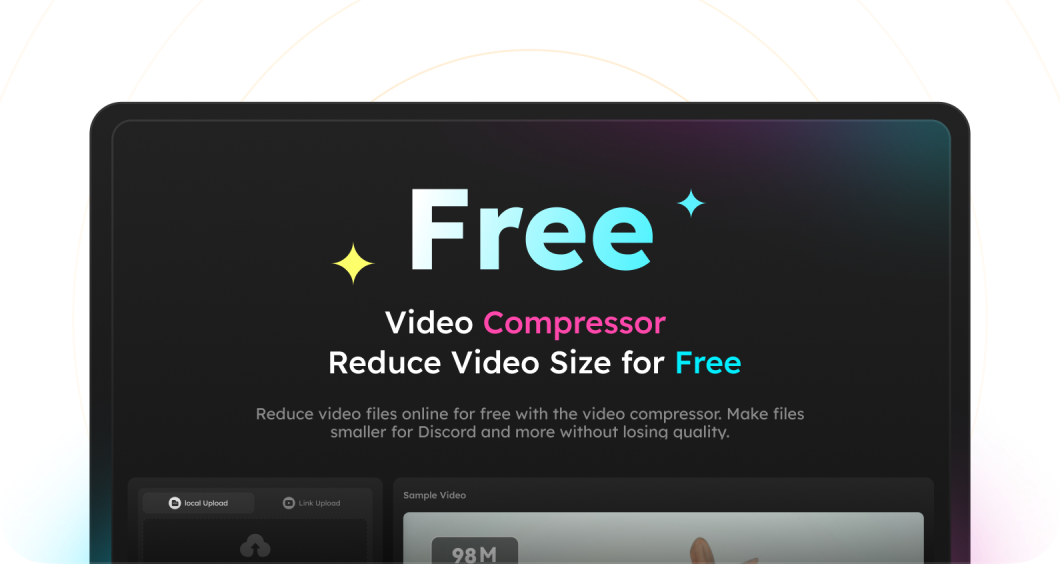
Use the free online video compressor to reduce video file size right in your browser (no software installation required). It works on any device, anytime. This online tool is completely free to use. We don't add watermarks to your videos, and your files remain private and secure.
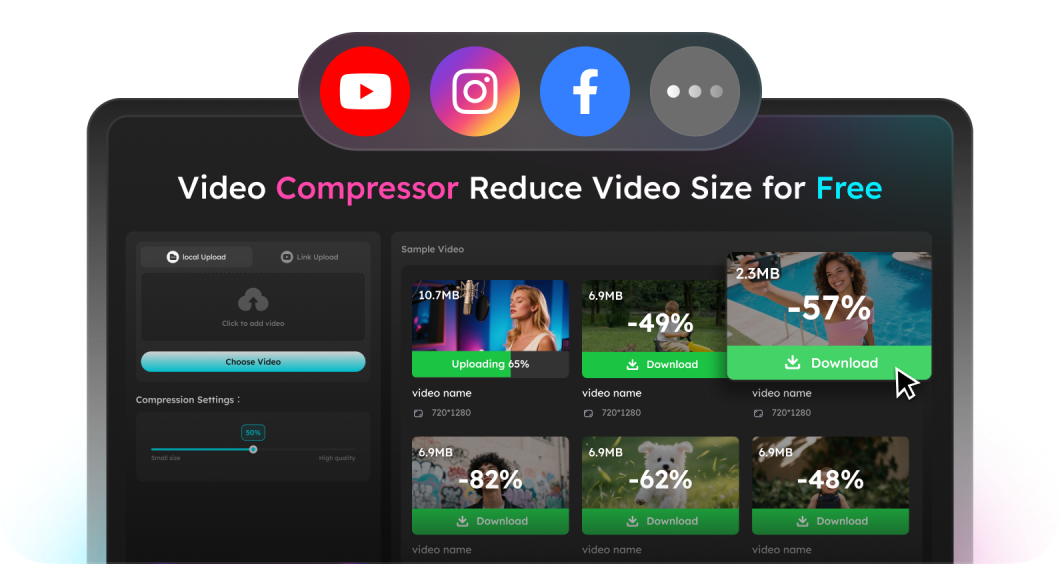
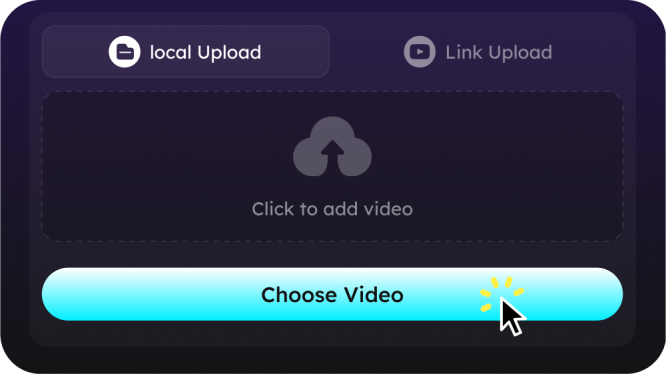
Paste a publicly available video link from YouTube, Instagram, Facebook, or other streaming sites to compress videos online—no need to download the file first. Quick, convenient, and hassle-free.
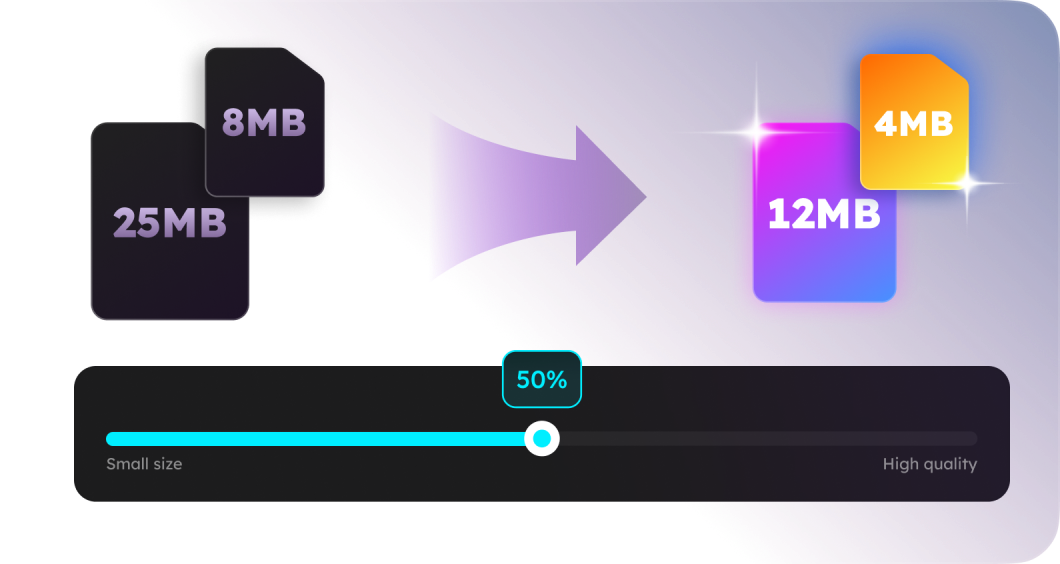
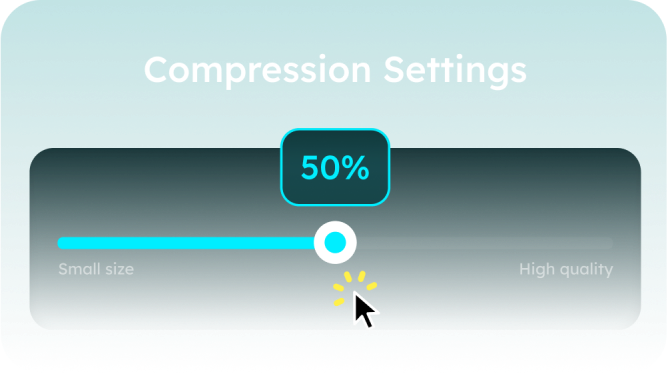
Easily shrink videos to meet platform-specific size limits, whether it's 8MB for Discord, 25MB for email, or optimal upload sizes for YouTube, Instagram, and TikTok. Just drag the compression bar and choose target file size to compress video for discord under 8MB or other sizes easily.
Choose automatic or manual compression and flexibly adjust resolution, bitrate, and file size to fit your needs, whether for Discord, YouTube, TikTok, email, or other platforms. Our smart algorithms preserve HD and 4K video quality while significantly reducing file size.
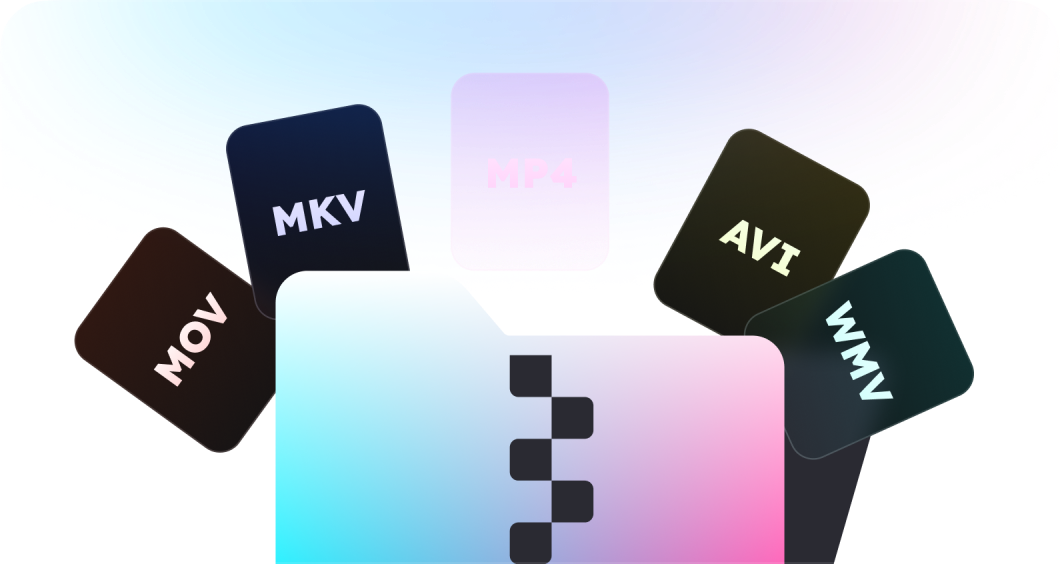
Easily compress popular video formats such as MP4, MOV, AVI, MKV, and WMV. Whether you’re working with short clips or large HD files, this tool helps reduce video size quickly and efficiently right in your browser.
Free Online Video Compressor - FAQs
Yes. This Discord video compressor includes presets to compress videos under 8MB, perfect for uploading to Discord without a Nitro subscription.
No. You can choose lossless compression or adjust settings to strike a balance between smaller size and high visual quality.
Yes, the online version allows you to batch compress up to 2 videos at a time. For unlimited batch compression, you can download its desktop version, which supports high-speed processing and more advanced features. This video compression software is compatible with both Windows and Mac systems.
- Social

- Subscribe


