







Kling O1 AI Video Generator Online
Experience the Omni One evolution. Deep reasoning, persistent subjects, and real-world physics integrated into one powerful multimodal workspace.
3 Simple Steps to Create with Kling O1
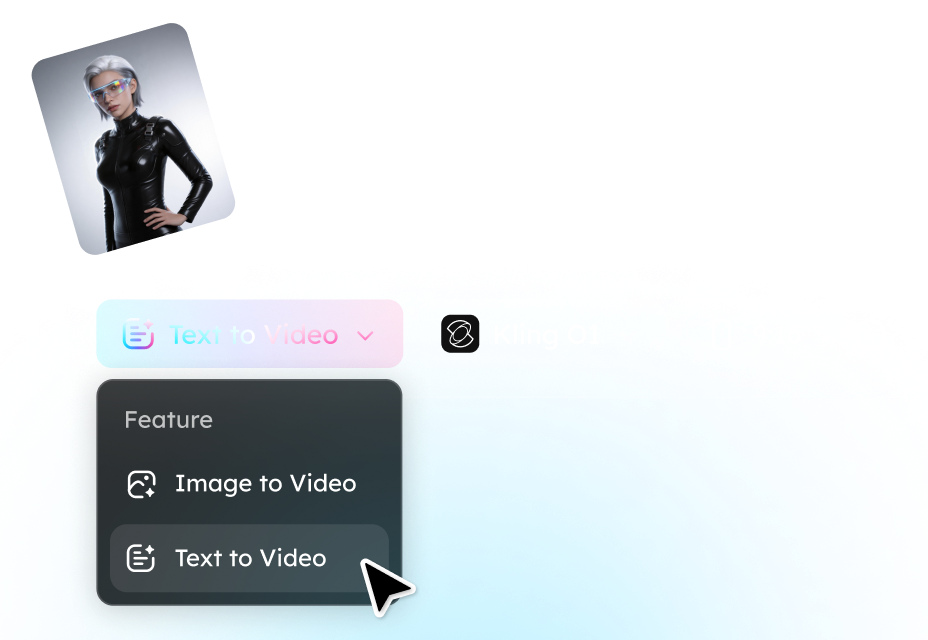
Step 1. Define Your Vision
Choose between Text-to-Video or Image-to-Video. Enter your creative prompt or upload a reference image to the Omni One engine to set the foundation of your scene.
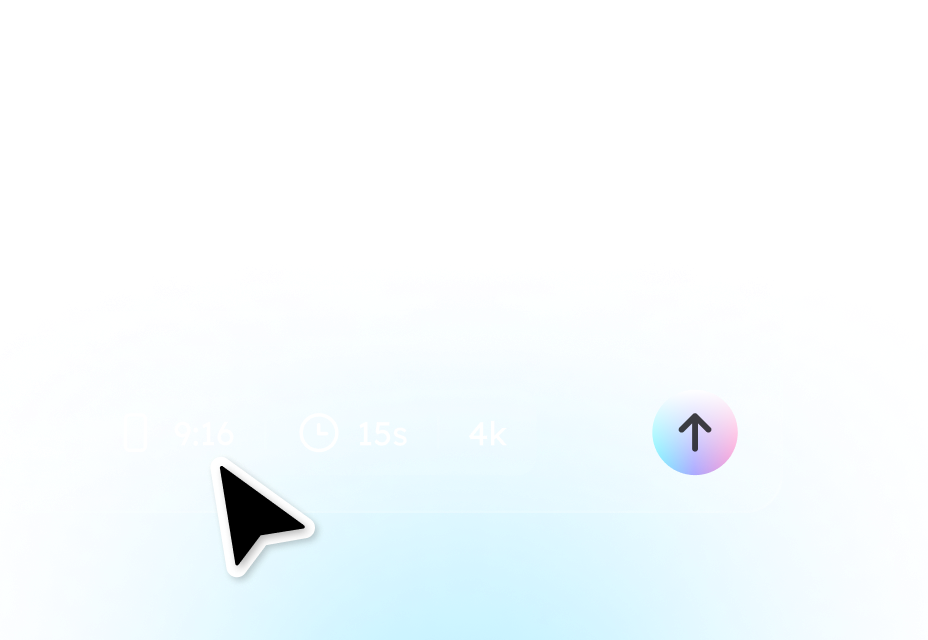
Step 2. Customize Parameters
Fine-tune your output settings. Select your preferred Aspect Ratio (16:9, 9:16, etc.) and Video Duration. These professional-grade controls ensure the result perfectly fits your platform's needs.
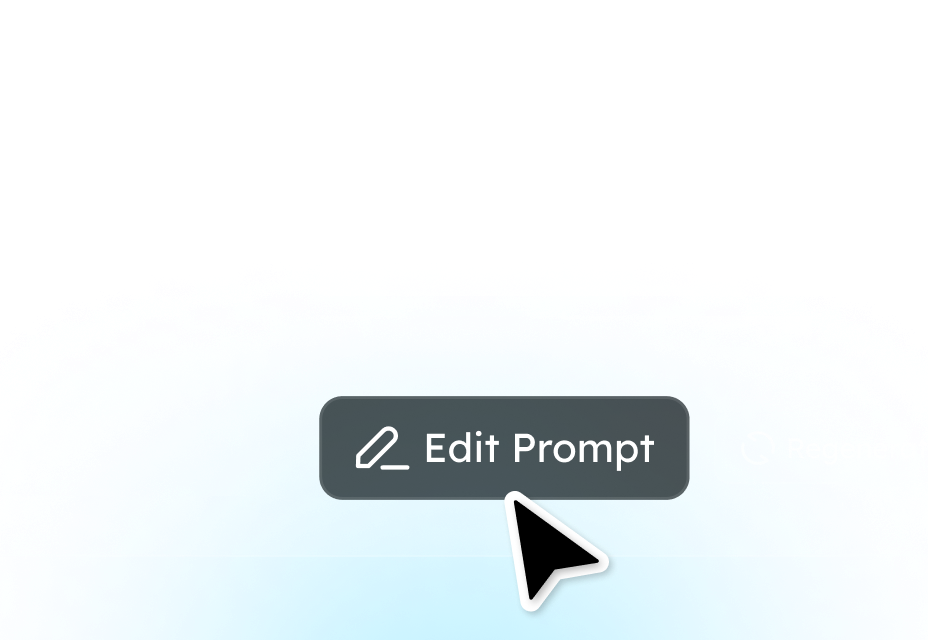
Step 3. Generate & Refine
Click Generate to start the reasoning process. Track real-time progress and ETAs on the dashboard. Once complete, preview your cinematic masterpiece. Not perfect? Simply hit Edit Prompt or Regenerate to polish your vision.
Core Features of the Kling O1 Multimodal Engine
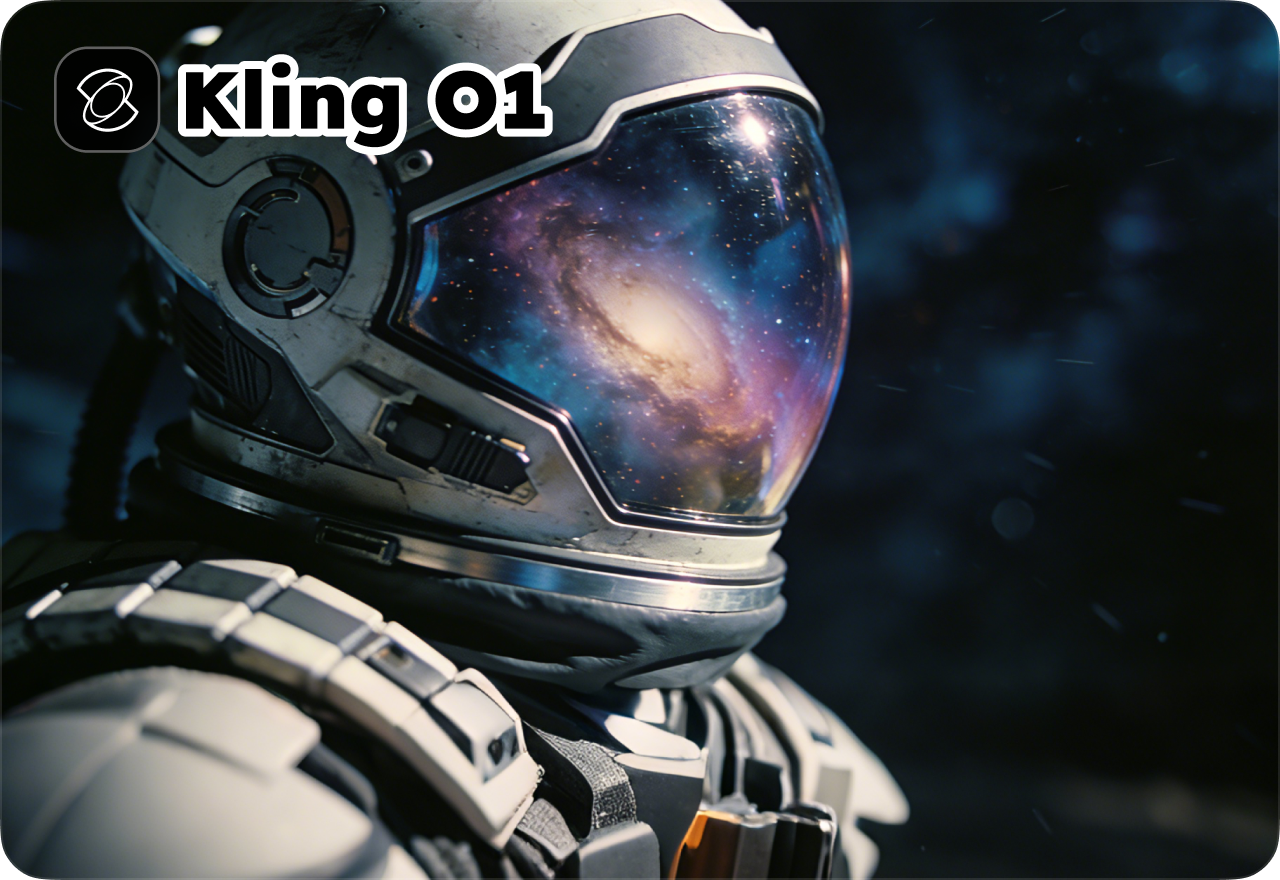
Unified Multimodal Video Generation
Generate cinematic videos from text prompts, images, or reference visuals. Kling O1's multimodal AI engine seamlessly transforms different inputs into coherent, high-quality scenes with consistent style, lighting, and motion. Perfect for creators, marketers, and storytellers looking for versatile AI video generation.
Consistent Characters Across Every Scene
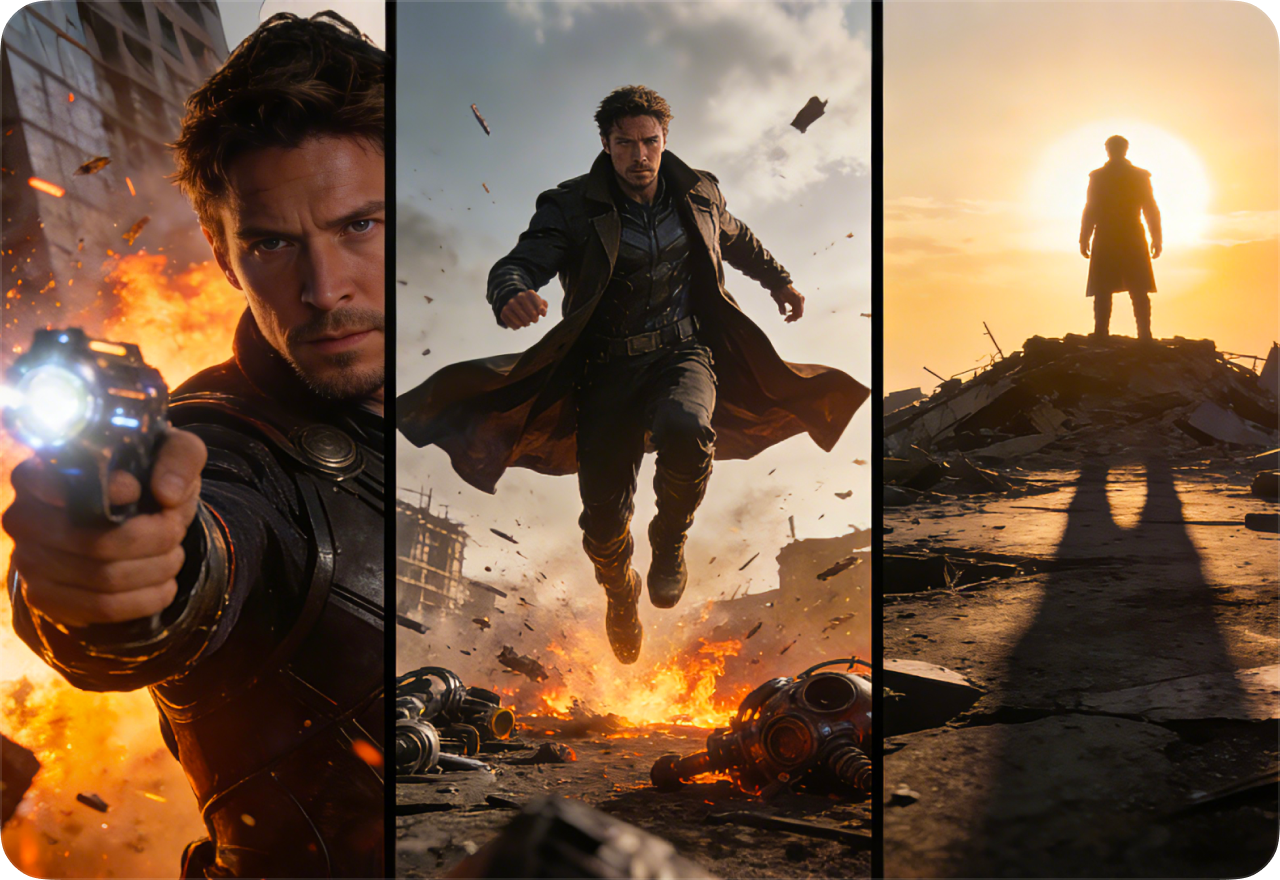
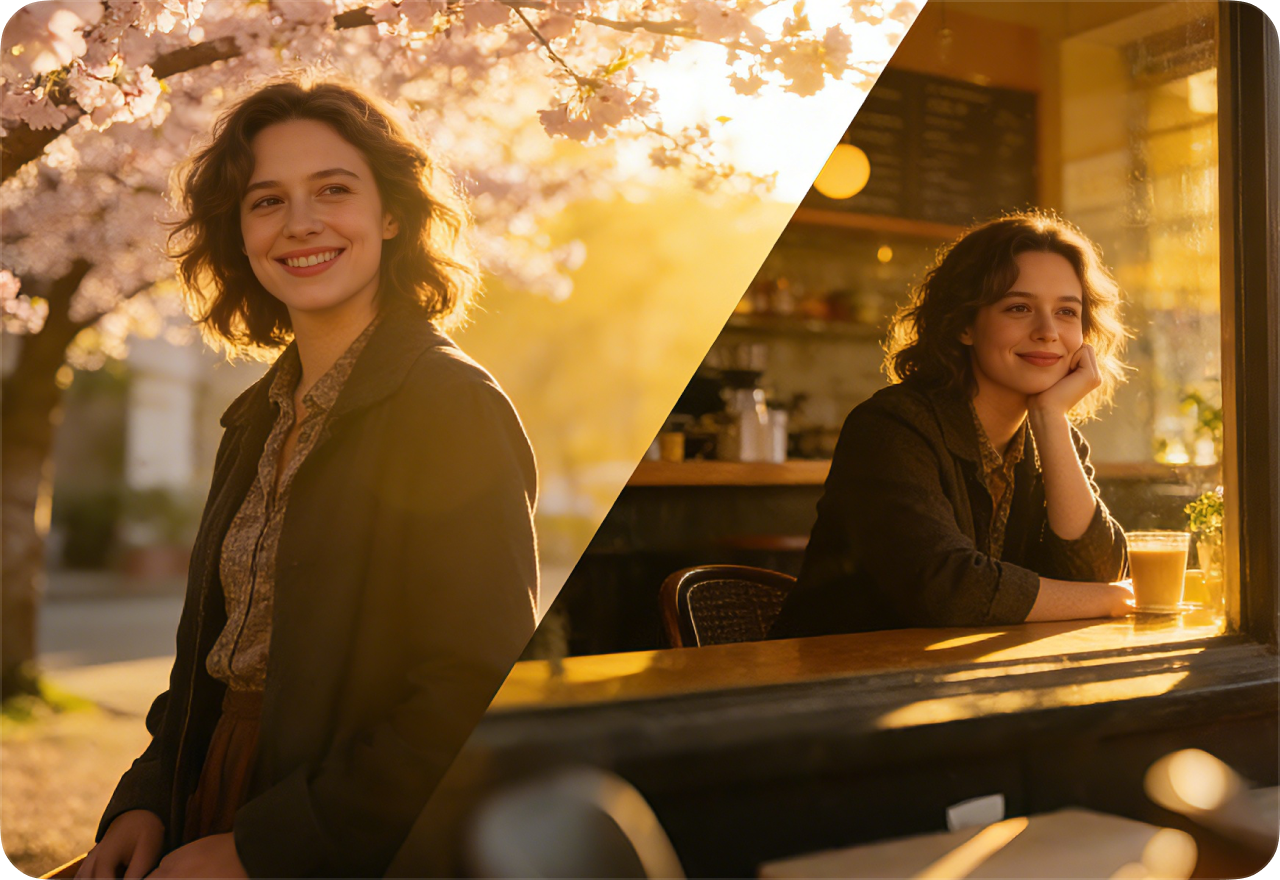
Stop struggling with characters that change every frame. Upload reference images once and generate multiple AI video clips with the same protagonist. Maintain visual consistency and personality across all clips, ideal for episodic storytelling, brand mascots, or recurring characters in social media campaigns.
Text-Driven Video Editing
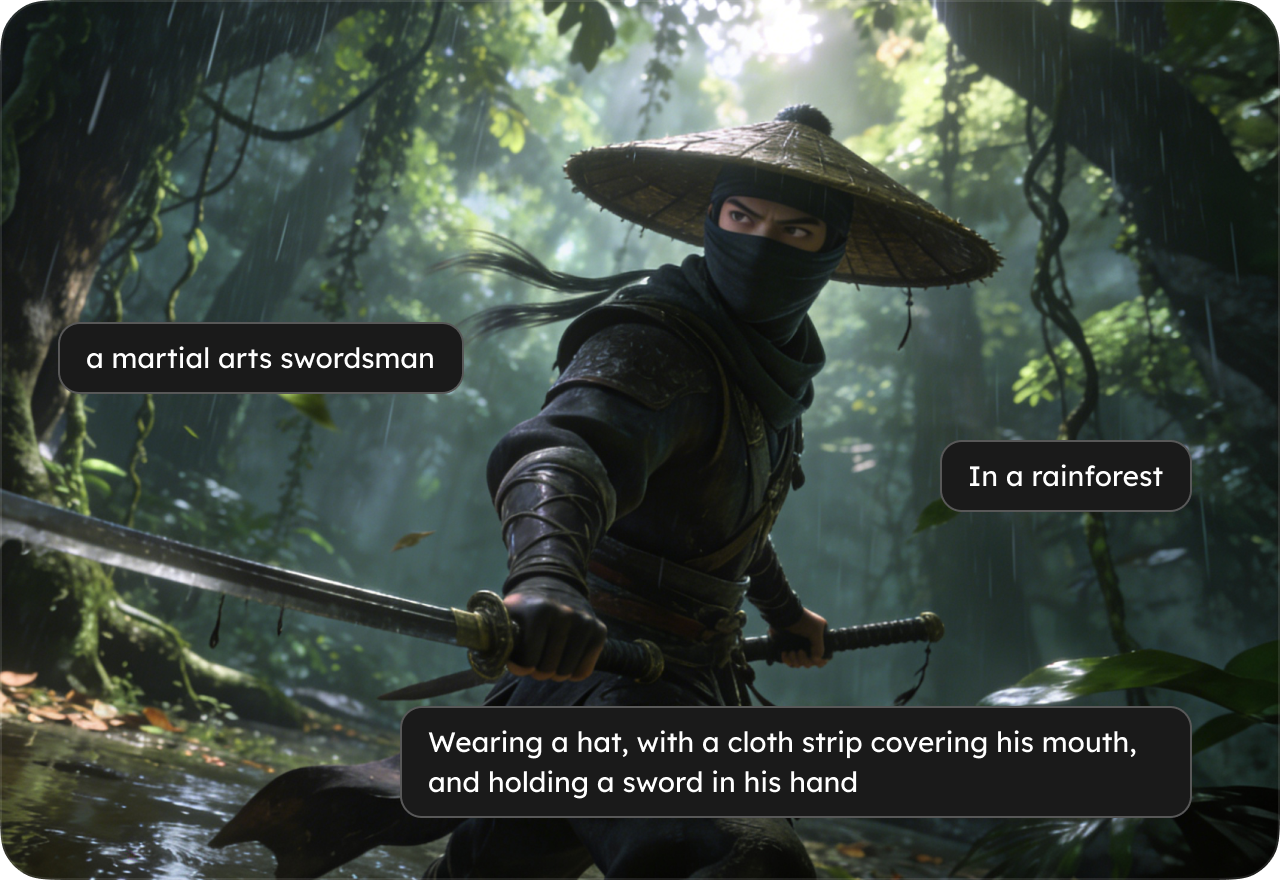
Refine your videos effortlessly using text prompts. Kling O1 supports AI video editing with prompt-based instructions, swap backgrounds, change outfits, or add effects like rain or snow, without complex masking or timeline editing. Perfect for social media creators and marketing teams who want fast, professional video edits.
Extend and Continue Video Scenes
Go beyond short clips. Kling O1 allows you to extend video sequences while preserving character identity, motion continuity, and scene consistency. Generate longer cinematic shots, multi-scene narratives, or serial content with seamless transitions, perfect for storytelling, ads, and cinematic projects.
Frequently Asked Questions
- 1. Can I use Kling O1 for free?
- 2. What types of videos can I generate with Kling O1?
- 3. Can I maintain character and style consistency across clips?
- 4. How do I edit or modify existing videos?
- 5. Can I extend the length of my videos?
- 6. Are the videos generated by Kling O1 royalty-free?
- Social
- Subscribe


