







Kling 3.0 AI Video Generator & Director for Multi-Shot Storyboarding
Up from Kling VIDEO 01 and Kling VIDEO 2.6 and engined by Omni One architecture, Kling V 3.0 has stepped into the AI director era of next generation. It turns text, images, or ideas into stunning 1080p HD videos with smooth motion and realistic visuals for up to 15 seconds. Try Kling 3.0 on EaseUS VideFlow now!
How to Use Kling 3.0 AI Creative Engine on EaseUS VideFlow
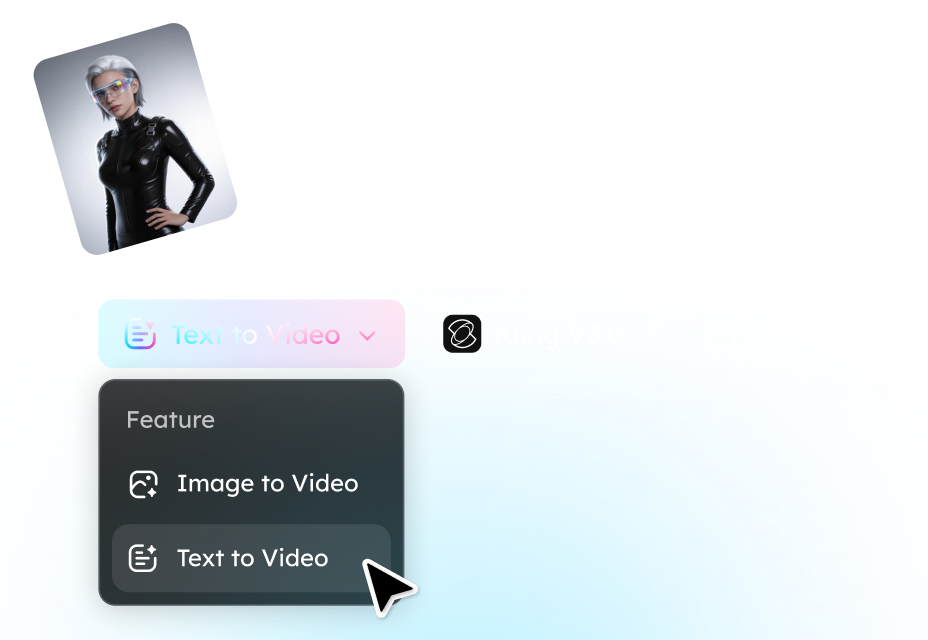
Step 1. Add your prompt or upload images
Start by describing the video you want to create. You can enter a detailed text prompt, upload reference images (up to 4 images with one main reference), or combine both to guide the AI in generating the desired scene, style, and characters.
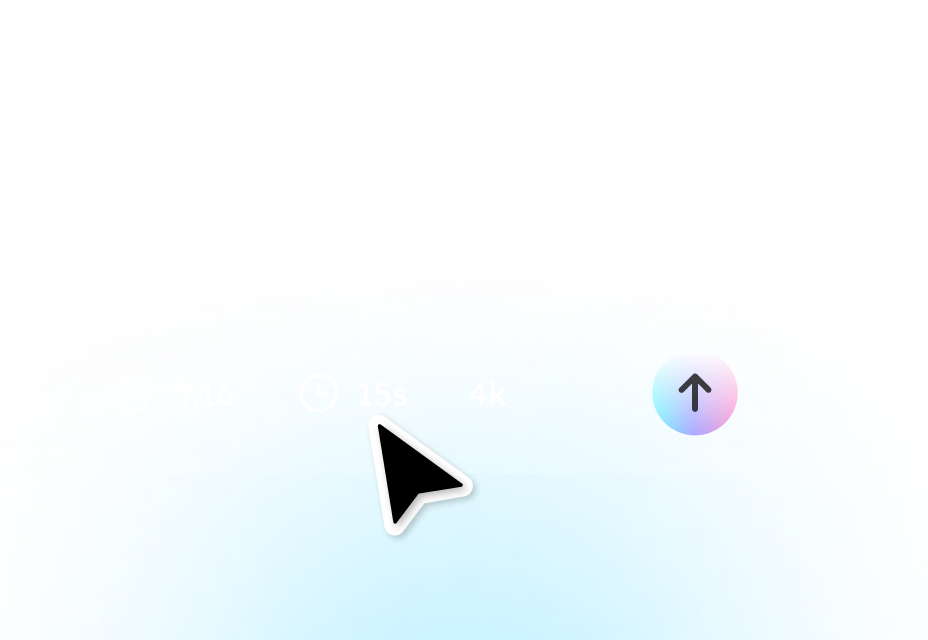
Step 2. Customize your video settings
Choose the video duration, aspect ratio, and output quality. You can also enable synchronized audio or add voice lines for character dialogue to create more immersive AI-generated videos.
Step 3. Generate and download your video
Click Generate, and EaseUS VideFlow will use the Kling 3.0 AI engine to create a high-quality video based on your inputs. Once the video is ready, preview it and download the final result in high resolution for sharing or further editing.
What Makes Kling 3.0 the First Multimodal AI Video Engine
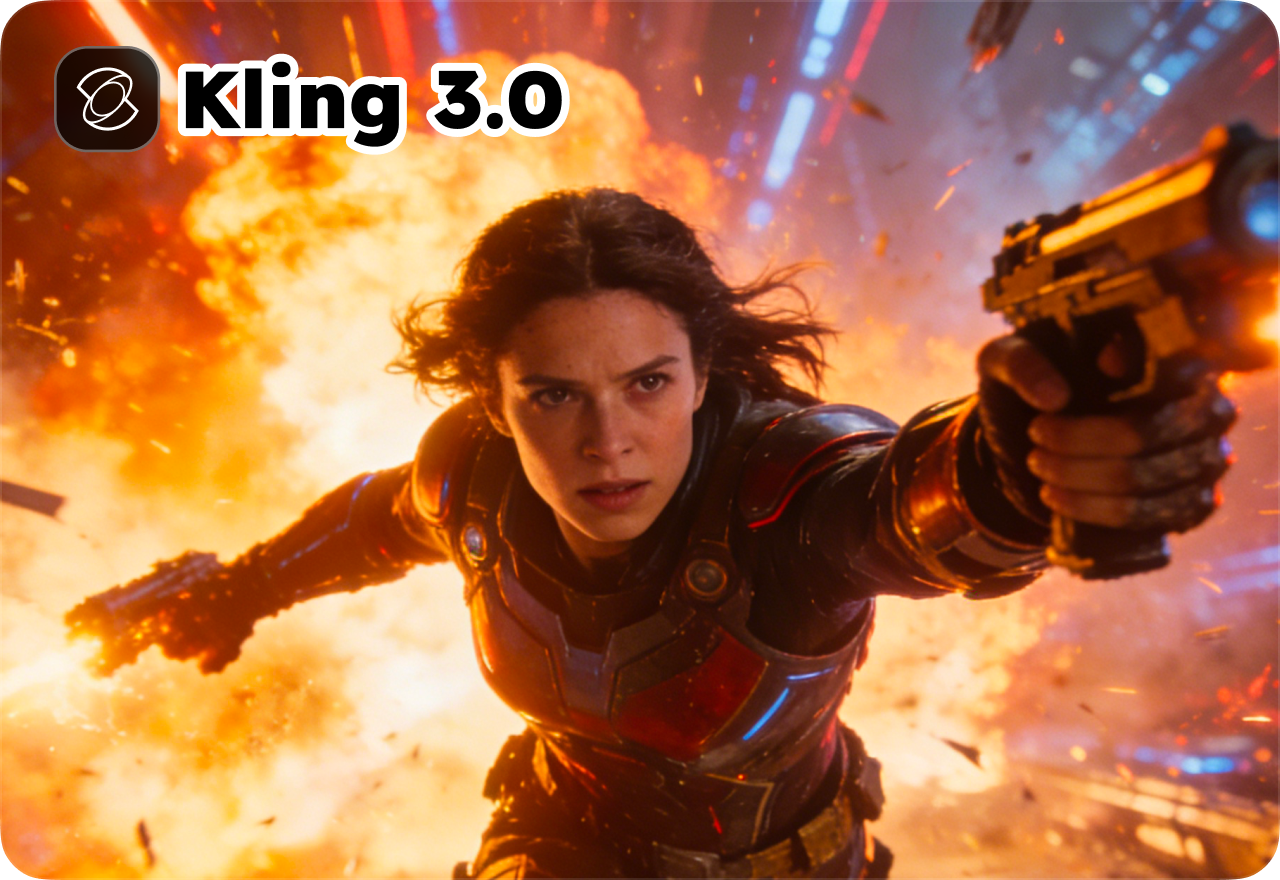
Director-Level AI Video Generation
Kling 3.0 introduces a new way to create videos with an AI director-style workflow. Instead of generating isolated clips, the model interprets multiple prompts together and produces synchronized visuals and audio in one pass. This unified system enables smoother storytelling, consistent characters, and natural scene transitions, helping creators turn simple ideas into polished cinematic videos.
Multi-Shot Storytelling with Intelligent Scene Transitions
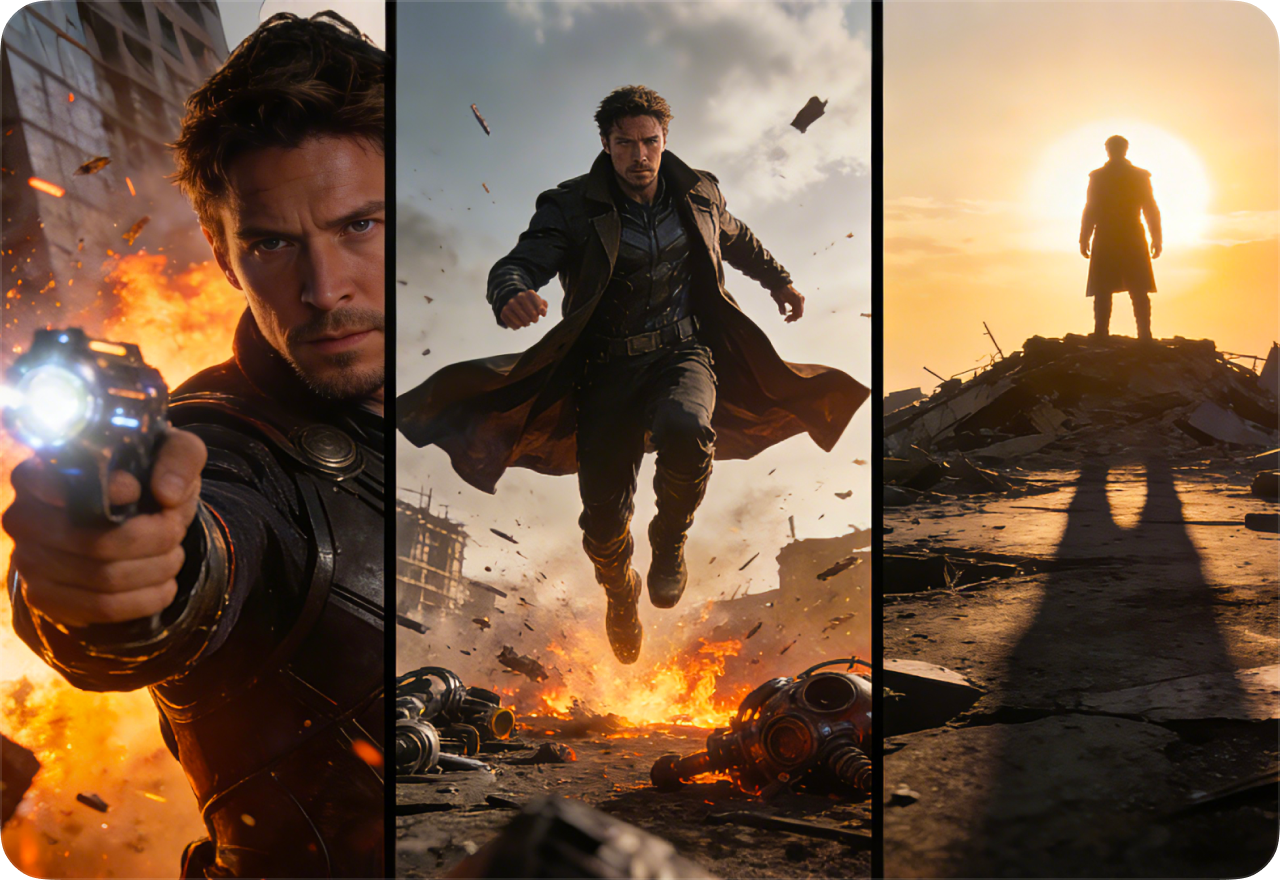
Unlike traditional AI video tools that generate a single shot, Kling 3.0 can produce multi-shot sequences within one generation. The system automatically manages camera cuts, shot-reverse-shot patterns, and perspective changes while keeping characters and environments visually stable. This makes it possible to create structured narratives such as product ads, social content, or short cinematic scenes.
Multi-Prompt Control for Advanced Video Direction
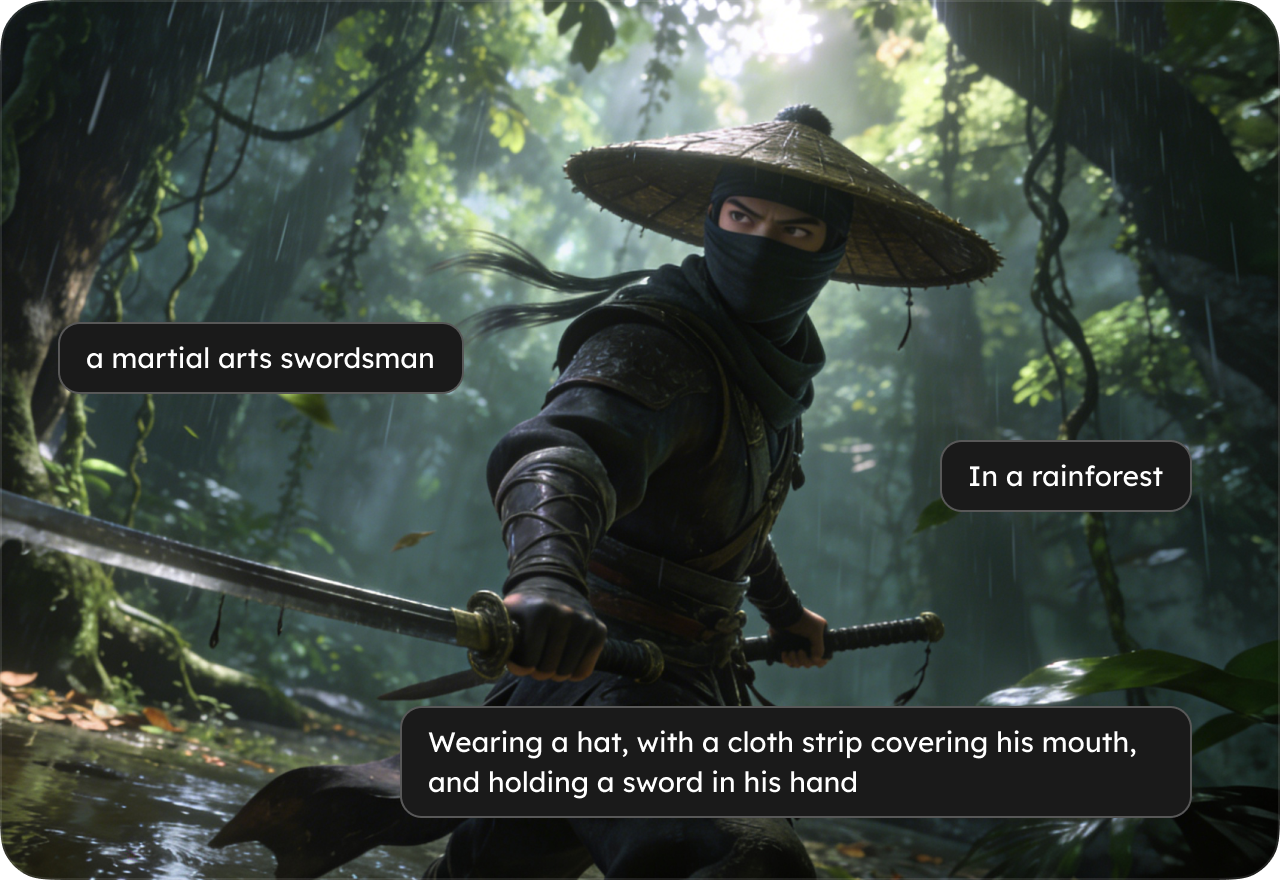
Kling 3.0 supports multi-prompt video generation, allowing creators to guide different moments of a video using several prompts. For example, a 15-second clip can be divided into multiple segments, each describing a different action, camera movement, or character interaction. This prompt-based control makes it easier to create complex video sequences without traditional timelines or keyframe editing.
Physics-Aware Motion and Realistic Animation
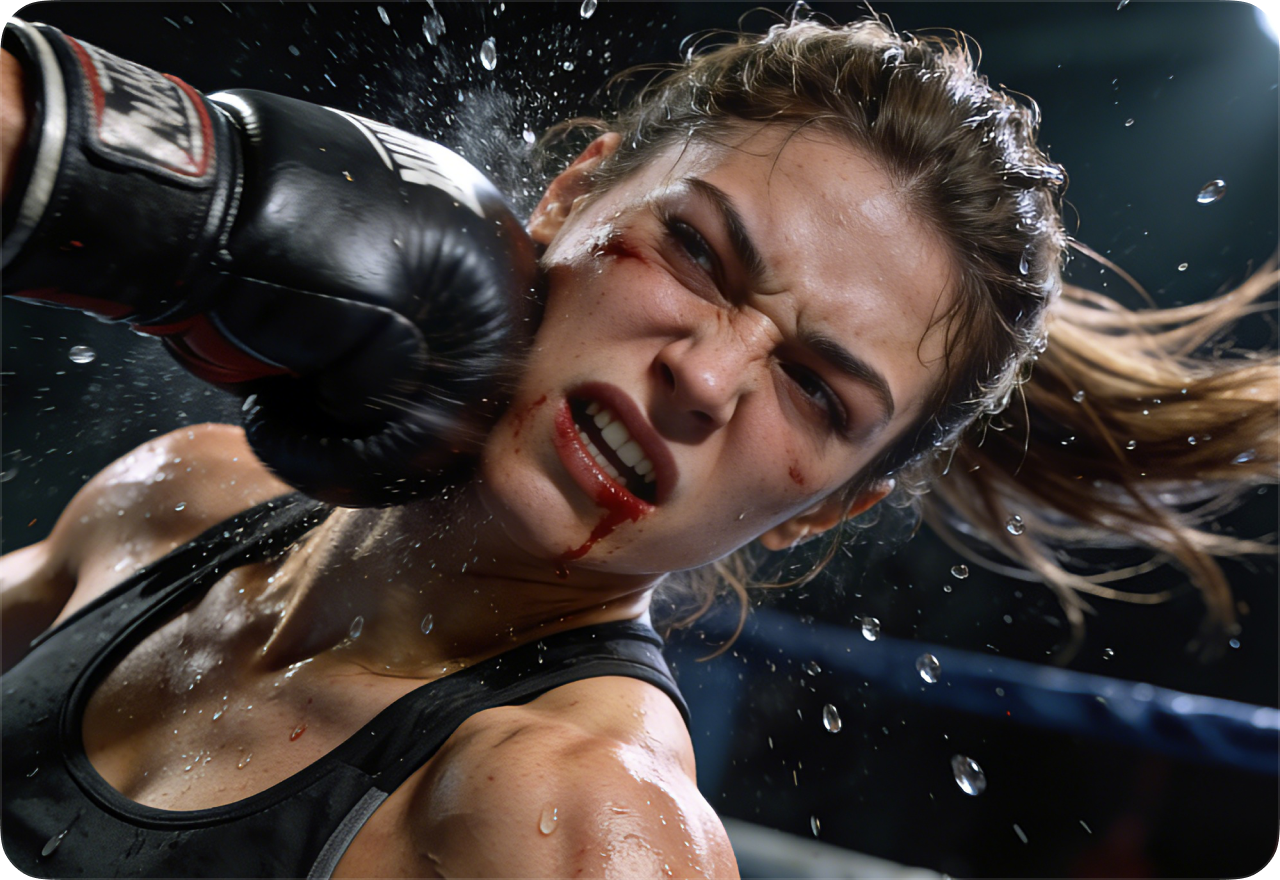
The model integrates physics-informed motion simulation, improving how objects and characters move within generated scenes. Elements such as cloth movement, hair dynamics, liquid behavior, and object collisions appear more natural and visually believable. The result is smoother animation and cinematic motion that feels closer to real footage.
Extended 15-Second Video Generation for Complete Scenes
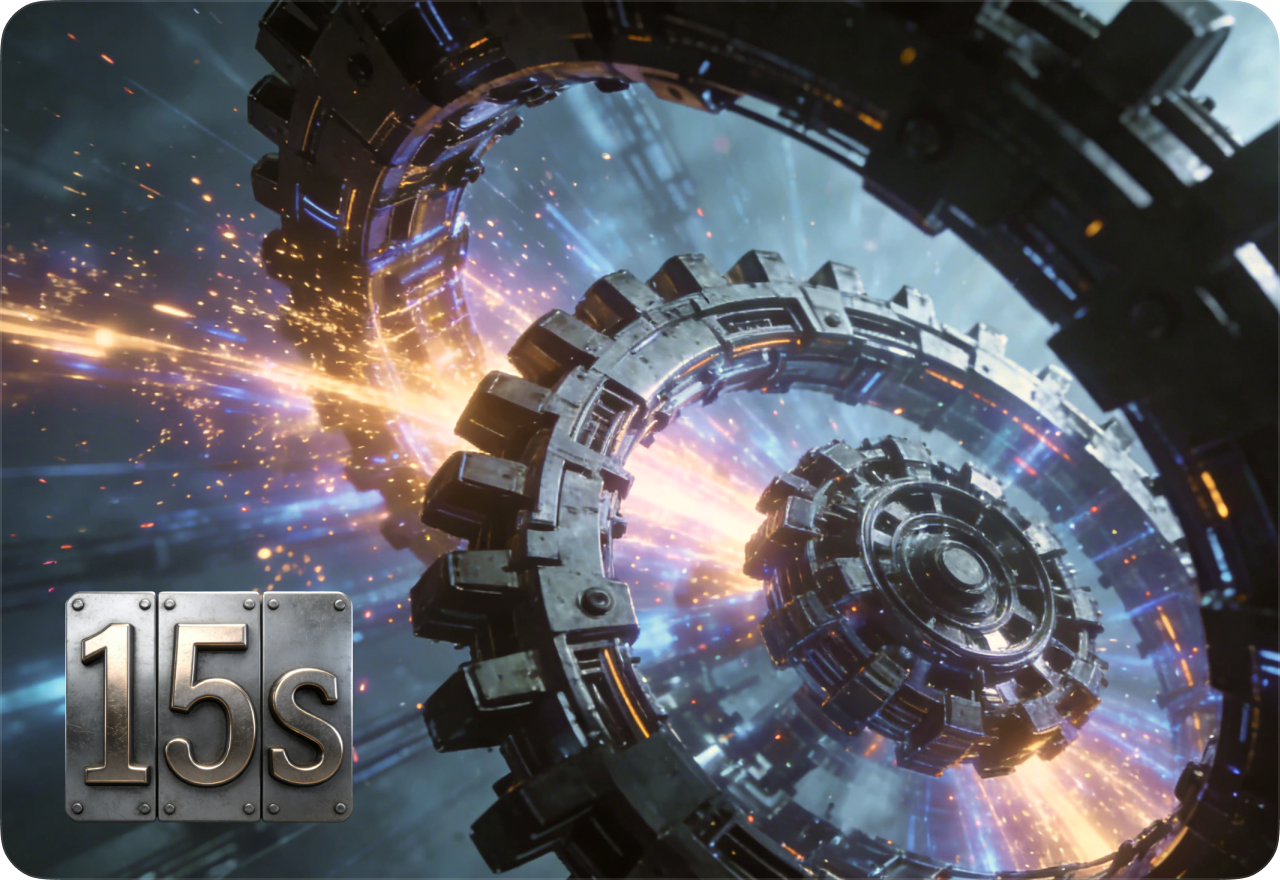
Kling 3.0 can generate continuous videos up to 15 seconds long, allowing more complete storytelling compared to short AI clips. Longer sequences enable richer narratives, smoother pacing, and fewer visual inconsistencies between scenes. Creators can generate entire moments, such as product demonstrations, character interactions, or branded storytelling, in a single generation.
FAQ About Kling 3.0 AI Video Generator
- What is Kling 3.0 AI Video Generator?
- What's new in Kling 3.0 compared to earlier versions like Kling 2.6?
- How does Kling 3.0 compare to other AI video models like Sora or Runway?
- Do I need advanced prompt engineering to use Kling 3.0?
- How long can Kling 3.0 generate videos?
- Is Kling AI reliable and fast for generating videos?
- Social
- Subscribe


