








Kling 2.6 AI Video Generator – Create Next-Gen AI Videos with Lip Sync Instantly
Kling 2.6 is a next-generation AI video generator that turns simple prompts into cinematic videos with synchronized audio. Sign up with your email to get Kling AI free credits and start creating videos instantly.
How to Use Kling 2.6 to Generate AI Videos
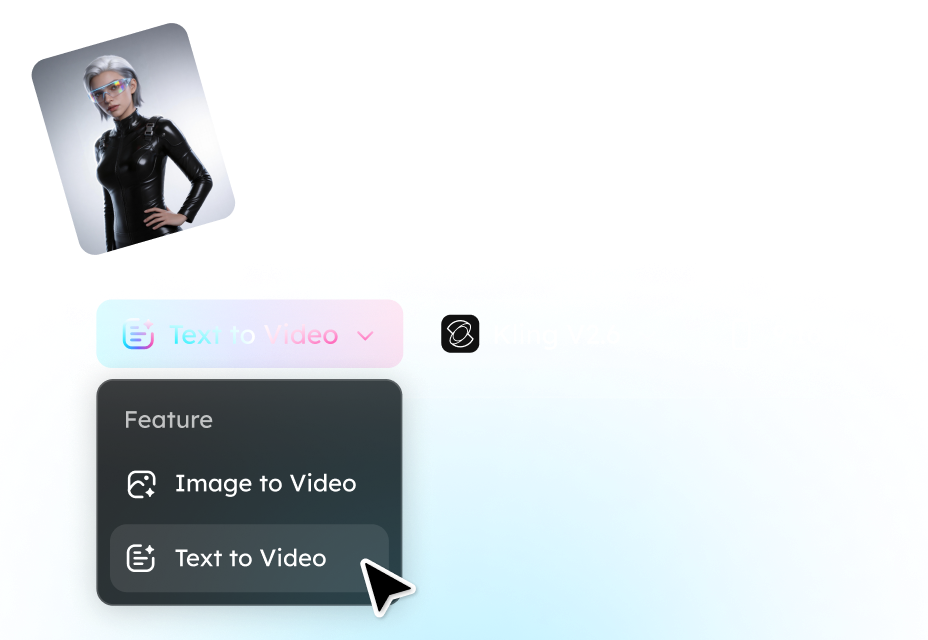
Step 1. Enter a Prompt or Upload an Image
Start by describing the video you want to create. You can type a text prompt for text-to-video generation or upload an image to turn it into a dynamic scene using image-to-video AI.
Step 2. Choose Kling 2.6 Settings
Select the Kling 2.6 model and configure your output preferences, such as video style, resolution, and scene length. The AI will automatically handle motion, camera angles, and even dialogue timing.
Step 3. Generate and Download Your Video
Click Generate and let Kling AI produce the final video. Within seconds, you'll get a ready-to-use clip with realistic animation and synchronized sound. You can preview the result and download the video directly.
Key Features of the Kling 2.6 AI Video Generator

Free Trial with Kling AI Free Credits
New users can start with a free trial after signing up with an email address. Once registered, you'll receive free credits that allow you to generate videos without paying upfront. This makes it easy to test the model's performance before purchasing additional credits. Many creators use the trial to experiment with text-to-video, image-to-video, and short AI clips for social media.
Audio and Video Generated Together
Unlike traditional AI video tools that only generate visuals, Kling 2.6 can produce audio and video at the same time. The model can automatically add character dialogue, environmental sound effects, and background atmosphere. This audio-visual synchronization creates more immersive results and eliminates the need for separate audio editing.

AI Lip Sync and Multi-Character Conversations
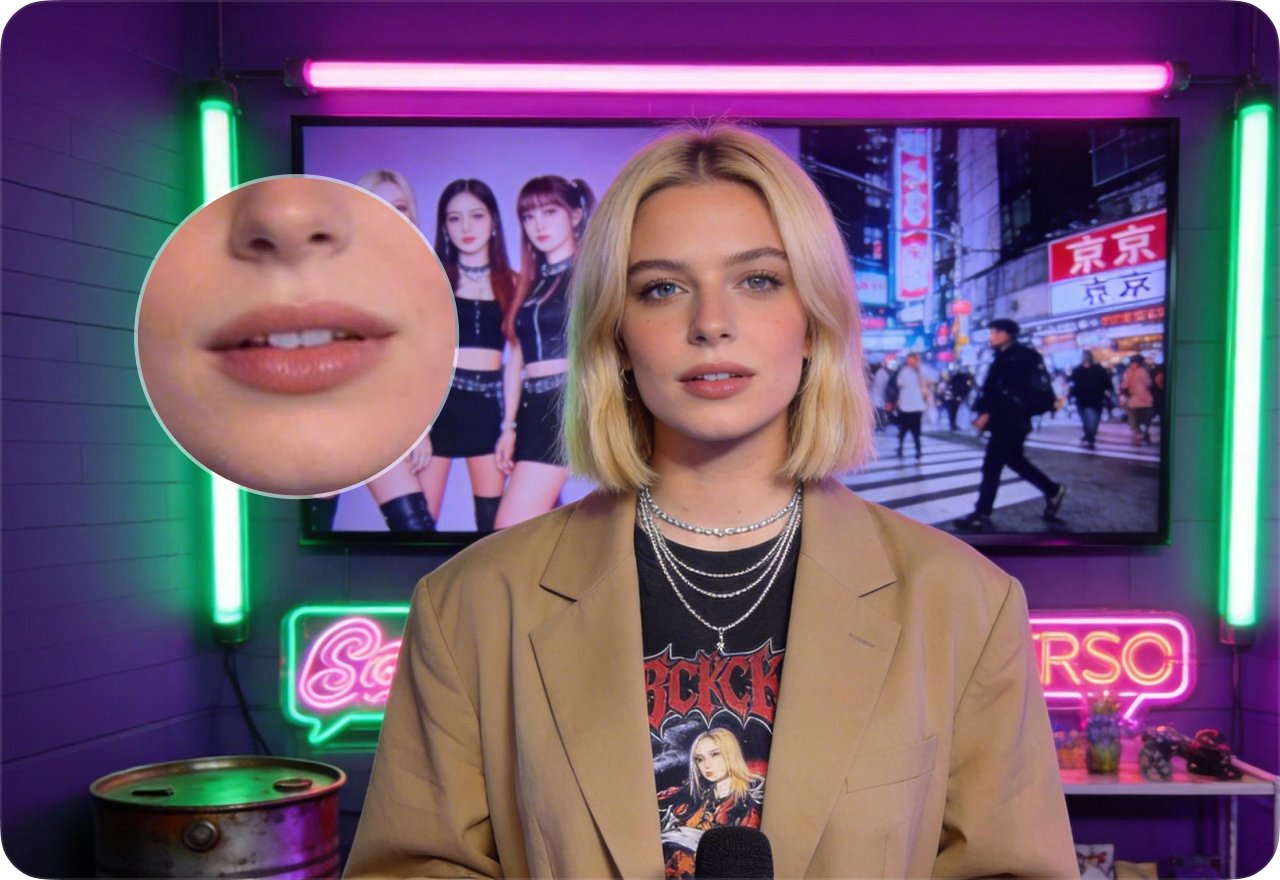
Another highlight is Kling AI lip sync technology, which allows characters to speak naturally in generated videos. The model can handle multi-character dialogue scenes, making it suitable for storytelling, animated conversations, AI presenters, and short scripted videos. Each character can have distinct voice timing and realistic mouth movement.
Common Use Cases for Kling AI
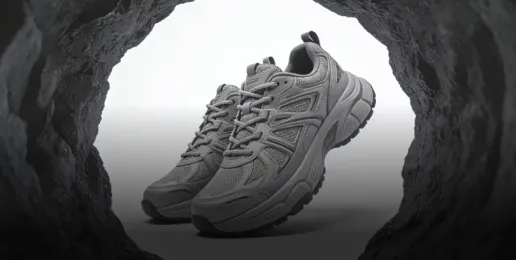
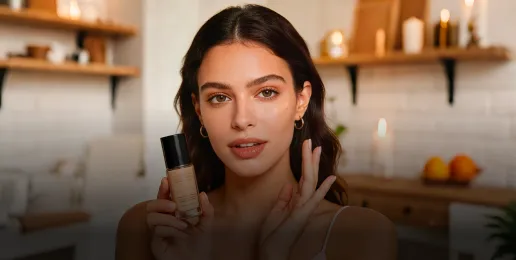
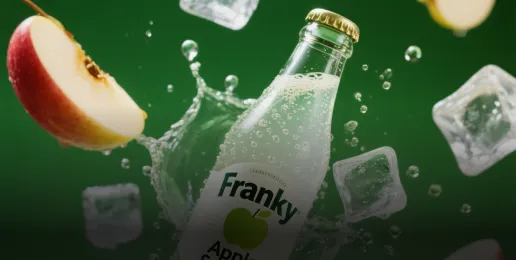
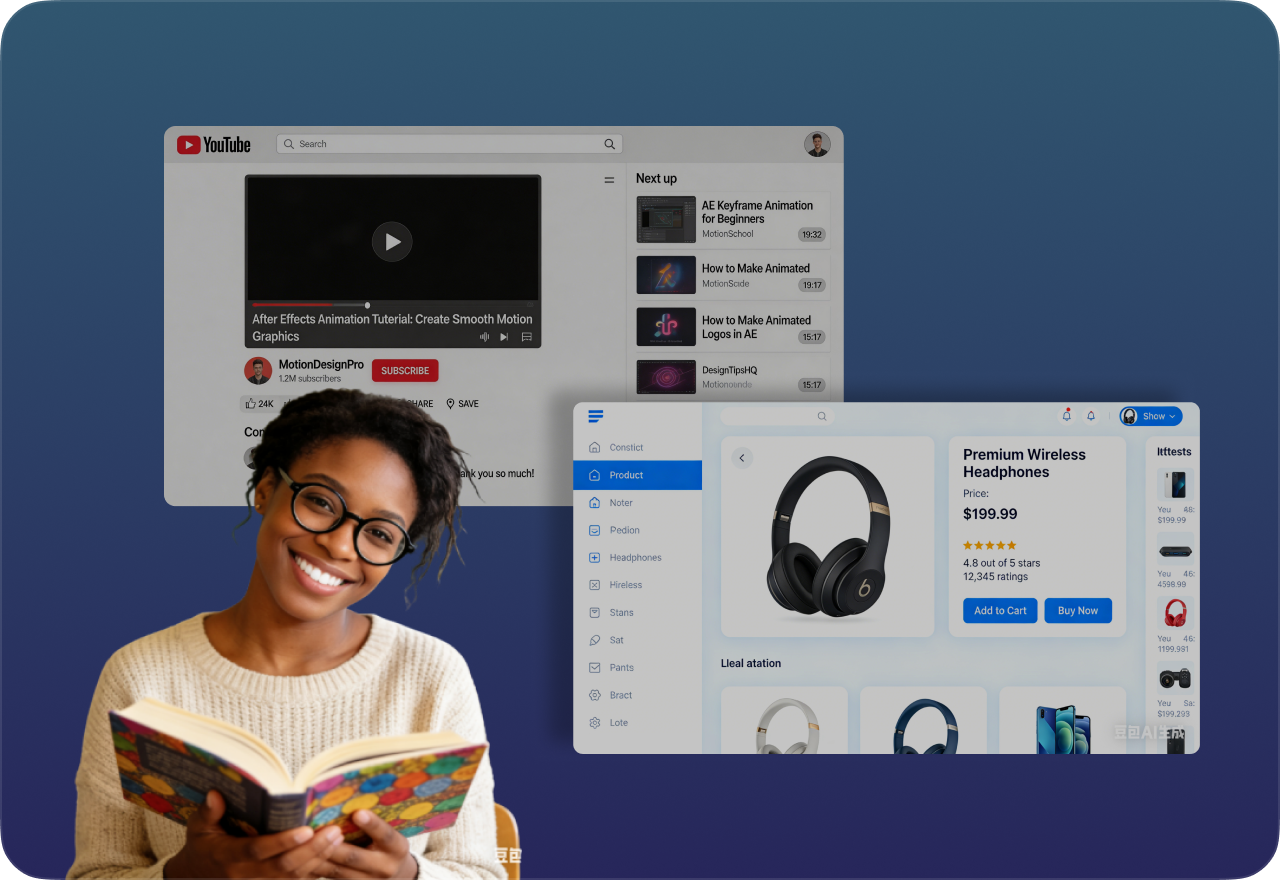
Because of its automation and realistic results, Kling AI is widely used across different industries and content formats. Typical use cases include short-form social media videos, AI storytelling and animation, product marketing clips, educational explainers, and AI characters or virtual presenters. These applications make Kling 2.6 a strong Kling AI alternative to many traditional video production tools.
FAQ About Kling 2.6
- What is Kling AI?
- Is Kling AI free?
- Does Kling AI support lip sync?
- Are Kling videos private?
- Is Kling AI safe to use?
- Social
- Subscribe


