







Hailuo 2.3 AI Video Generator | Realistic Motion & Multi-Style Video Model
Generate smooth motion, realistic facial expressions, and multi-style visuals in up to 1080p resolution for storytelling, marketing, and social media content.
How to Create Image/Text to Video with Hailuo 2.3 AI Model
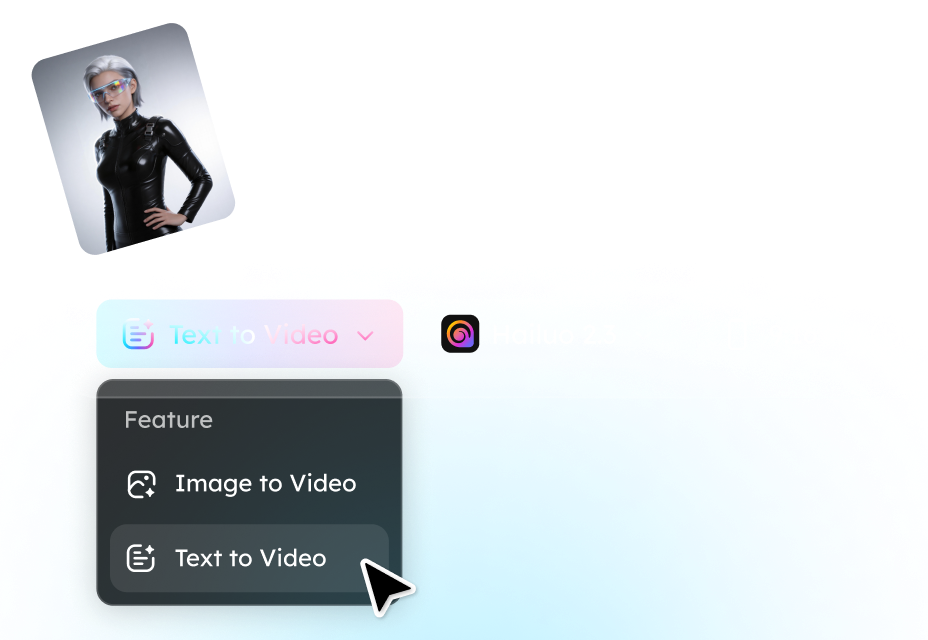
Step 1. Describe Your Video or Upload an Image
Start by entering a text prompt describing the scene you want to generate, or upload a single image and transform it into an animated scene.
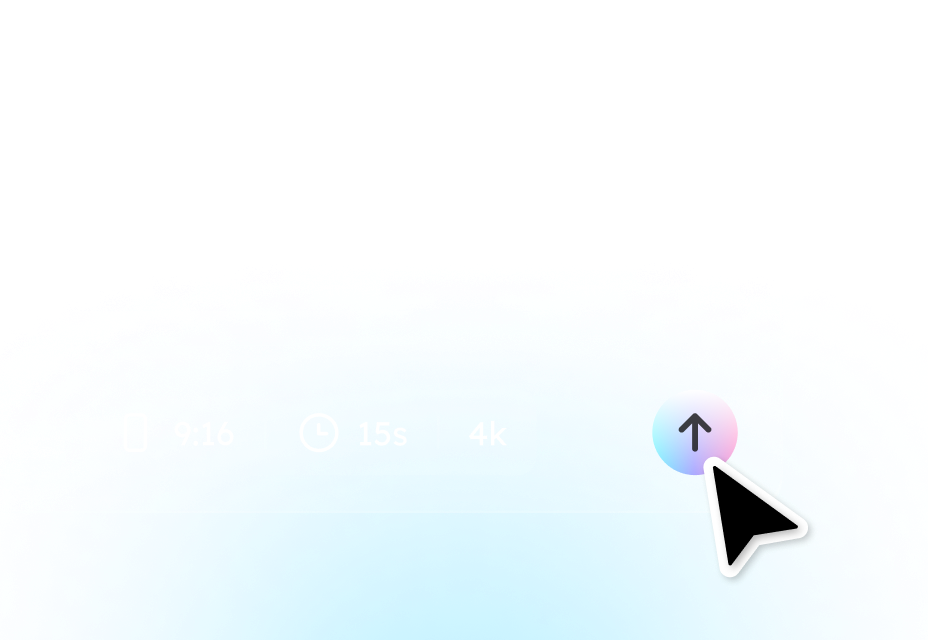
Step 2. Select Video Settings and Generate
Choose your preferred resolution and video duration, click Generate and the AI model will create the video automatically.

Step 3. Preview and Download Your Video
Preview the result to review motion quality, visual style, and character animation. If needed, refine the prompt and regenerate to improve the scene. When satisfied, download the video.
Key Capabilities of the Hailuo 2.3 AI Video Model
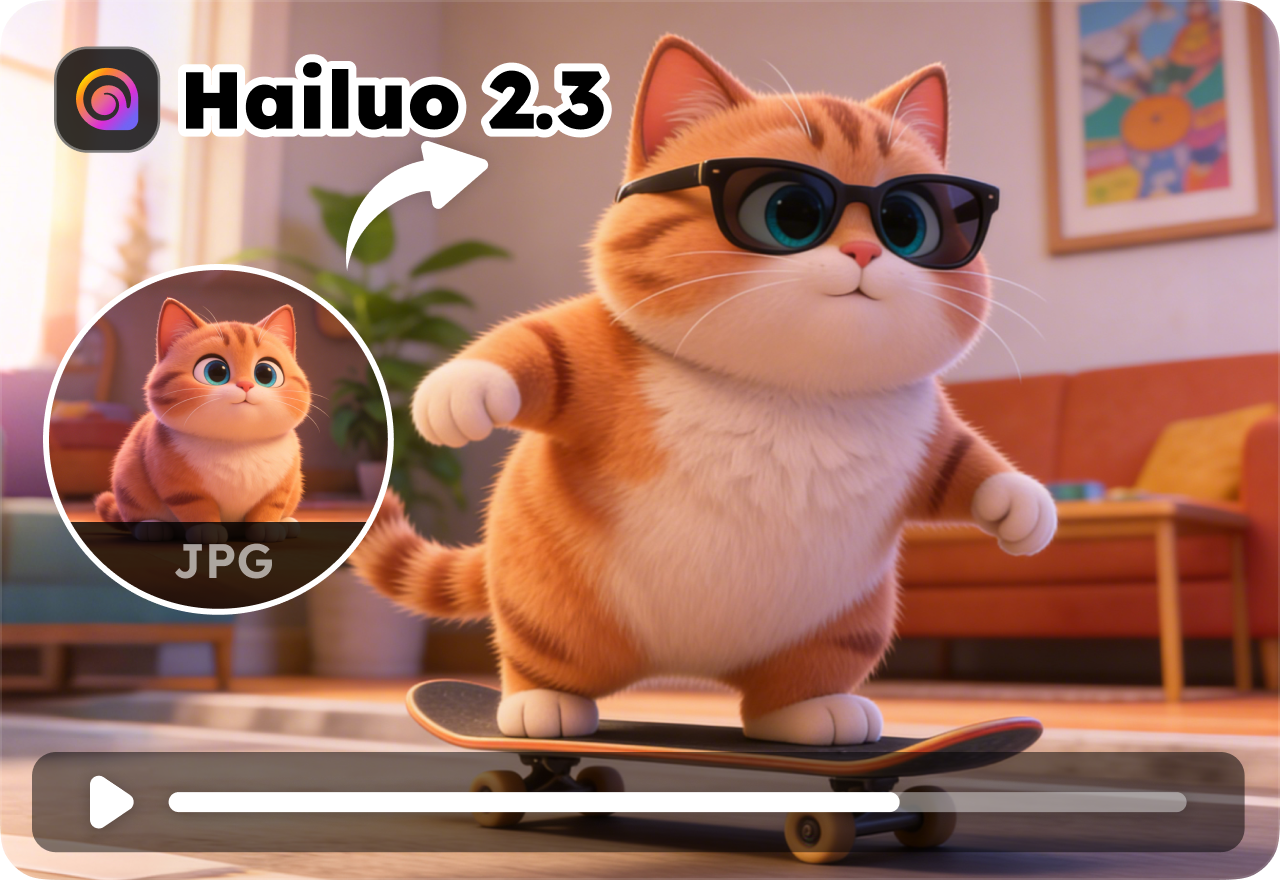
Multimodal Video Creation
Hailuo 2.3 supports both text-to-video and image-to-video workflows. Users can generate videos directly from a written prompt or animate a single image into a moving scene. This flexibility allows creators to experiment with different creative inputs without complex editing tools.
Smooth Motion and Realistic Character Animation
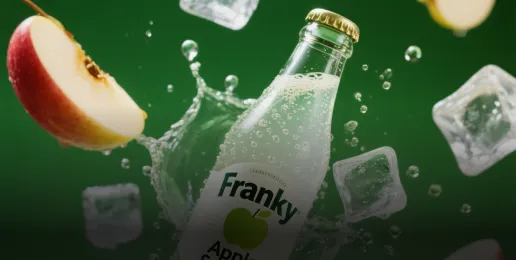
The model improves the quality of dynamic motion, allowing characters and objects to move more naturally across frames. Complex actions such as dancing, fast camera movement, or full-body animation appear smoother and more consistent than earlier versions.

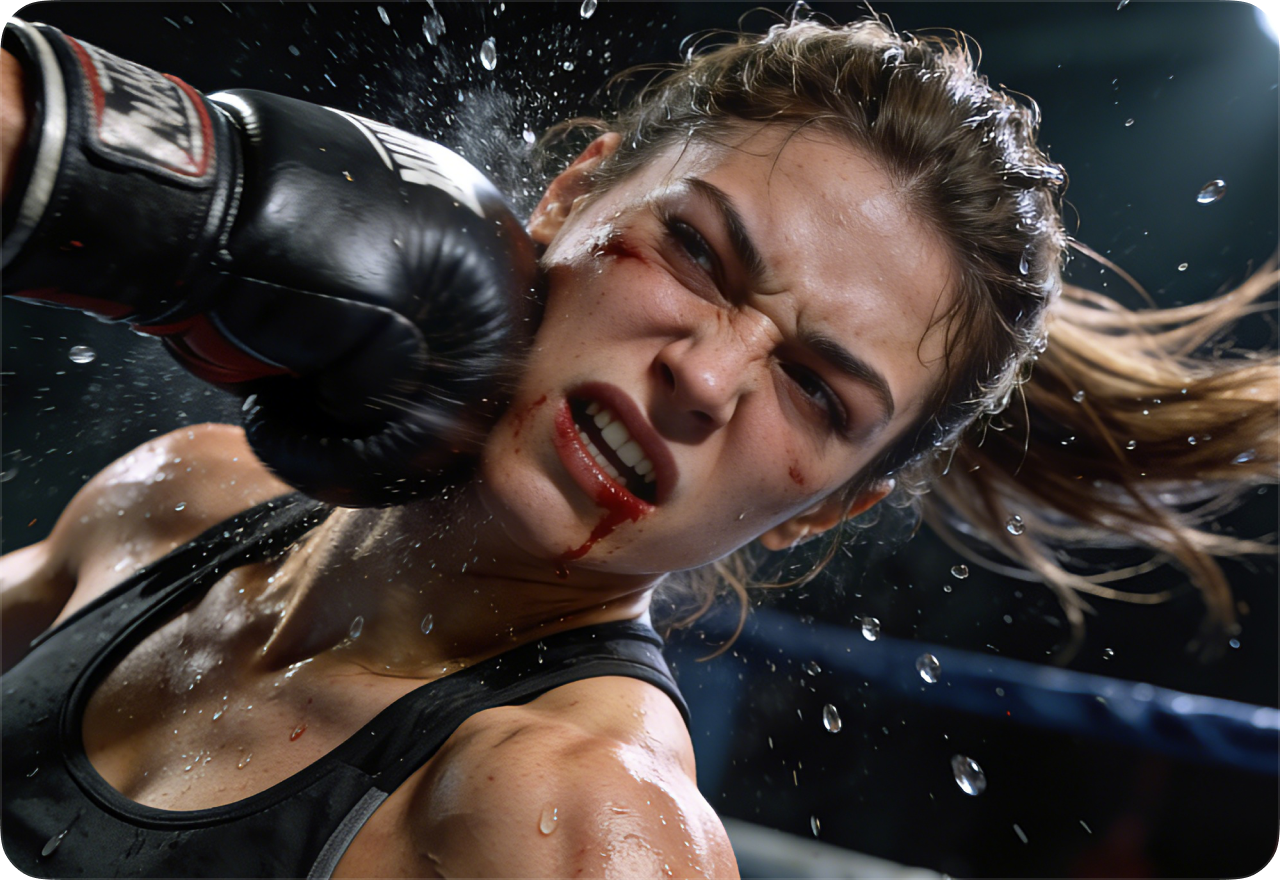
Lifelike Facial Expressions and Emotional Detail
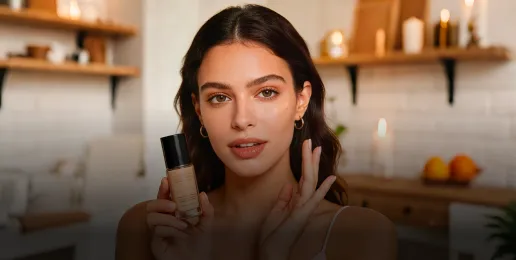
Hailuo 2.3 enhances facial animation by generating subtle micro-expressions such as blinking, smiling, or emotional reactions. These improvements help produce more believable character performances, especially in close-up or dialogue-style scenes.
Multi-Style Video Generation
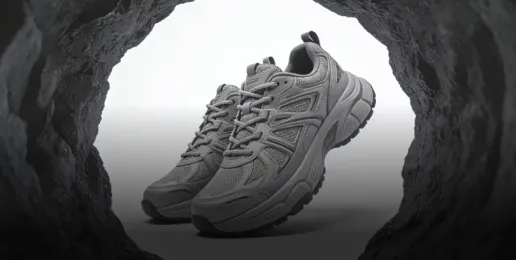
Creators can generate videos in multiple visual styles, including anime, cinematic CG, watercolor-like aesthetics, and photorealistic scenes. The model maintains style stability across frames, reducing visual flickering or inconsistent rendering.

Fast Generation Mode for Efficient Production
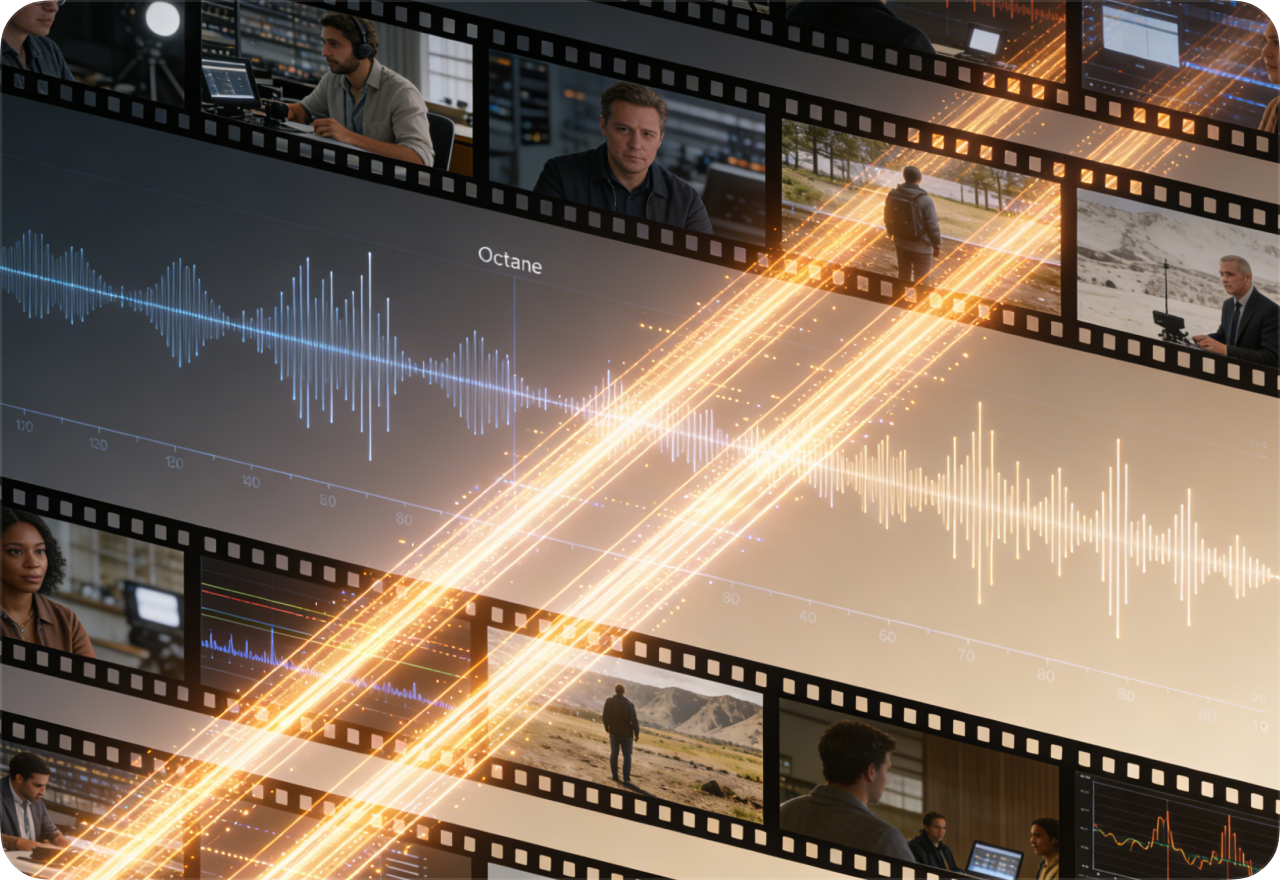
Hailuo 2.3 includes a high-speed variant known as Hailuo 2.3 Fast, which allows quicker video generation and lower production costs. This mode is useful for testing prompts, producing multiple variations, or generating batches of short videos.
FAQ About Hailuo 2.3 AI Video Generator
- 1. What is Hailuo 2.3?
- 2. What's new in Hailuo 2.3 compared to previous versions?
- 3. What are the differences between Hailuo 2.3 and Hailuo 2.3-Fast?
- 4. Does Hailuo 2.3 support last-frame conditioning?
- 5. How much does Hailuo 2.3 cost to use?
- Social

- Subscribe


