






Grok Imagine Video Generator: Text & Image to Video in Seconds
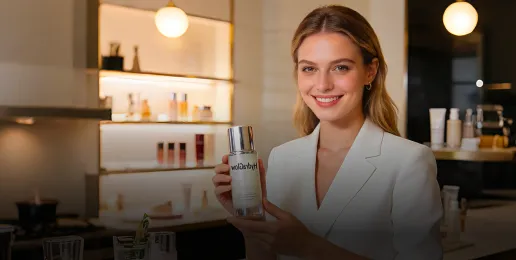
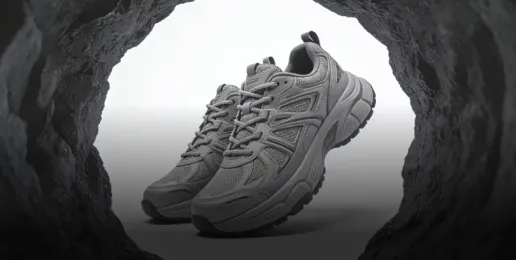
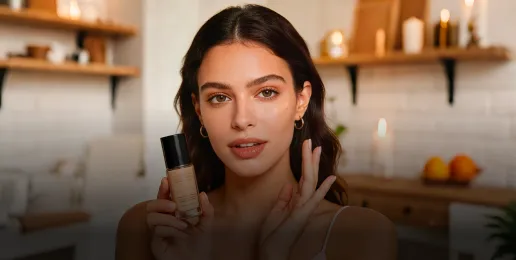
xAI's Grok Imagine delivers smooth motion, auto-music, and cinematic effects. It turns your images and ideas into polished videos for character animation, viral shorts, or creative storytelling. No skills required. Create your first clip now!
How to Use Grok Imagine Video
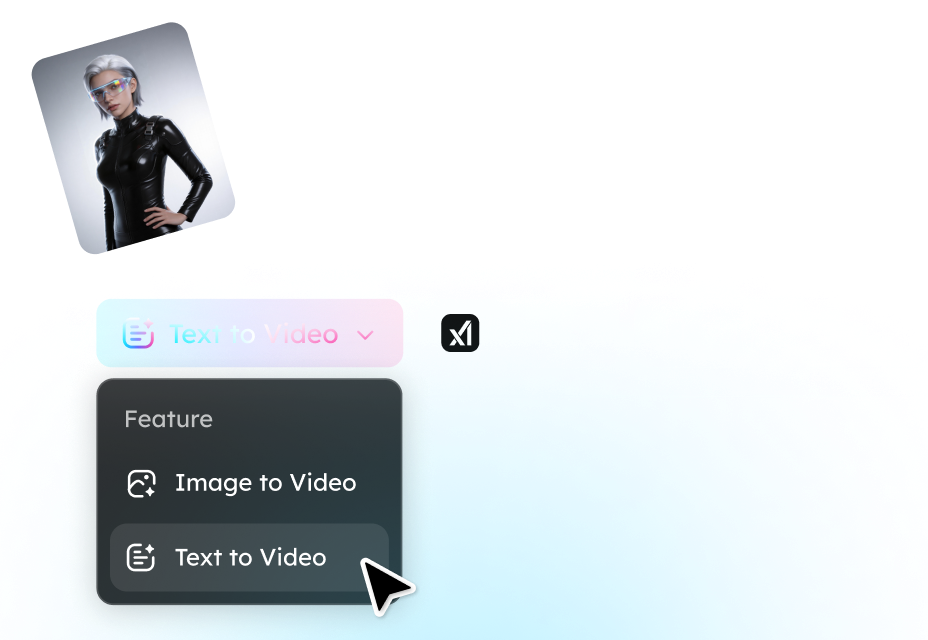
Step 1. Choose Mode and Settings
Upload an image to animate, or switch to Text to Video mode. Set ratio (horizontal, vertical, or square) and duration.
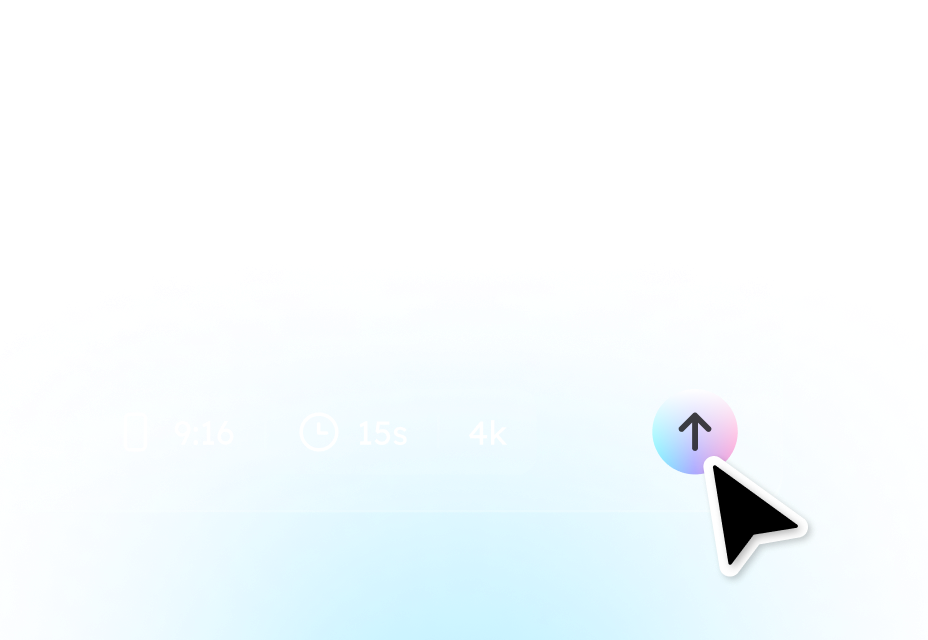
Step 2. Generate and Preview
Click Generate to power xAI's Grok Imagine Video. Instantly preview the motion, effects, and cinematic style.
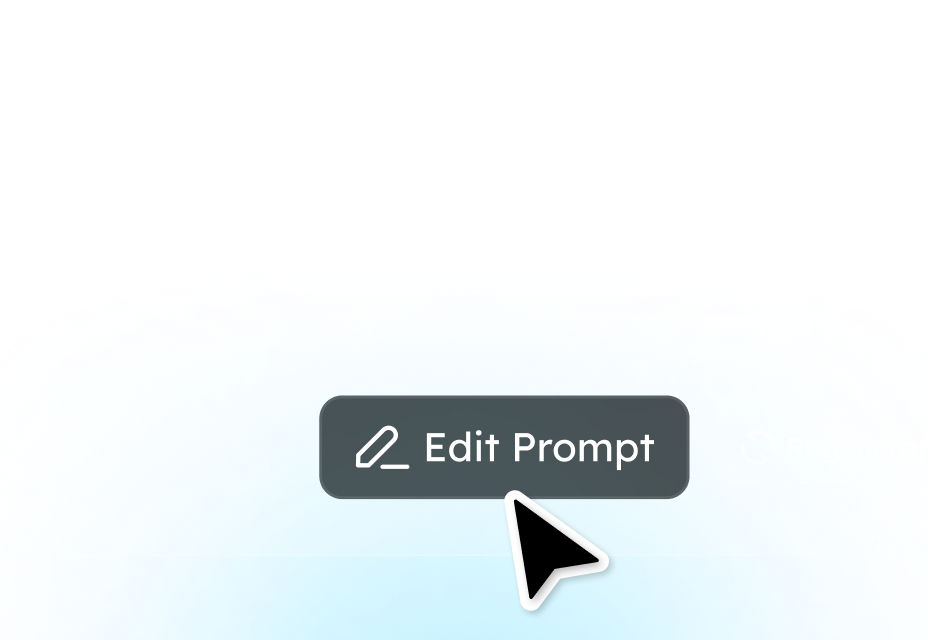
Step 3. Refine and Download
Edit prompt, regenerate as needed, then download your perfect clip for sharing.
Why Choose Grok Imagine Video
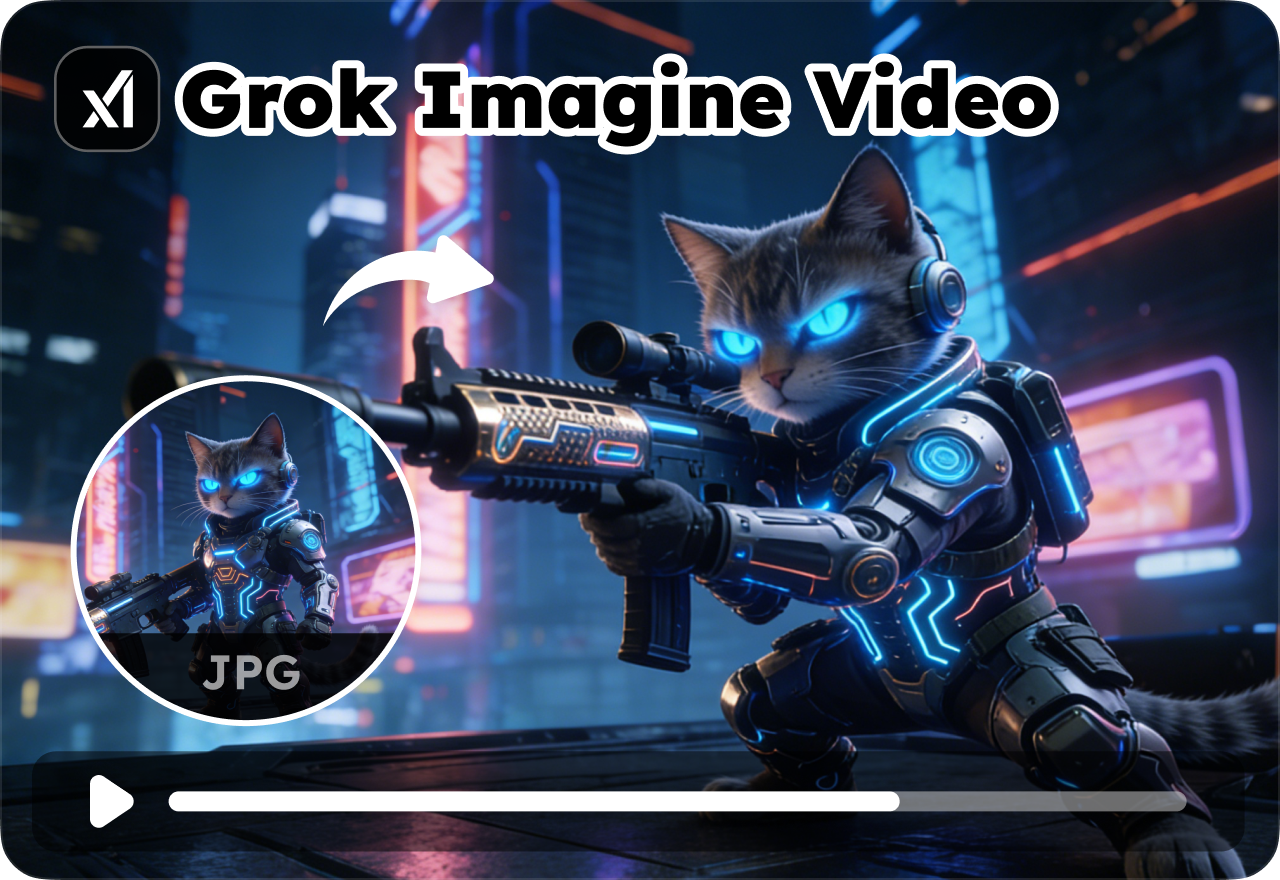
Instant Idea Animation
Turn any static image or simple text prompt into captivating motion videos within seconds. No design experience needed. Just drag-and-drop your photo or type a wild concept like "cyberpunk cat chase," and watch it burst into smooth, dynamic life. Perfect for rapid-fire social experiments or brainstorming viral content that grabs attention instantly.
Cinematic Polish, Zero Effort
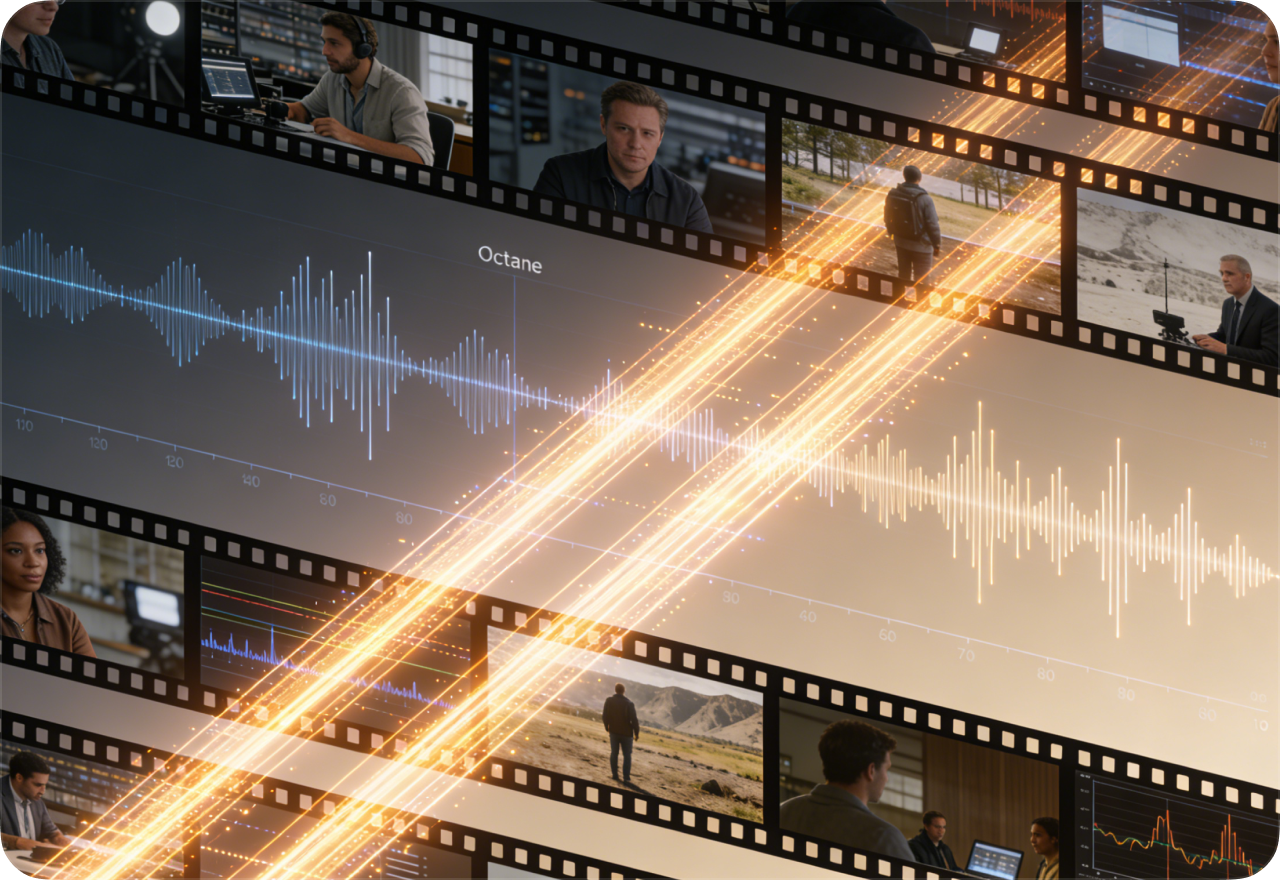
Get professional motion with fluid camera pans, dynamic lighting, and perfectly synced background music or ambient soundscapes, all generated automatically to match your visuals. Skip hours spent in Premiere Pro or CapCut tweaking keyframes, transitions, and audio tracks. Transform rough concepts into scroll-stopping clips that look polished and sound immersive.

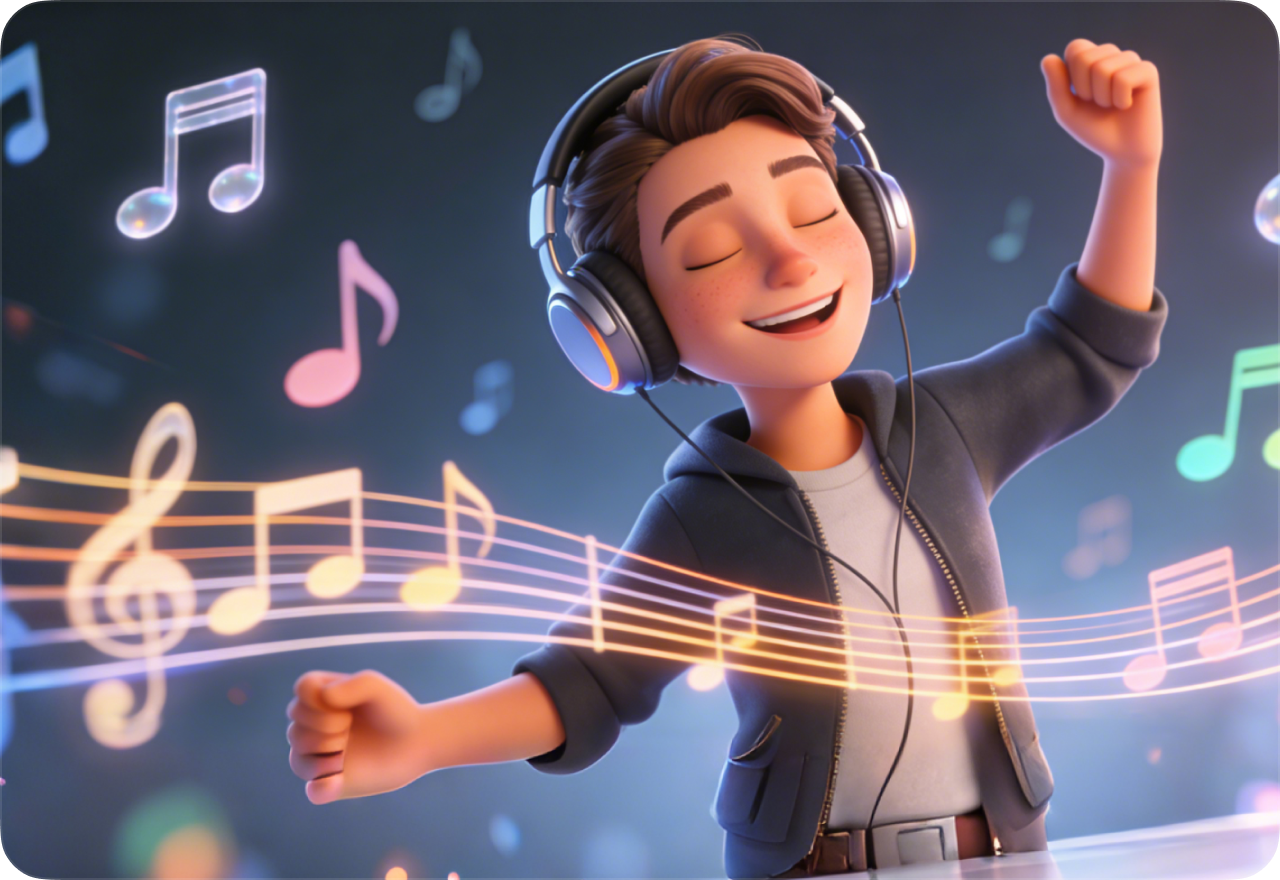
Audio That Brings Videos Alive
Grok Imagine automatically generates synced background music, ambient effects, and even dialogue that perfectly matches your visuals. Music intensity rises with dramatic camera moves, ambient noise fills quiet moments. Your story instantly feels complete, emotionally engaging, and platform-ready from the first play. No audio editing required.
Smooth Frame Perfection
Grok Imagine Video delivers 24fps HD videos with buttery-smooth motion and consistent frame quality throughout. Every camera pan flows naturally, character movements stay lifelike, lighting stays steady frame by frame. Your clips look crisp and professional across phones, tablets, or desktops, ready to impress without any visual glitches.
Grok AI Video Generator FAQs
- 1. What is Grok Imagine Video?
- 2. Text-to-video or image-to-video, which is better?
- 3. Is Grok Imagine Video free to use?
- 4. Can I use my own images?
- 5. How private are my uploads and generations?
- Social

- Subscribe


