







AI Video Extender: Extend Any Video with AI Instantly
Extend videos online using AI scene continuation, frame interpolation, and motion prediction. Create longer, smoother clips without complex editing.

How to Extend Videos with AI Video Extender
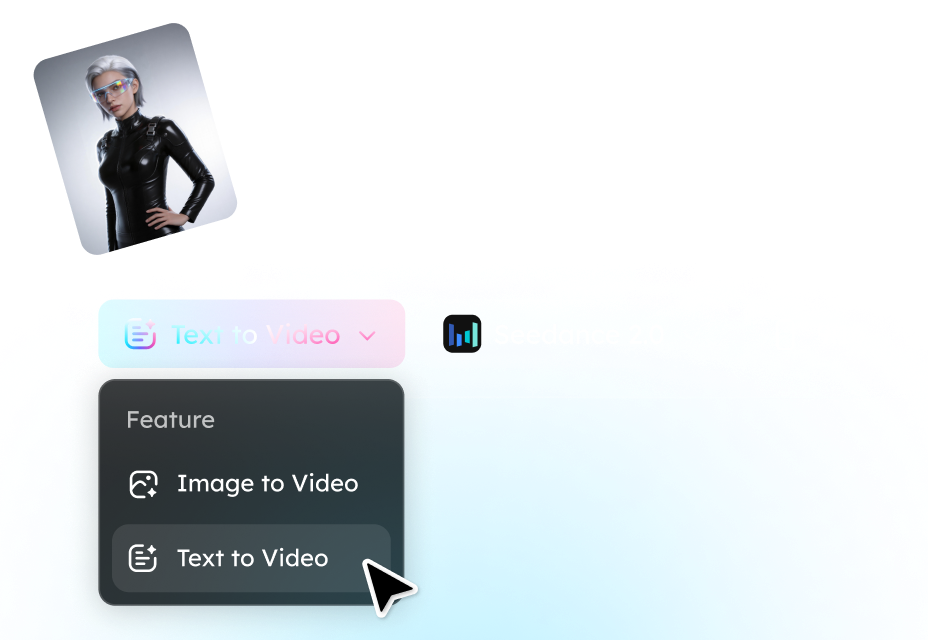
Step 1. Upload a Video
Select or upload the video file you want to extend.

Step 2. Choose Extension Model
The AI predicts motion, scene depth, and visual consistency. Select the aspect ratio, duration, and resolution ratio.

Step 3. Download Extended Video
Click generate and let the AI add seamless frames to extend your video. Download the extended video.
Why Creators Choose Our AI Video Extender
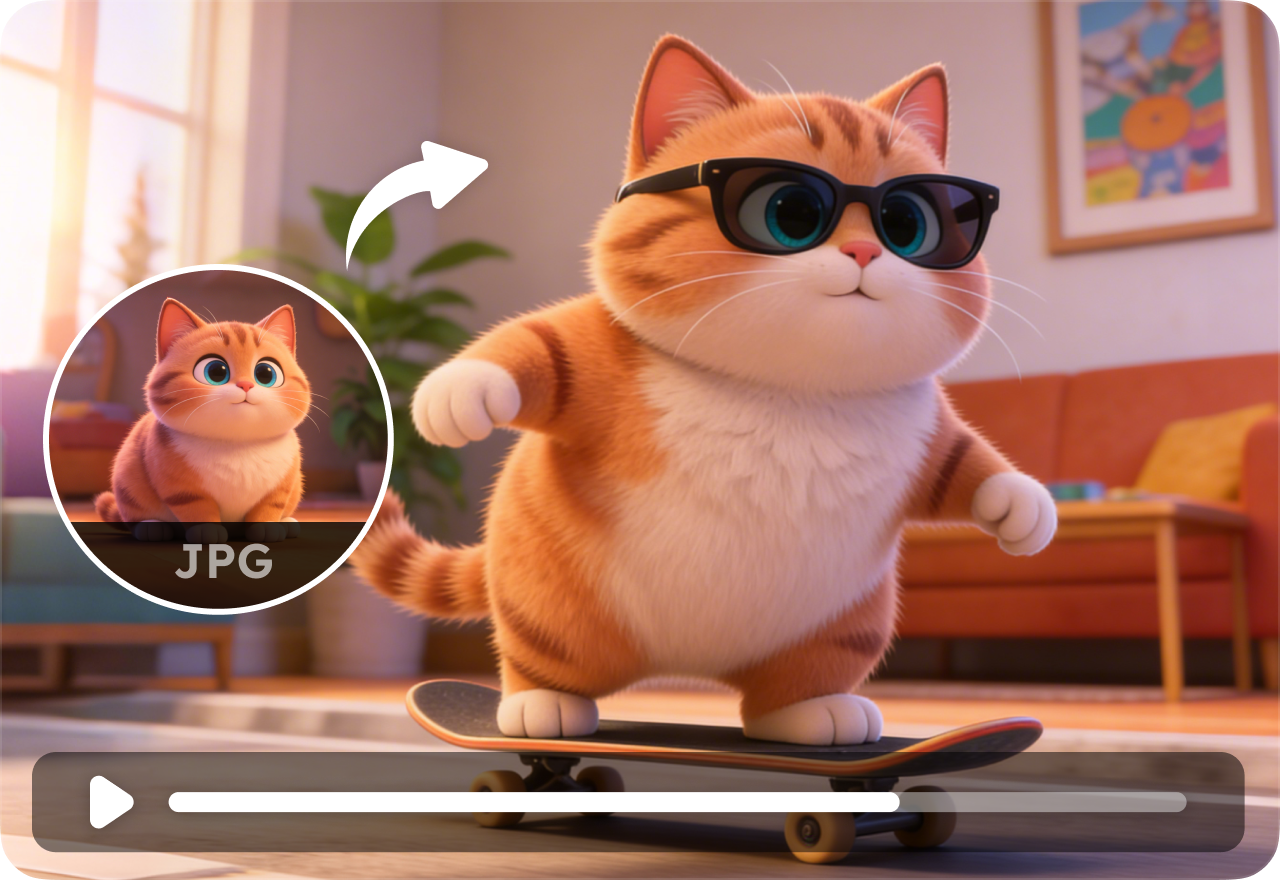
AI Scene Continuation
Extend videos naturally with AI-generated future frames, motion prediction, and scene-aware continuation that keeps actions flowing smoothly.
Smooth Motion Interpolation
Generate fluid frame transitions to reduce choppiness, stutter, and abrupt cuts in fast-moving or cinematic scenes.
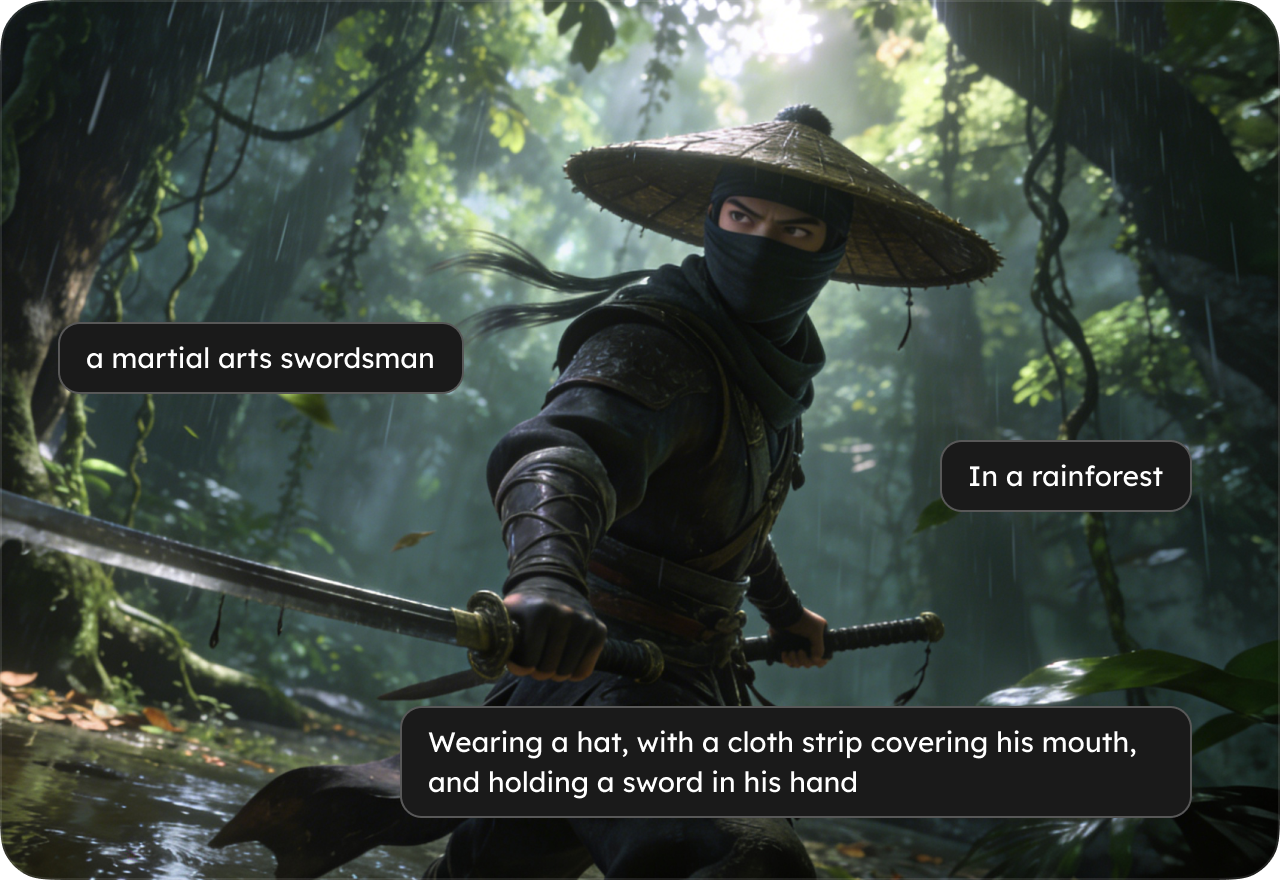
Extend Videos Without Quality Loss
Preserve original resolution, lighting, colors, and visual consistency while creating longer AI-enhanced clips.
Beginner-Friendly Workflow
Upload a clip, let AI generate the continuation, and export your extended video in just a few clicks.

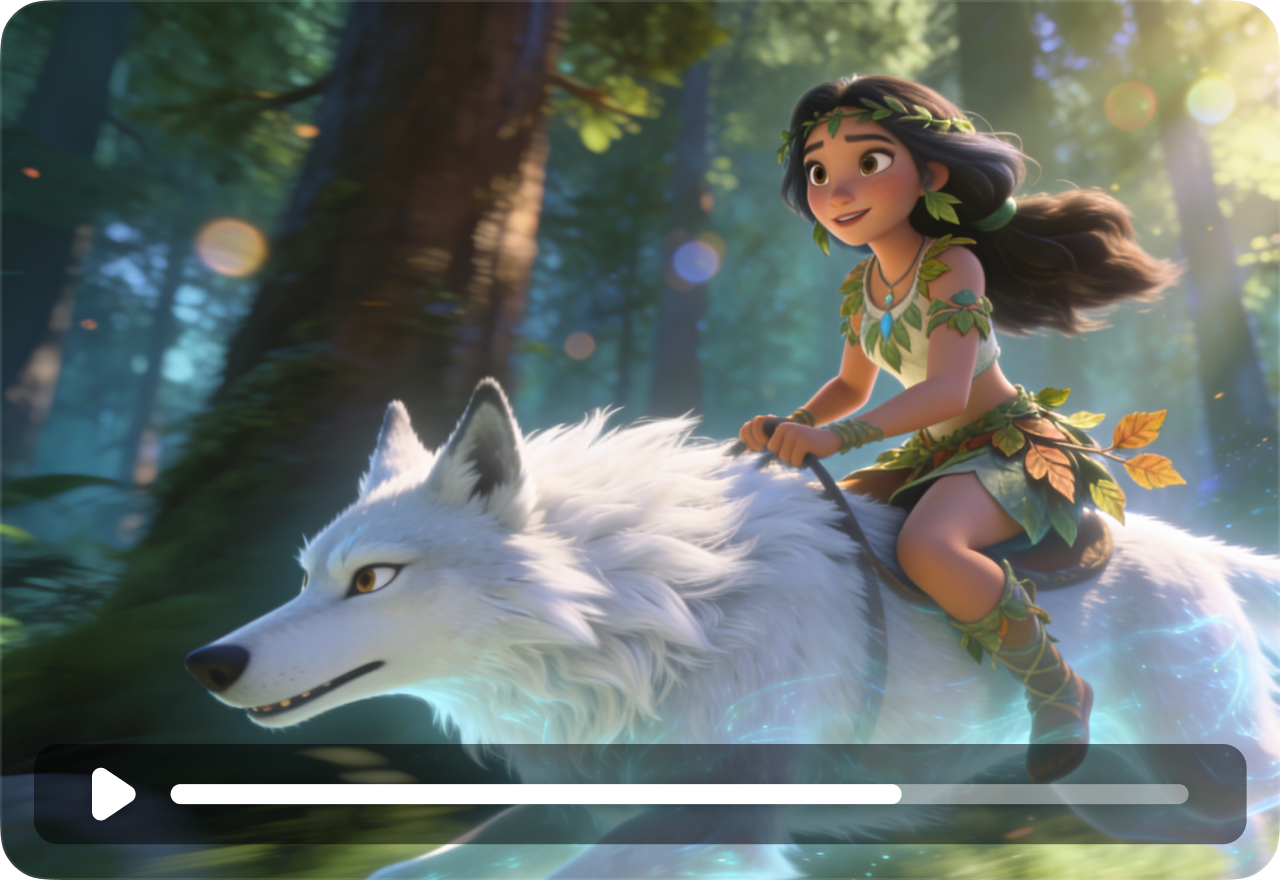
Supports Multiple Video Styles
Extend realistic footage, anime clips, cinematic scenes, gameplay recordings, product videos, and AI-generated animations.
Multiple AI Models
Choose from multiple AI video generation models optimized for cinematic scenes, anime animation, realistic motion, creative storytelling, and smooth video continuation.
FAQs
- What is an AI video extender?
- How does AI extend videos?
- Can AI continue a video automatically?
- How can I make a short video longer?
- Does AI video extension reduce quality?
- Can AI generate smooth transitions?
- Social

- Subscribe


