






AI Transcription - Video to Text for Free


 Upload File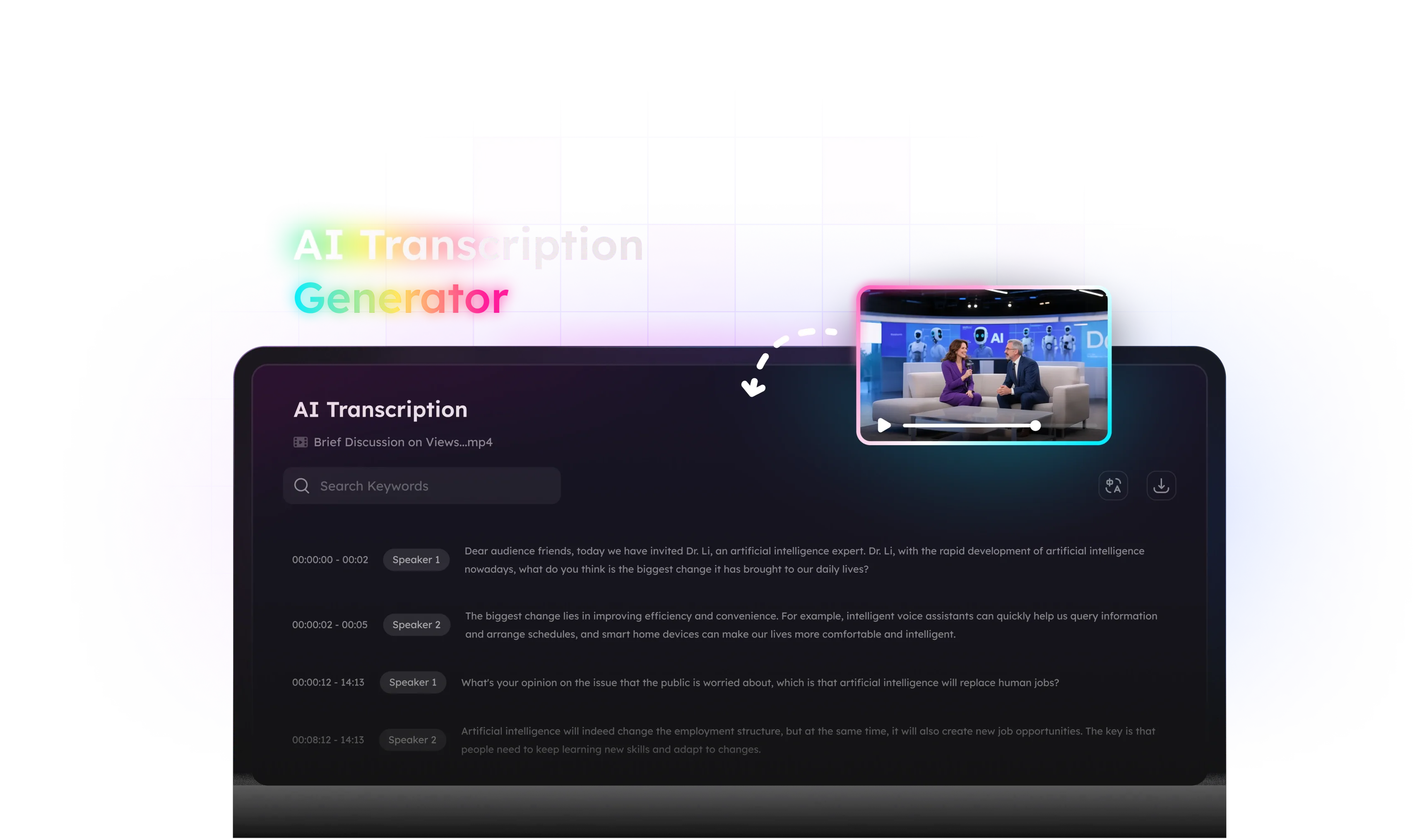
How to Use AI Transcription Software
Everything You Need in a Video Transcriber
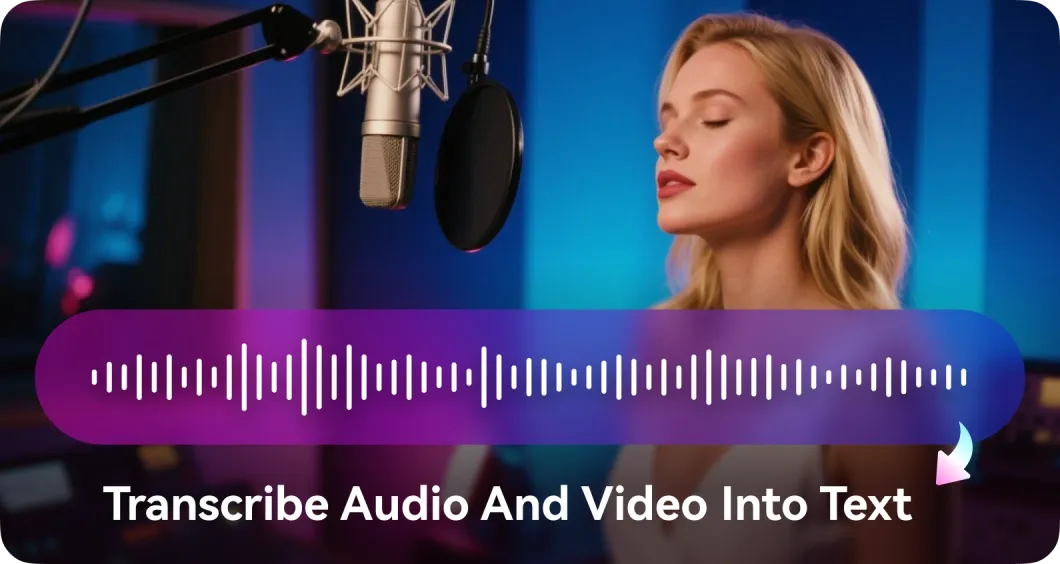
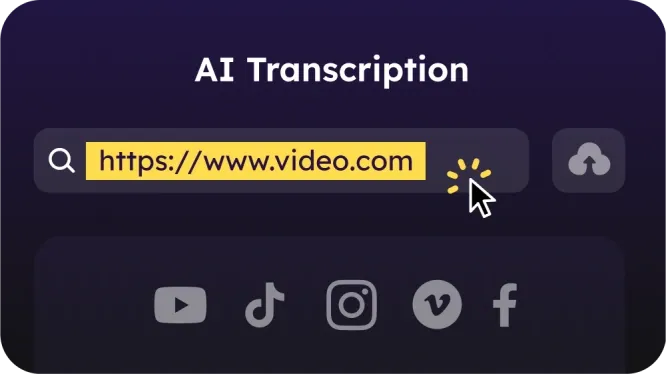
Whether it’s a YouTube video, a TikTok clip, a Zoom meeting, or a MP3/MP4 file on your computer, our AI transcription software can transcribe video to text for free. Just paste the link or upload your file, and get fast, accurate text in seconds—no technical setup required.
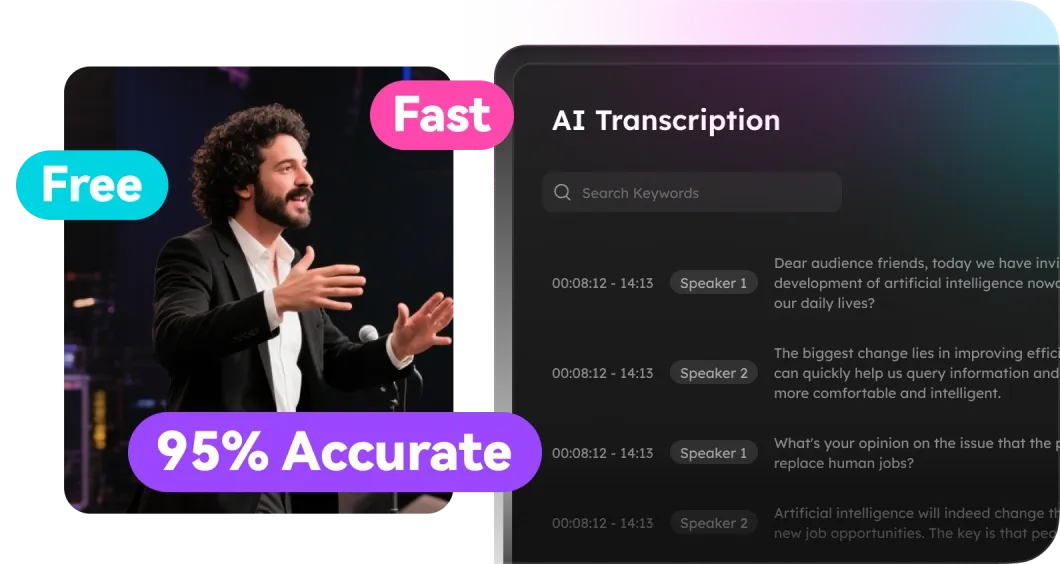
Expect top-tier performance—30-minute videos transcribed in under 30 seconds, with 90–95% accuracy (especially in English). Plus, it's completely free—no credit card, no sign-up, no limits, making it the go-to choice for students, professionals, and creators alike.
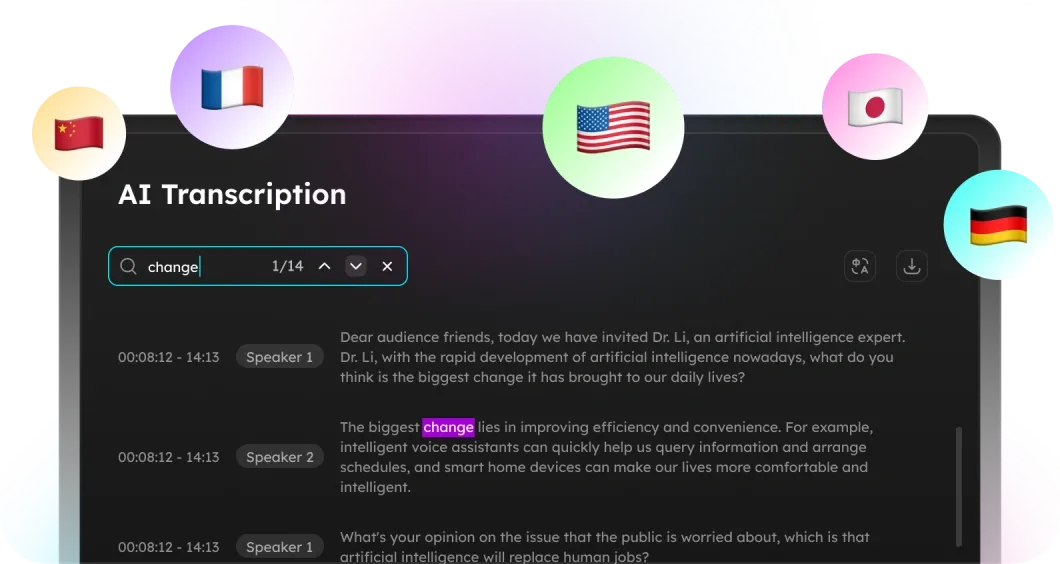
Go beyond transcription: instantly translate your text into 30+ languages, search for keywords within your transcript, and download the text with timestamp for future reference or sharing. Ideal for study, work, or content repurposing.
AI Transcription FAQs
No—this AI transcript generator is 100% free. Transcribe YouTube to text or upload as many files as you need with no hidden fees or signup.
Files under 1.5 hours or 1.5GB are processed instantly. Note that processing time may vary slightly for longer content.
Absolutely. We support translations into 30+ languages alongside transcription, such as English, German, French, Italian, Spanish, Japanese, Korean, Portuguese, Dutch, etc.
Yes. You can copy the transcript text, or download it directly as a .txt file for offline use, editing, or sharing.
Yes, but summarization is handled separately. To summarize YouTube videos or local media files, you can go to the left-side menu and choose "AI Summary" to generate a concise overview of the video content.
- Social

- Subscribe


