


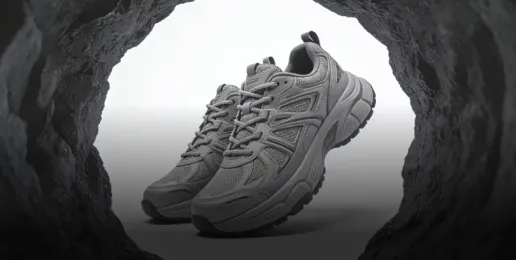

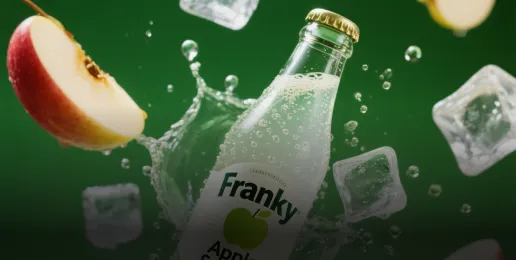



AI Frames to Video Generator: Turn Multiple Image Frames into Smooth Cinematic Videos
Create fluid motion between keyframes with AI-powered frame interpolation, camera movement, and cinematic animation effects.

How Frames to Video AI Generator Works in 3 Steps
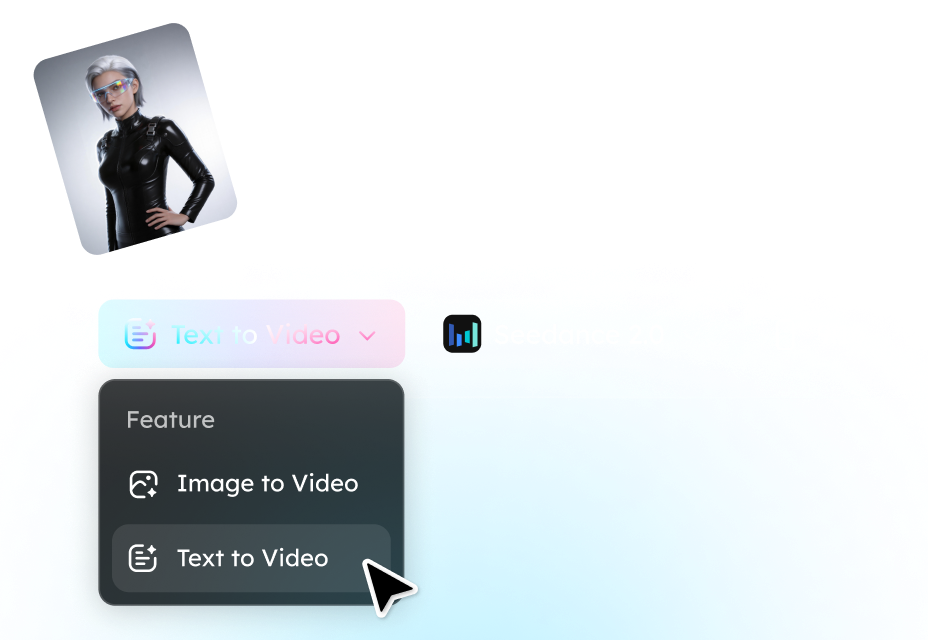
Step 1. Upload Frames
Drop in your start and end images.
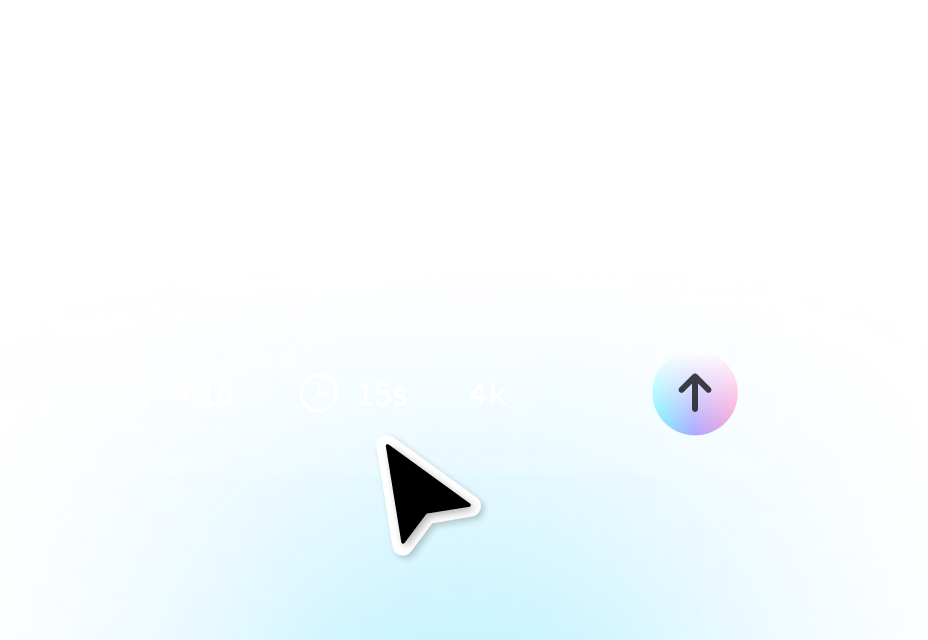
Step 2. Add Motion Prompt
Describe camera movement or animation style to let our AI generate smooth frames automatically.
Step 3. Generate AI Video
Pick your aspect ratio, duration, and resolution ratio. Hit generate to create a smooth, AI-animated video.
Why Choose Our AI Frames to Video Generator
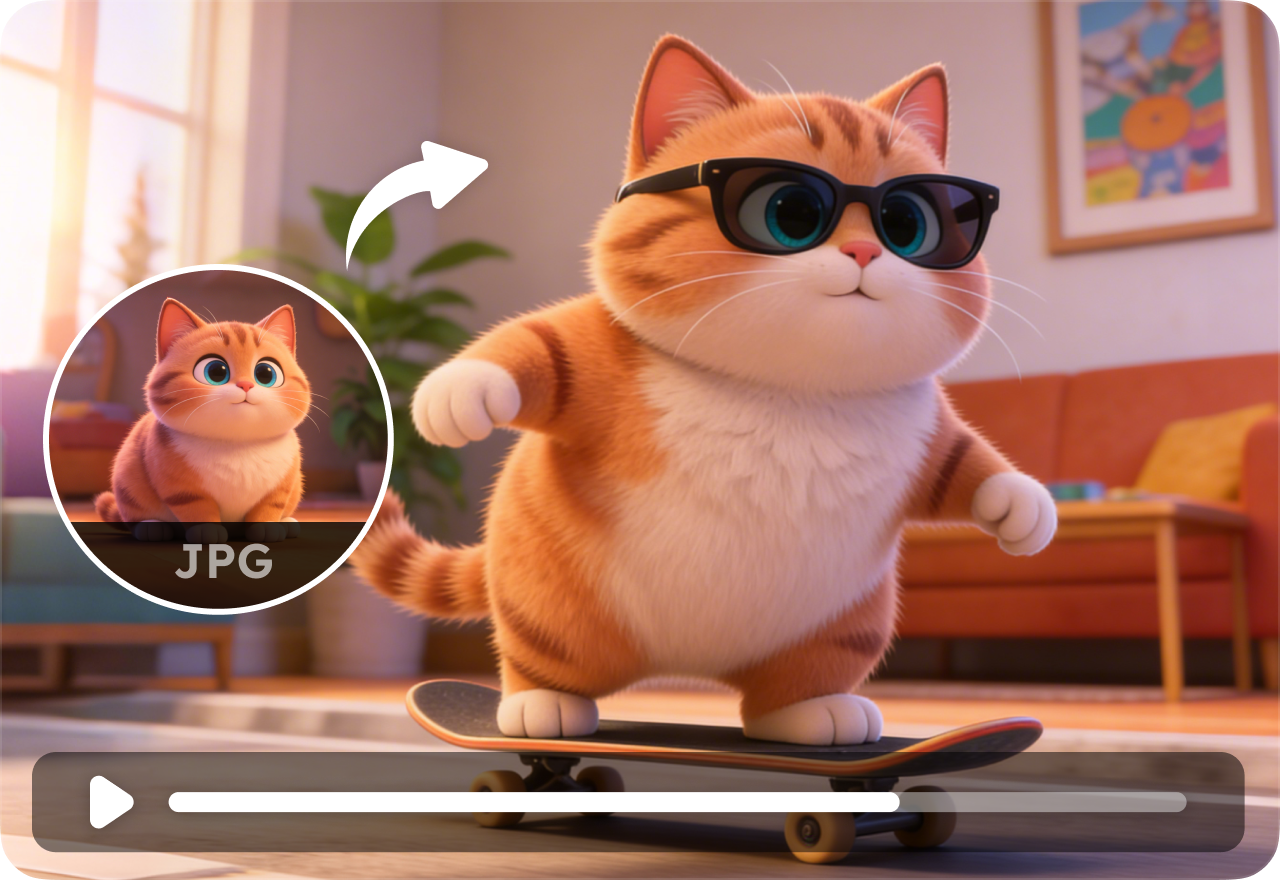
Convert Frames into Smooth AI Video
Turn multiple image frames into fluid AI-generated videos with natural motion and seamless transitions. Our AI analyzes frame structure, subject position, and scene composition to create smooth movement between images automatically.
Create Consistent Character Motion
Maintain stable character identity, object position, and visual consistency across every frame. Reduce flickering, distortion, and unnatural motion during AI video generation.
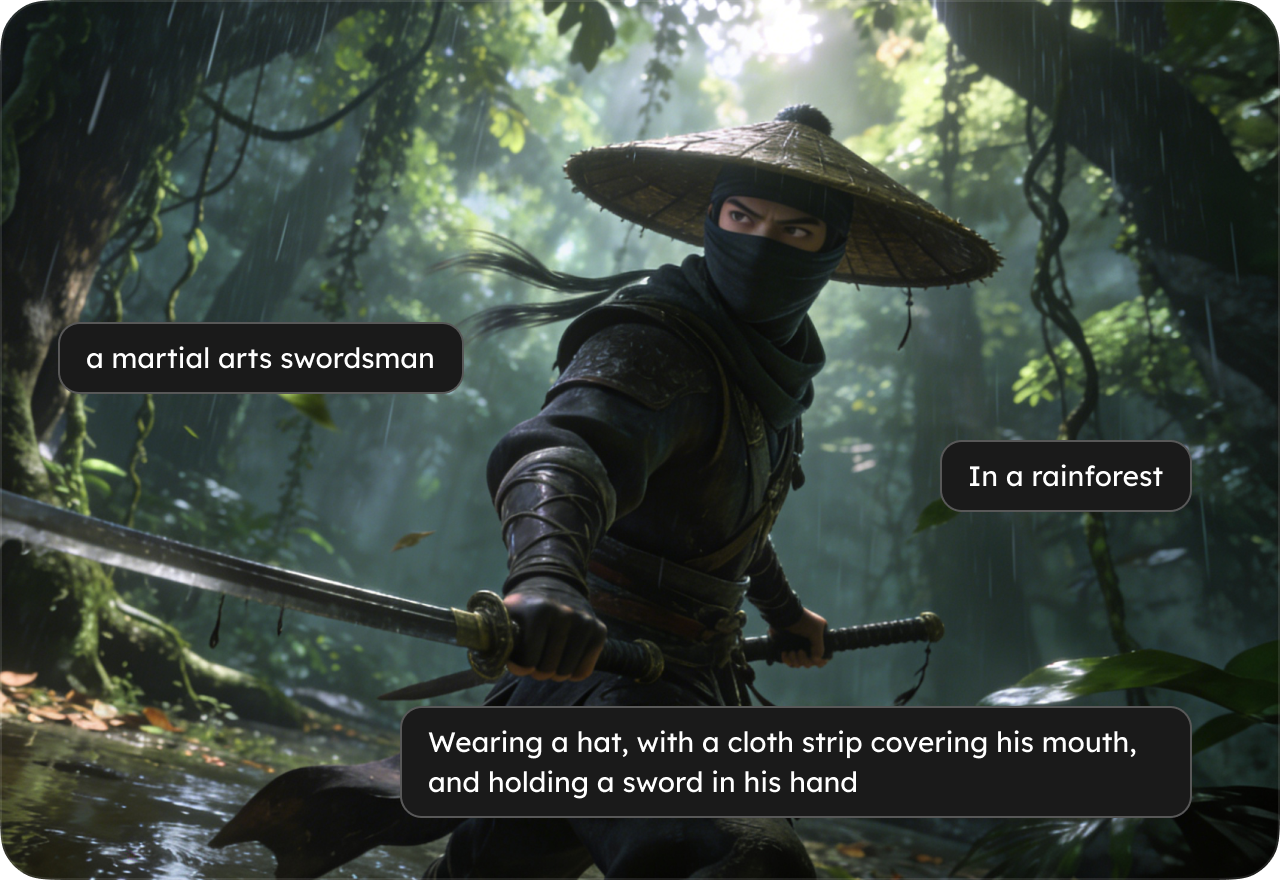
Generate Cinematic Camera Movement
Add professional camera motion effects without manual editing. Generate dynamic AI videos with realistic cinematic movement styles.
Turn Storyboards into AI Videos
Convert storyboards, comics, sketches, or concept frames into animated videos instantly. Ideal for creators, marketers, and animation workflows.

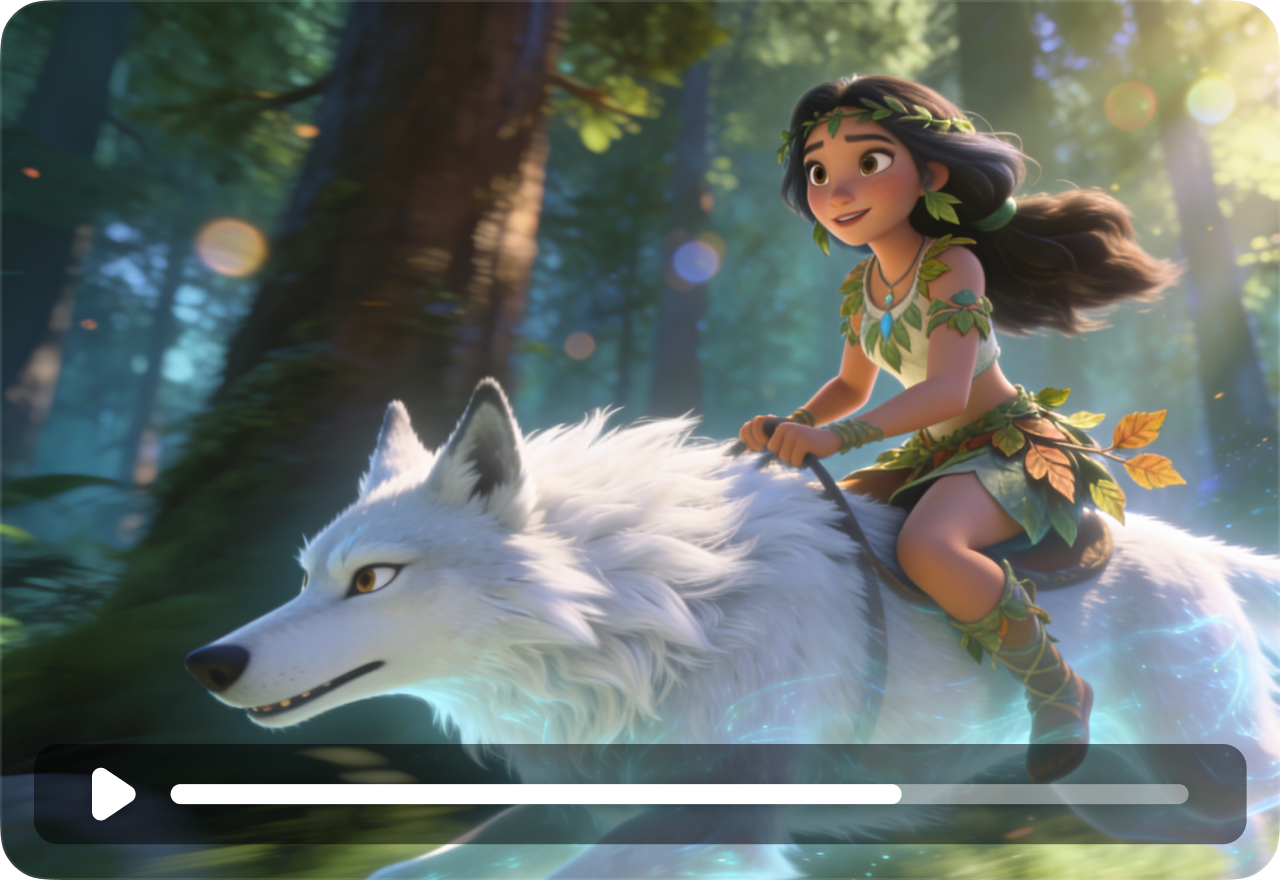
AI Motion Control & Prompt Guidance
Control how your video moves with simple text prompts. Describe camera behavior, animation style, or scene motion to generate more customized AI videos.
Fast AI Video Export
Generate and export AI videos in just minutes. Support popular formats for social media, presentations, ads, and creative projects.
FAQs
- What is an AI frames to video generator?
- How does AI frame interpolation work?
- Can I turn multiple images into a video?
- Can AI create smooth transitions between frames?
- Is this better than text-to-video AI?
- How many frames can I upload?
- Social

- Subscribe


